Explode & Animate
See how it all fits.
Turn your STEP assembly into an exploded view and a moving model.
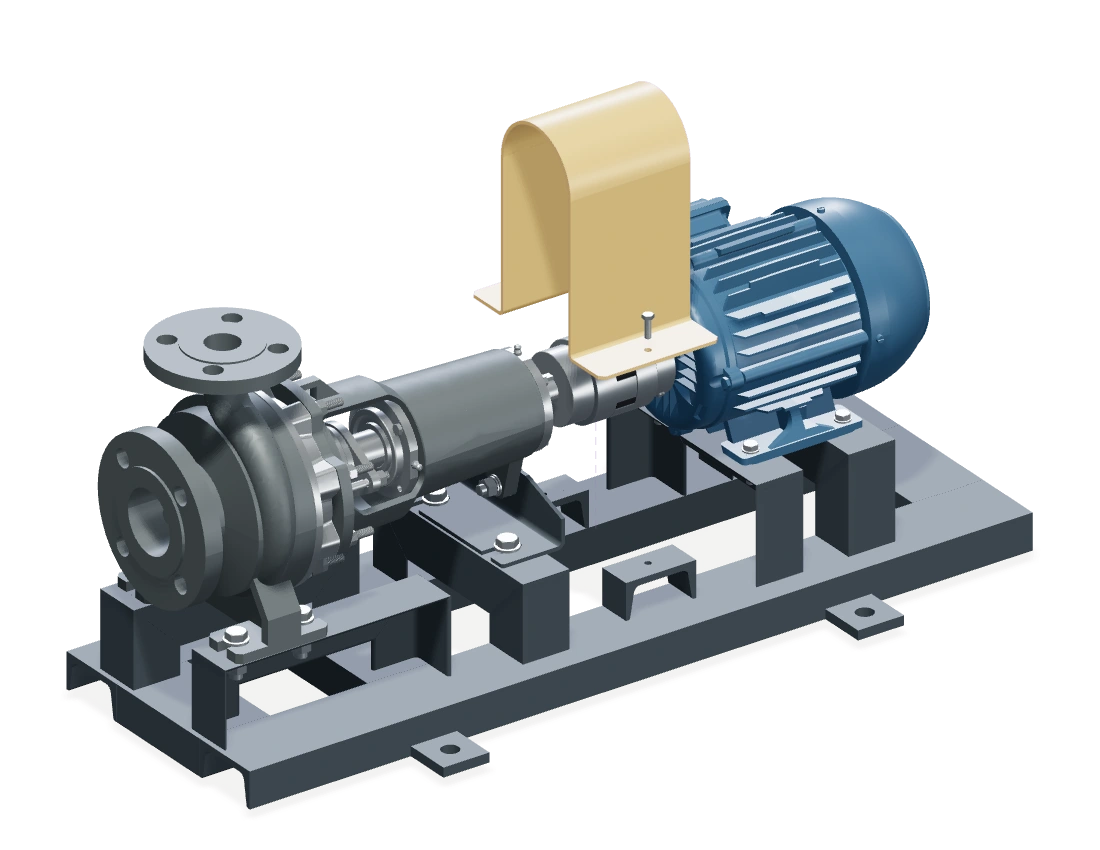
Made with TwinWorks
Every part.
A clear next step.
Turn your 3D model into instructions your team can follow.
Explore TwinWorksA few things to know.
Is my file private?
Your STEP file stays on your computer. Only the display model is uploaded. It stays private until you share it, and models are never used to train AI. Creating a share link sends your email and the link to the TwinWorks team.
Which files work?
STEP and STP assemblies up to 100 MB. Single parts open too, but have nothing to explode or animate.
What does it detect?
Rotating and sliding joints, gear pairs and fixed parts. Uncertain joints are marked Check. Joint detection is in beta; you can edit joints in TwinWorks.
Is it really free?
Yes. No account needed. Enter your email to get a share link and QR code, and download an MP4. Videos end with a short Made with TwinWorks card.