
TwinWorks for assembly
Generate assembly procedures from your CAD.
TwinWorks understands your parts and product structure, then uses your task description to generate visual assembly steps. Review, adjust, and share the result in 3D.
01 / Understand the CAD
Your CAD, understood
part by part.
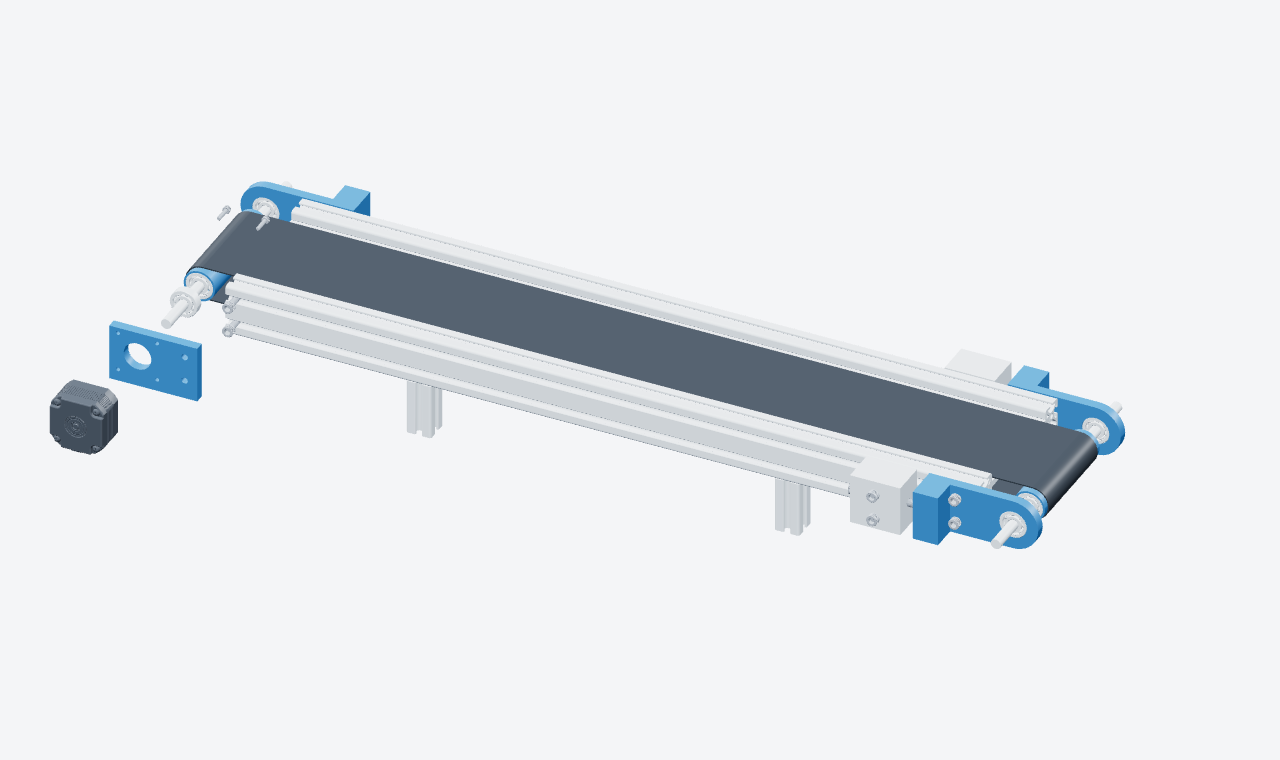
TwinWorks reads the assembly structure and part names, identifies the components involved, and connects each generated action to the right geometry.
02 / Generate the procedure
Ask for the procedure.
See it take shape.
Turn an assembly task into a draft with connected parts, visual actions, and clear steps.

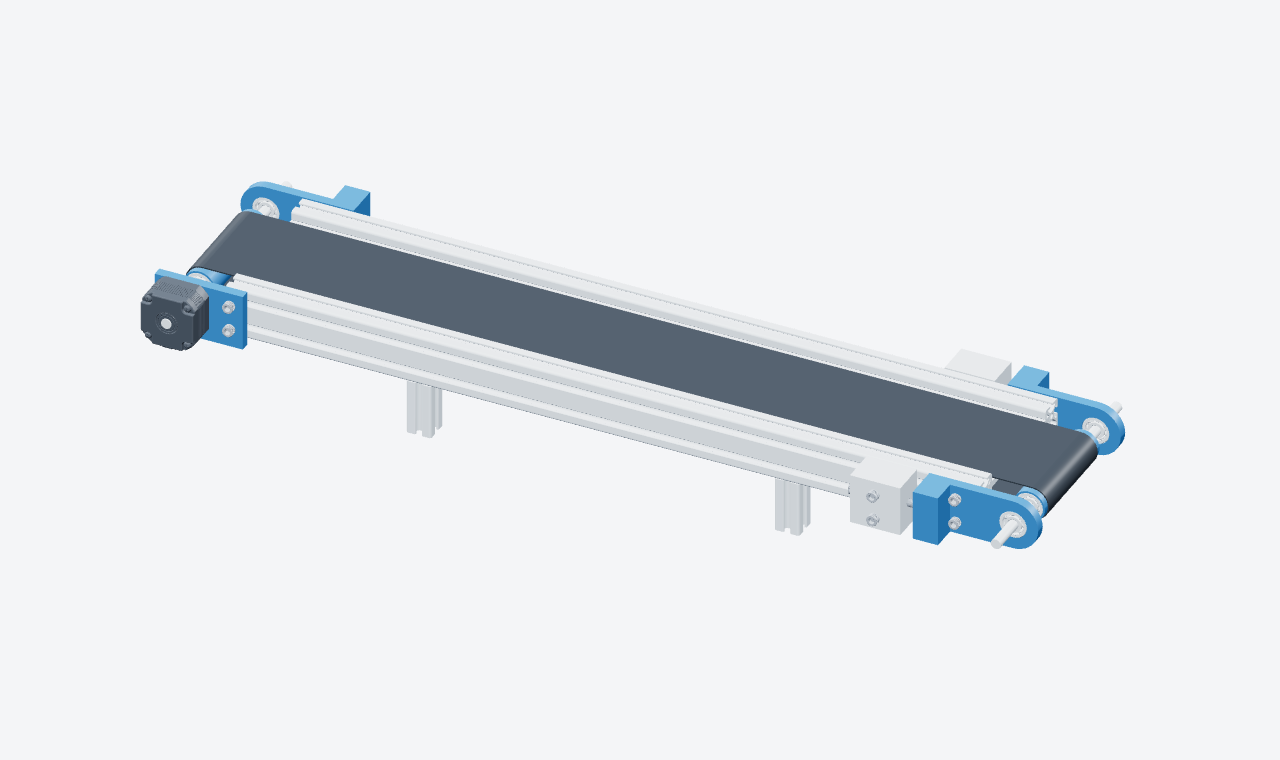
Conveyor drive assembly
Required tools
1 Hex keyGenerate a three-step draft for the motor bracket, drive motor, and mounting screws.
Powered by
Illustrative generation and viewer preview. Review the sequence and add your approved assembly requirements before publishing.
Conveyor assembly sequence
- Position the motor bracket. Bring the bracket to the conveyor frame, with its central opening aligned to the drive shaft.
- Fit the drive motor. Move the motor into position against the bracket, aligning its shaft with the central opening.
- Insert the mounting screws. Position the four screws through the bracket into the motor mounting points. Add the approved tightening requirements before release.
03 / Review and refine
A first draft.
Your team’s final say.
Replay a movement. Inspect the fit. Adjust a step in plain language. Keep your experts in control of the method before it reaches the shop floor.
Explore 3D instruction authoring04 / Before you start
Know which tools
the task needs.
See the required tools before execution begins. Keep quantities and specifications with the procedure, then find the right tool again at the step where it is used.
Conveyor drive assembly
Required tools
Hex key
For the motor mounting screws
Quantity 1Example tool list. Confirm the tool size and assembly specifications before release.
Start with your machine
Bring your CAD.
Build your first procedure.
Choose one assembly task. Explore how TwinWorks can turn your product knowledge into instructions your team can review and follow.