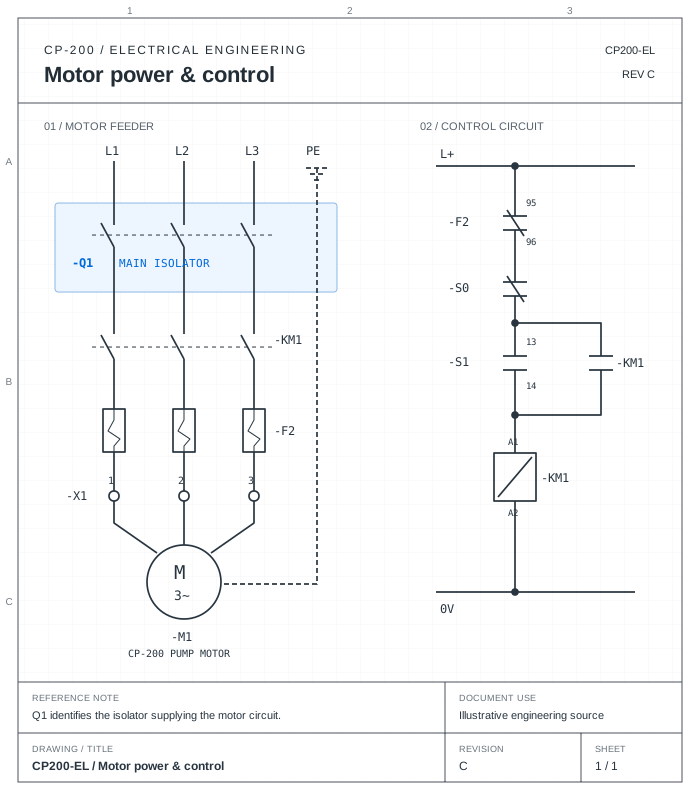
Bring existing manuals and engineering information into a structured authoring workflow. Build a draft, resolve gaps with your experts, and publish an approved edition with the context you need when the product changes.
Know what’s missing before it holds up the publication.
Define the documents and sections your product needs, starting from a template, an existing manual, or an AI-assisted outline. Track coverage against those requirements and assign authors and reviewers so unfinished work has a clear owner.
CP-200 Maintenance manualCP200-MM · Early planning snapshot
Publication outline6 sections
Section 1.0 Content available
Safety information
What this section needs
Document the isolation requirements before maintenance.
Current content
The existing manual contains the isolation and safe-access section.
Assigned responsibility
Alex Chen · Technical author Maya Laurent · Mechanical reviewer
CP200-MM · Draft rev 03
Section 2.0 Content available
Product overview
What this section needs
Identify the pump, its main assemblies, and the publication scope.
Current content
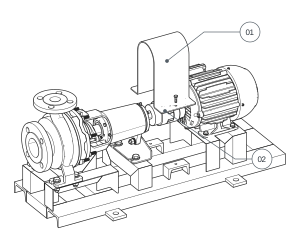
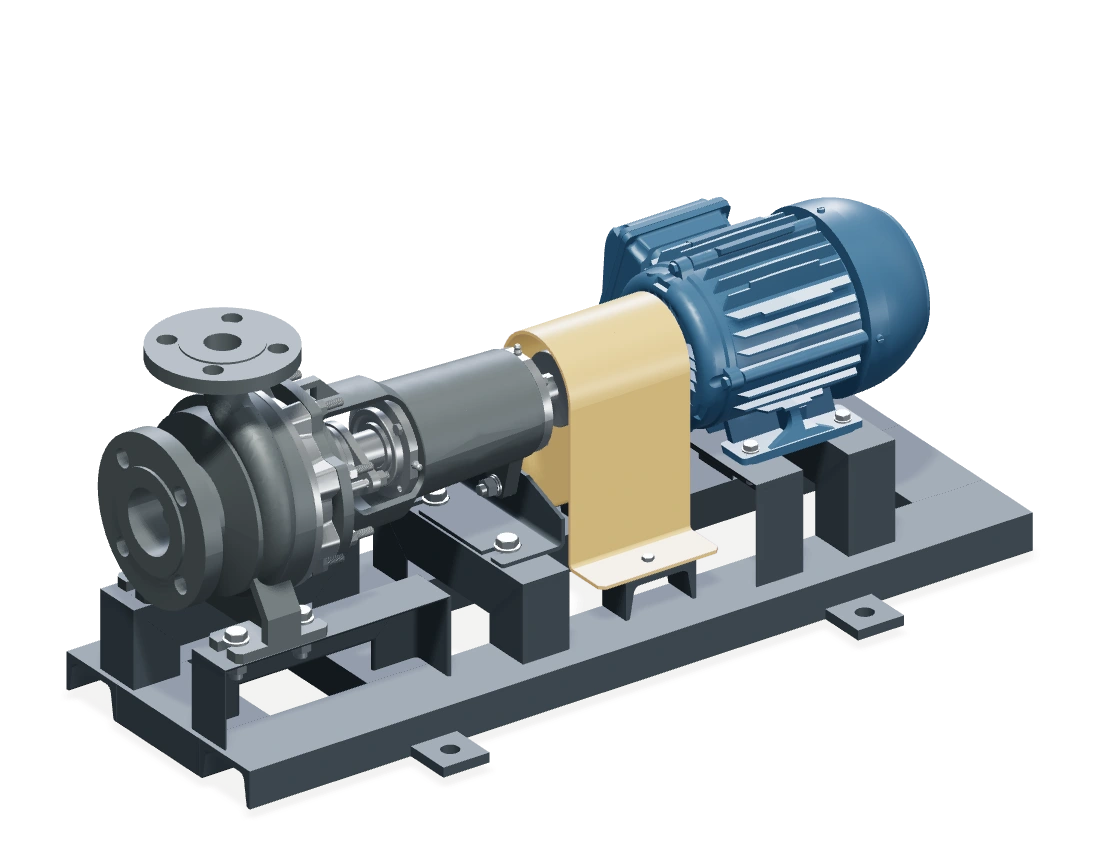
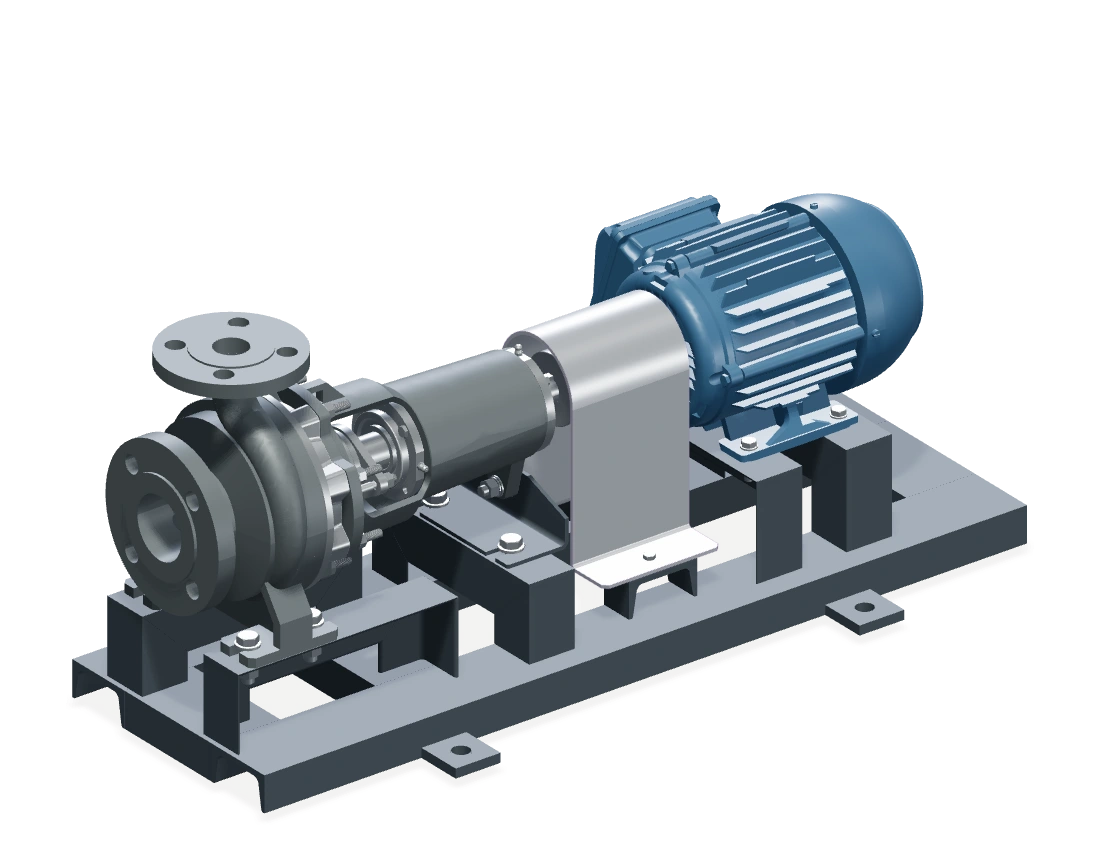
A pump overview and labeled assembly figure are available from the existing manual.
Assigned responsibility
Alex Chen · Technical author Maya Laurent · Mechanical reviewer
CP200-MM · Draft rev 03
Section 3.0 Needs information
Installation
What this section needs
Include the approved foundation and alignment requirements.
Current content
The installation section is waiting for the foundation drawing. The outline has a placeholder; no installation content is counted yet.
Assigned responsibility
Leo Martin · Engineering contributor Maya Laurent · Mechanical reviewer
CP200-MM · Draft rev 03
Section 4.2 Awaiting review
Coupling inspection
What this section needs
Describe access to the coupling, the inspection, and refitting the guard.
Current content
A draft passage and Figure 4-2 are available. The replacement guard reference needs Maya’s review.
Assigned responsibility
Alex Chen · Technical author Maya Laurent · Mechanical reviewer
CP200-MM · Draft rev 03
Section 6.0 Content available
Troubleshooting
What this section needs
List observed symptoms and the checks supported by service information.
Current content
The symptom and cause table has been imported from the existing manual.
Assigned responsibility
Alex Chen · Technical author Leo Martin · Engineering contributor
CP200-MM · Draft rev 03
Section 7.1 Awaiting review
Replacement parts
What this section needs
Identify the replacement coupling guard against the current drawing.
Current content
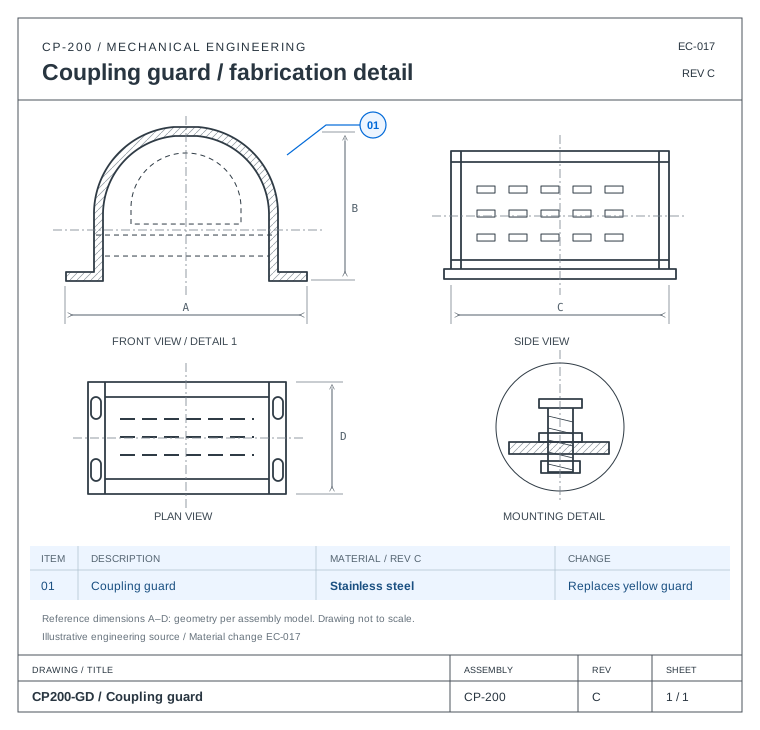
The parts table is drafted. The guard material must be checked against drawing CP200-GD, rev C.
Assigned responsibility
Alex Chen · Technical author Leo Martin · Parts reviewer
CP200-MM · Draft rev 03
Illustrative CP-200 publication. Early in the example: select a section to see its requirement, content, and owner.
02 / Prepare the first draft
Give your experts a draft to work from.
Use existing PDF or Word manuals and supported engineering sources to prepare structured content. AI helps draft sections, organize tables, and bring relevant illustrations into the document. Your team edits the result with supporting references close at hand.
Start with the information you have. Add engineering context as it becomes available.
03 / Resolve reviews
Keep reviews moving, with the evidence in view.
Assign the right reviewer to each section. Keep comments attached to the content, compare revisions, and inspect the sources behind technical statements. Authors can resolve requested changes while approvers retain control of the released revision.
Inspect the coupling and the stainless-steel guard for visible damage before refitting.
CP200-GD · rev C
CP-200 / MaintenanceREV 03 · 18
Alex Chen · Guard material and wording updated. Other content retained.
DraftReviewApprovedPublished
Rev 02 is still published. Approving rev 03 does not release it.
04 / Reuse reviewed work
Use the knowledge you’ve already reviewed.
Reuse published procedures, reference material, and document templates across your publication set. Keep their connections visible so authors can understand where content comes from and which documents depend on it.
Follow the same reviewed procedure. Identify the components and explain the inspection sequence.
CP-200 / TrainingREV 02 · 09
05 / Manage product changes
Stop treating every revision as a rewrite.
When a referenced part, source file, or procedure changes, identify the connected content that needs attention. Inspect affected sections, compare the proposed edits, and route the update through review before releasing the next edition.
Release an approved edition as a structured web manual or a branded PDF. Combine clear navigation, technical illustrations, and embedded procedures. Prepare translated editions with editable wording, and choose public or organization-only access.
CP200-MM · Rev 02 · Publication example
Maintenance manual / CP-200
4.2 Coupling inspection
Embedded procedure PR-042 · Rev 02
Figure 4-2 · Coupling guard fitted
Step 1 of 3
Remove the guard
With the equipment isolated, remove the guard to expose the coupling.
Illustrative procedure, not a service instruction for operating equipment.
Published document
CP-200 Maintenance manual
Document
CP200-MM
Edition
Rev 02
Language
English
Format
A4 · PDF
Numbered procedures, technical illustrations, and a controlled page reference.
TwinWorksSERVICES TECHNIQUESMANUEL DE MAINTENANCECP200-MM · FR / BROUILLON
CP-200 / 04 Procédures de maintenance
4.2 Inspection de l’accouplement
Figure 4-2. Accouplement et carter amovible
Tableau 4-1. Points de contrôle
Rep.
Composant
Contrôle
01
Carter de protection
État et fixation
02
Accouplement
Dommages visibles
Basé sur l’édition anglaise · Rev 02
CP-200 / MaintenanceFR · BROUILLON · 18
The proof / Inspect the record
Revision evidence reviewers can inspect.
Follow a technical statement back to its source, see who changed it, and inspect the review behind the released edition. The publication and its history stay connected.
CP200-MM / Publication recordIllustrative revision history
Select an edition to inspect its source and review history. Revision 03 follows the approval and publication actions in this example.
A few practical questions
Start with what you have.
Can we start with existing manuals?
Yes. Import PDF or Word documents into editable drafts and use existing source material to support authoring. Add engineering files where they provide useful product context.
How does the team stay in control of AI-generated content?
AI prepares editable content. Authors and reviewers can inspect sources, request changes, compare revisions, and approve the document before publication.
What happens when source information changes?
TwinWorks can flag changed references and affected content for review. Your team decides what needs correcting and when to publish the revised edition.
Does TwinWorks support S1000D workflows?
TwinWorks includes descriptive and procedural data-module export and validation tooling. Available checks depend on the configured toolchain and the requirements of your publication workflow.
Your next publication
Start with one publication you need to finish or keep current.
Bring an existing manual, the publication you need to deliver, or a recent product change. Explore how your team could structure the work, prepare a draft, resolve reviews, and release the next edition.