TwinWorks for technical training
See it.
Hear it.
Put it into practice.
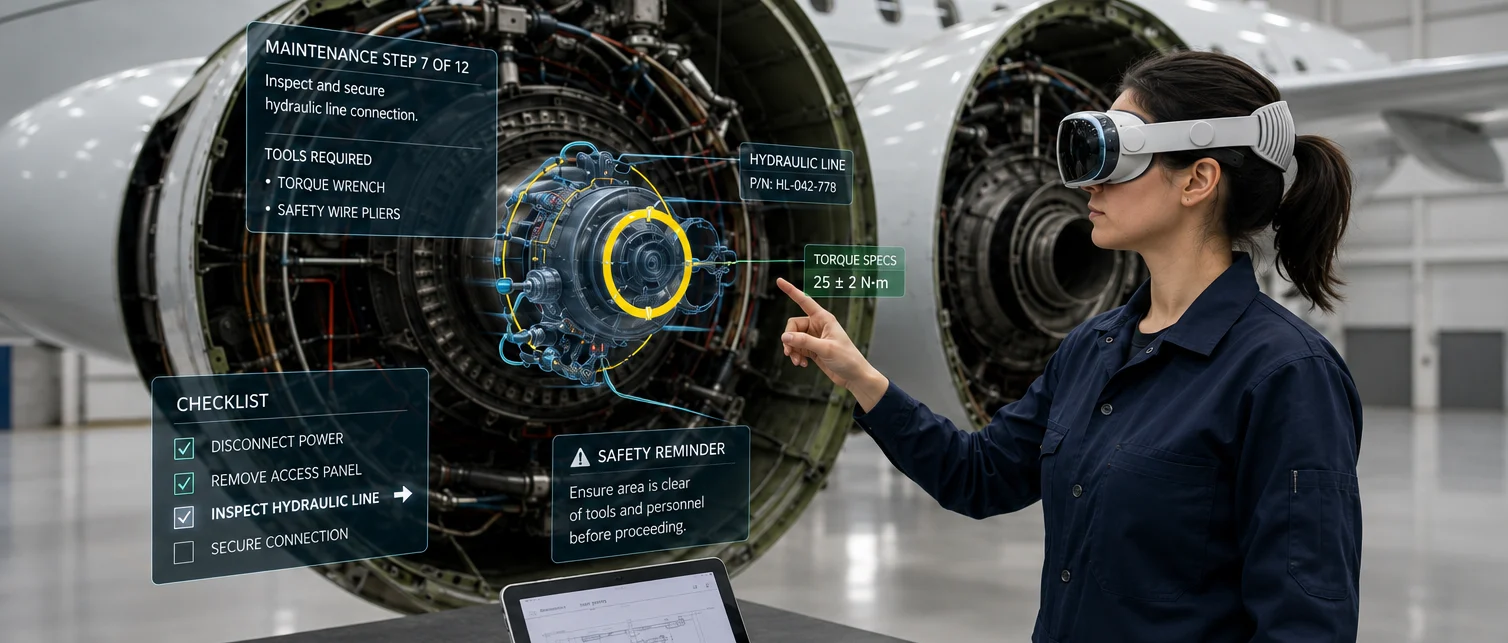
Turn technical know-how into visual steps, AR demonstrations, and guidance in your team’s language.
01 / AR demonstrations
Show the task.
Right on the machine.
Put step-by-step guidance in the learner’s field of view. Highlight the part and replay the action.
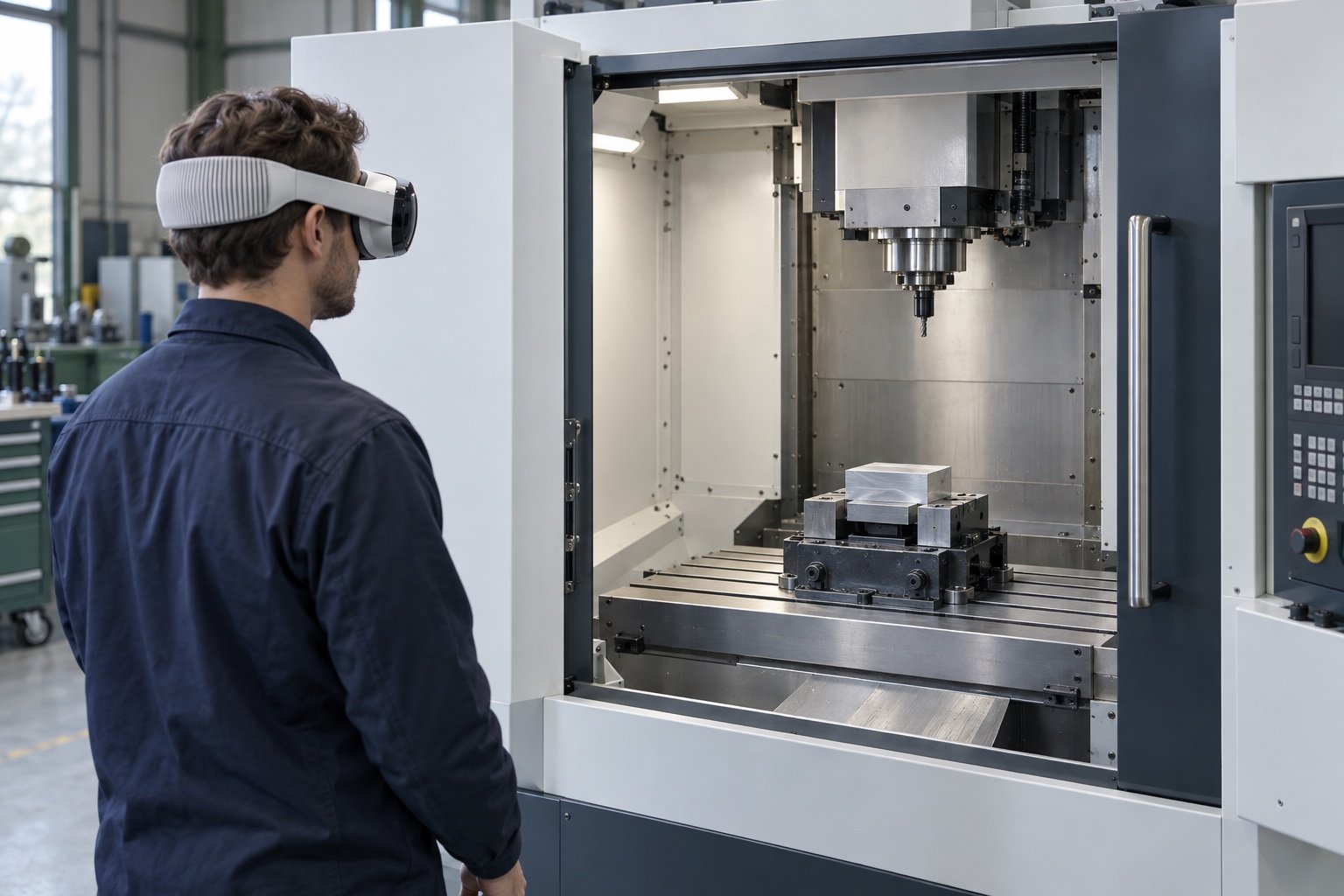
1. Find the vise.
Find the fixture that holds the workpiece on the table.
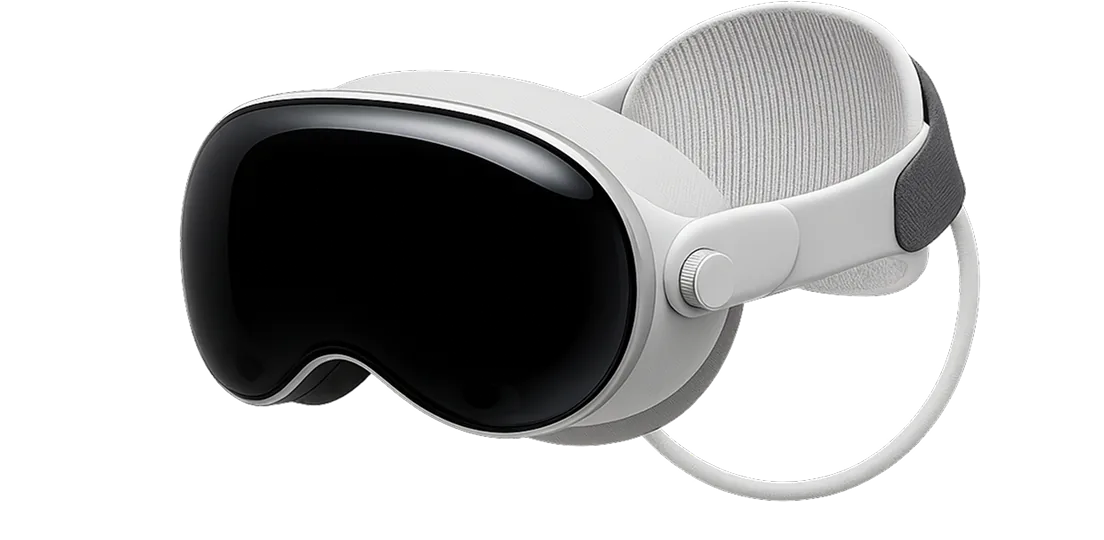
Training with Apple Vision Pro
AR · limited betaPrepared procedures and tracking anchors required. Confirm Vision Pro setup for your pilot.
02 / Images & video
A closer look.
As many times as it takes.
Use annotated images and short videos to explain the detail. Pause or replay at any time.
Illustrative animation · 12 seconds · no audio
STEP 02 / LOCATE THE WORKPIECE
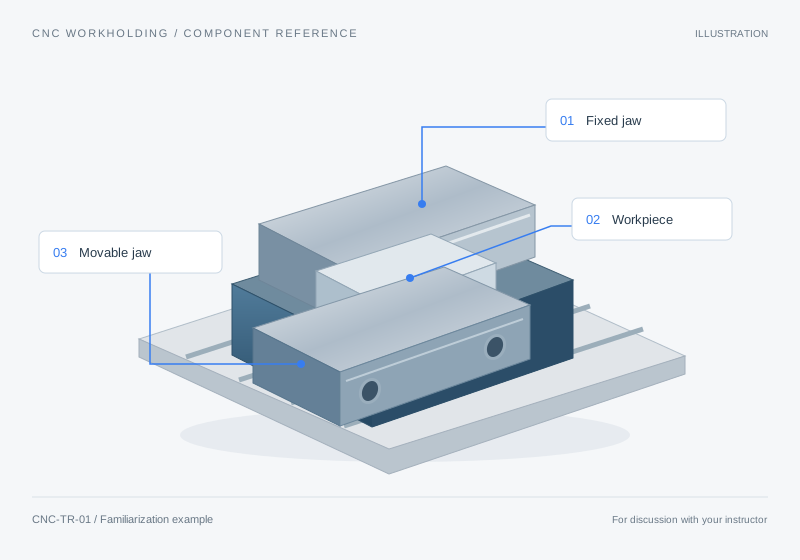
The workpiece sits between the two jaws. Identify the fixed jaw, then compare it with the movable jaw.
03 / Multilingual narration
Explain it in
their language.
Pair each visual step with narration in your team’s language. Review the terminology, then let learners listen at their own pace.
Narration uses your browser’s available voices.
04 / Contextual AI explanations
A question comes up.
The context stays.
Ask about the current part or step. Follow the answer back to its source.
CNC workholding familiarization · step 2
 Product AssistantExample conversation
The fixed jaw, labelled 01, stays in place in this illustration. The movable jaw, labelled 03, faces it across the workpiece.
01 Annotated workholding referencePredefined answers for this example.
05 / Practical exercise records
Keep what happened
during practice.
Keep completed steps, timings, and learner observations ready for instructor review.
Supervised exercise
Find it. Explain it.
Discuss what is unclear.
CNC workholding familiarizationIdentify the jaws and workpiece. Record a detail to revisit with your instructor.
Execution record
CNC workholding familiarization
Supervised familiarization · CNC milling machine
| Step | Recorded | Time | Replays |
|---|---|---|---|
| 01 Find the vise | ✓Complete | 0:45 | 0 |
| 02 Locate the workpiece | ✓Complete | 2:00 | 3 |
| 03 Inspect the clamping position | ✓Complete | 1:15 | 1 |
“I can identify the workpiece. I would like to revisit which jaw moves.”
Where did the learner pause?
Revisit step 2.Step 2 took 2 minutes and was revisited 3 times.
06 / Completion, time & replay analytics
See where another
explanation could help.
Use completion, time, and replay patterns to decide what to explain next.
One task. Connected explanations.
Build from your procedures, images, and videos. Keep expert review between source updates and publication.
Explore training-document authoring
Find the block between the jaws.
A few practical questions.
Can we explore training with Apple Vision Pro?
Yes, through a prepared pilot. AR is in limited beta; procedures, tracking anchors, and device setup are confirmed for your use case.
Do all learners need a headset?
No. Learners can access visual procedures and explanations in a compatible browser. AR is optional.
Can we use our own images, videos, and procedures?
Yes. Build from existing material, with experts reviewing instructions and translated terminology before publication.
What do completion and replay records tell us?
When reporting is enabled, records show completion, timing, replays, and observations. They support instructor follow-up; they do not establish competence or certification.
Start with one difficult task
Make your next
demonstration easier to follow.
Bring one procedure or demonstration your team finds difficult.
Select “Training” in the documentation kit.