User manual software
User manual software for machines and equipment.
Bring the PDF or Word manuals you have. TwinWorks turns them into editable drafts your experts review, approve and publish.
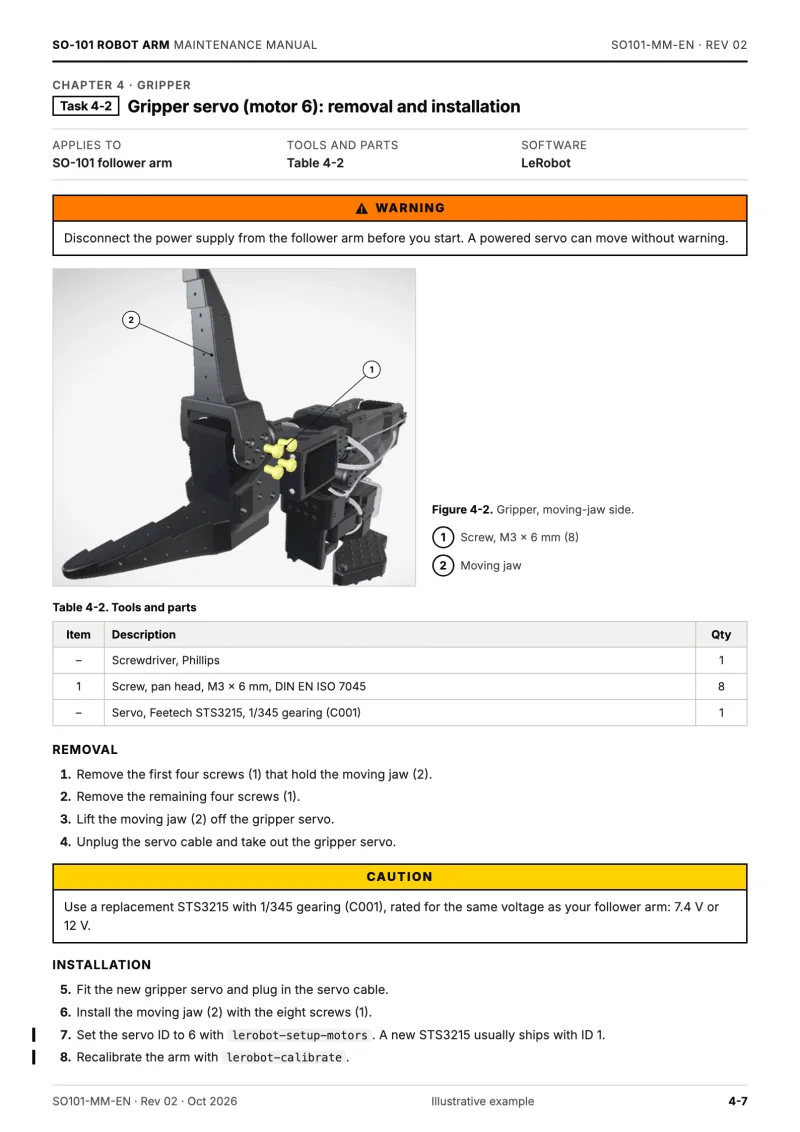
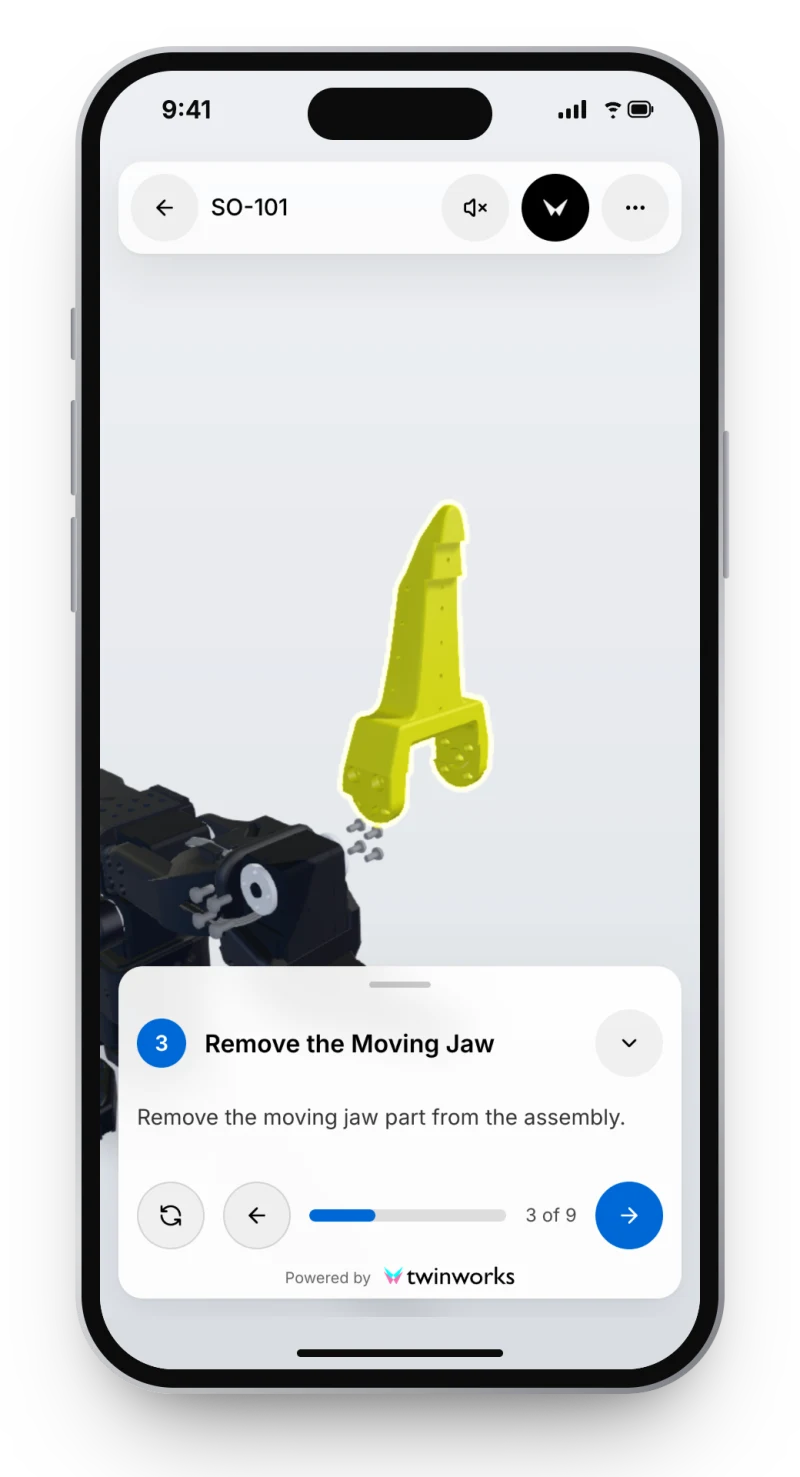
From the files you have. To a manual you can keep current.
- Import Existing PDF or Word manuals become editable drafts.
- Review Experts comment, request changes and approve each revision.
- Publish On the web viewer and as PDF, public or private.
- Keep current When a part changes, see the content it touches.
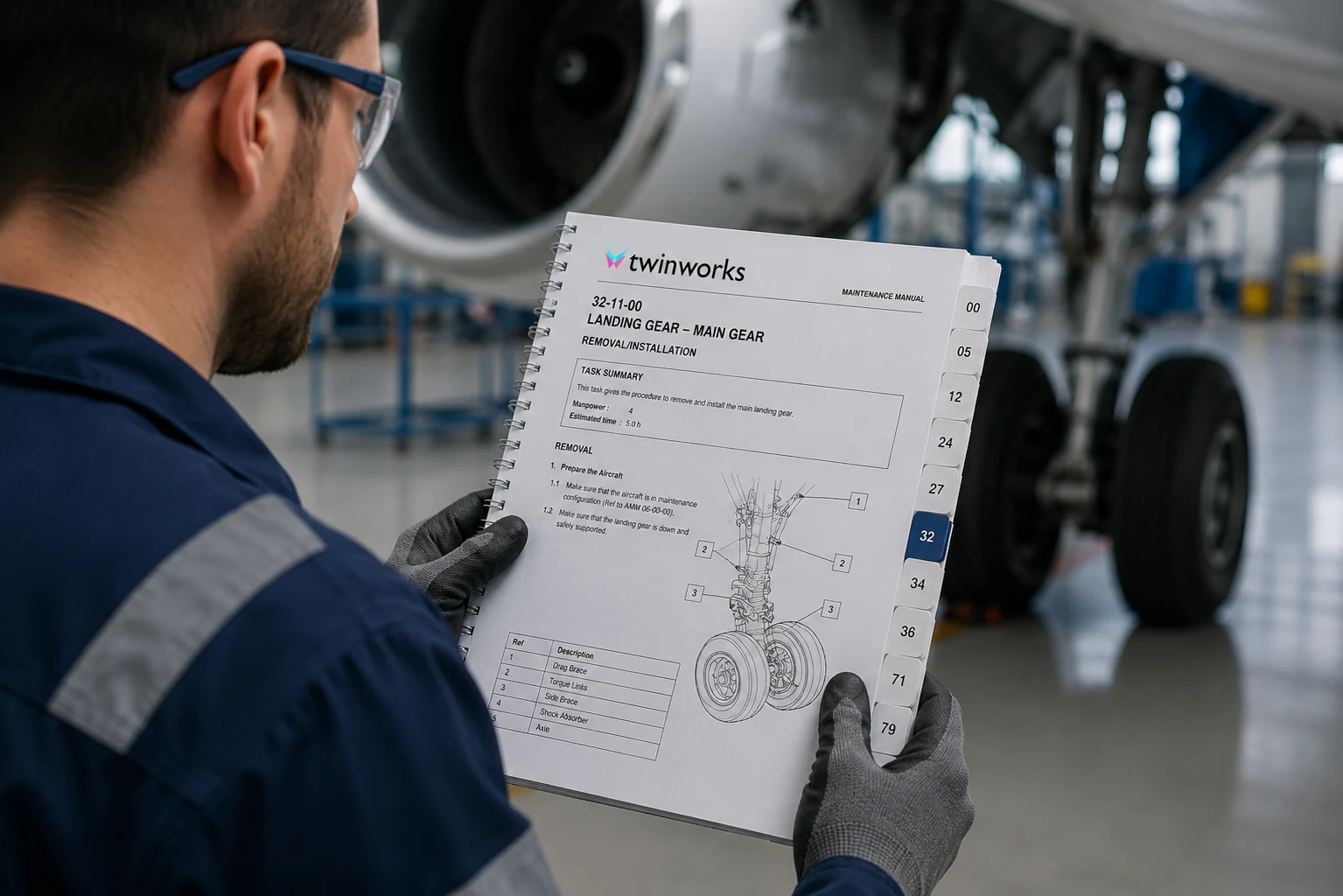
One manual. On paper, on a tablet, on a phone.
Print it, save it.
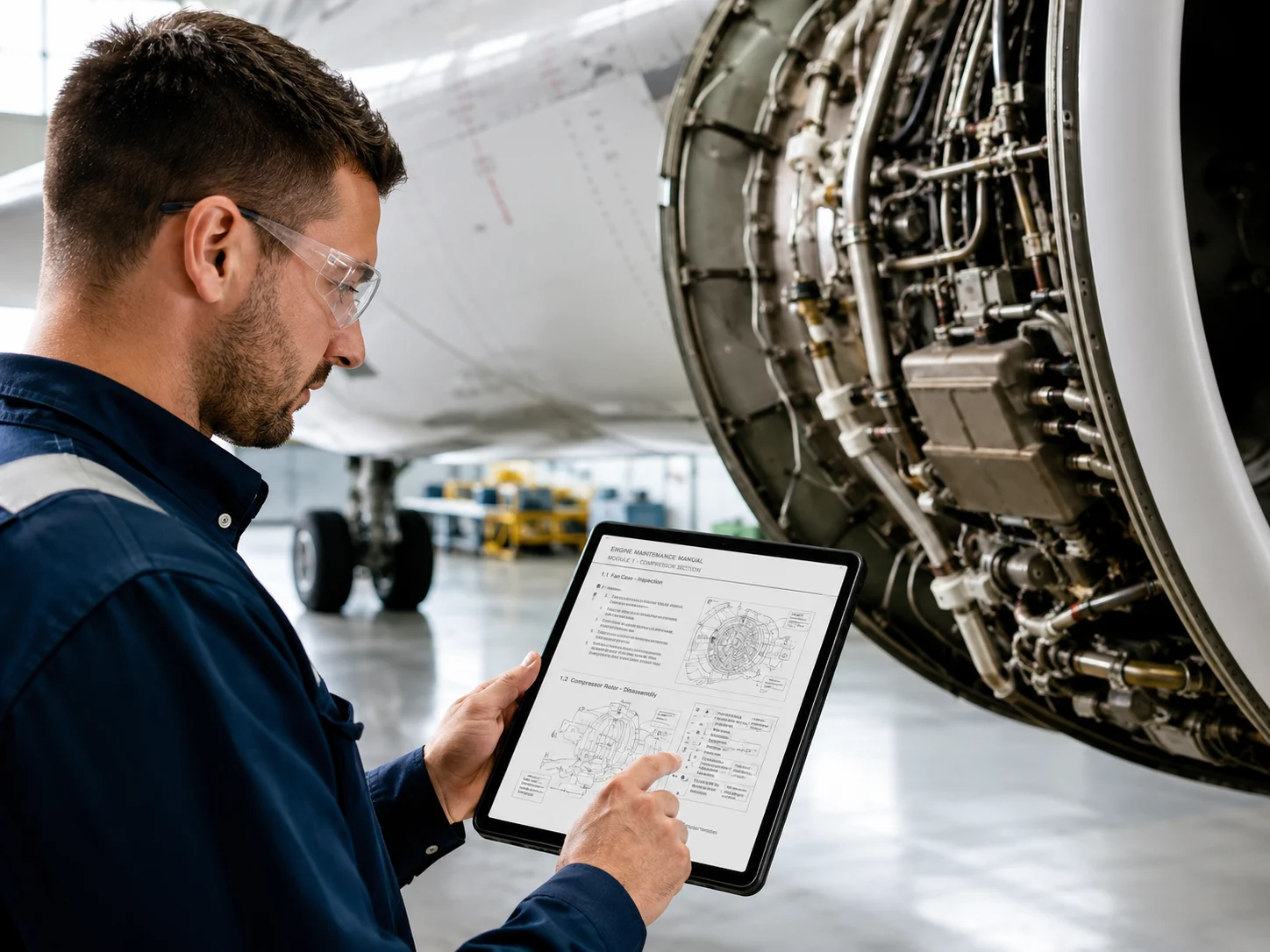
Web viewer
Open it at the machine.
Link or QR code
Scan it on a phone.
One approved source. Manuals and 3D instructions come from it.
Add a 3D model, and the same content becomes visual work instructions.
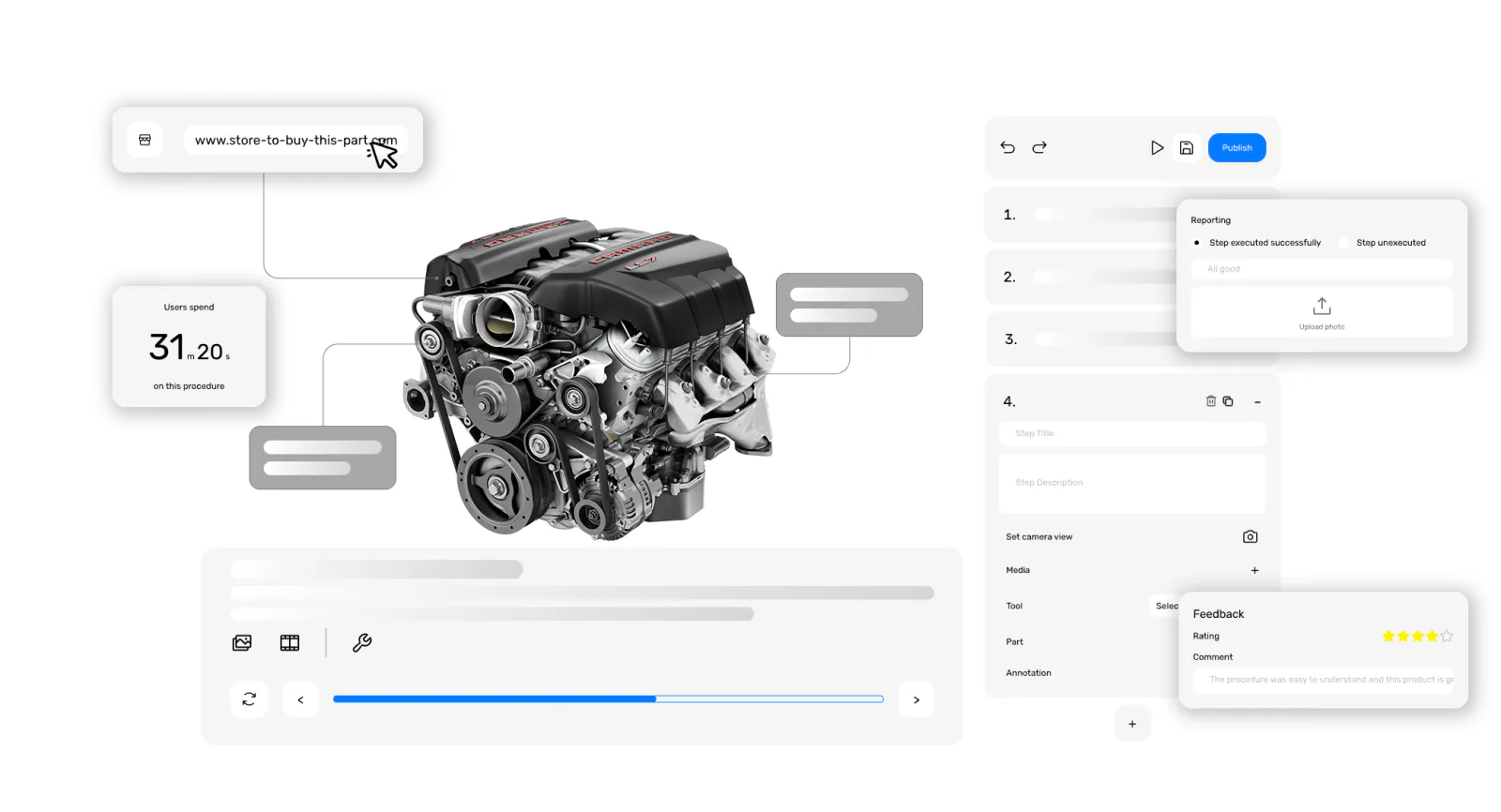
Built for technical manuals.
- Blocks with a source Modular content, each block linked to where it came from.
- Revisions and diffs Every revision, what changed, and checkpoints you can restore.
- Expert approval AI-assisted, expert-approved. Nothing approves itself.
- Suggestions to review The assistant suggests; the reviewer applies or dismisses.
- Translation Translate authored content, then review it before release.
- Change impact A changed part points to the content it affects, for review.
Three ways to start.
Questions
What is user manual software?
User manual software helps teams write, review, publish and update the instruction manuals of their products. TwinWorks drafts manuals from your existing PDF or Word files, your experts review and approve every revision, and you publish them on the web and as PDF.
Can I import the manuals I already have?
Yes. Import existing PDF or Word manuals into editable drafts. Authors and experts then complete and review them before anything is released.
Who approves the content?
Your experts. Reviewers can comment, request changes and approve a new revision. TwinWorks prepares suggestions; it never approves content by itself.
How do users open a published manual?
Published manuals open in the TwinWorks web viewer in a browser, from a link or a product QR code. They can also be published as PDF files that users download, print and save.
Can TwinWorks translate a manual?
Yes. Translate authored content in TwinWorks and review the translation before you publish it. Translations are not certified.
Is there a free user manual template?
Yes. The free user manual template is a Word document with the usual chapters: safety, installation, operation, maintenance, troubleshooting and spare parts.
Start with one manual.
Bring a manual you already have and see it as an editable draft your experts can review.
The Free plan costs €0, needs no credit card and starts with 500 AI credits.
Updated