
TwinWorks for maintenance
Give every technician a clear next step.
Turn your team’s know-how into clear, visual maintenance instructions. Prepare the job, follow each step, and record the work.
01 / Capture know-how
Make expertise easy to share.
Bring manuals, CAD, and experience together. AI prepares the draft. Your experts check it before it reaches the team.
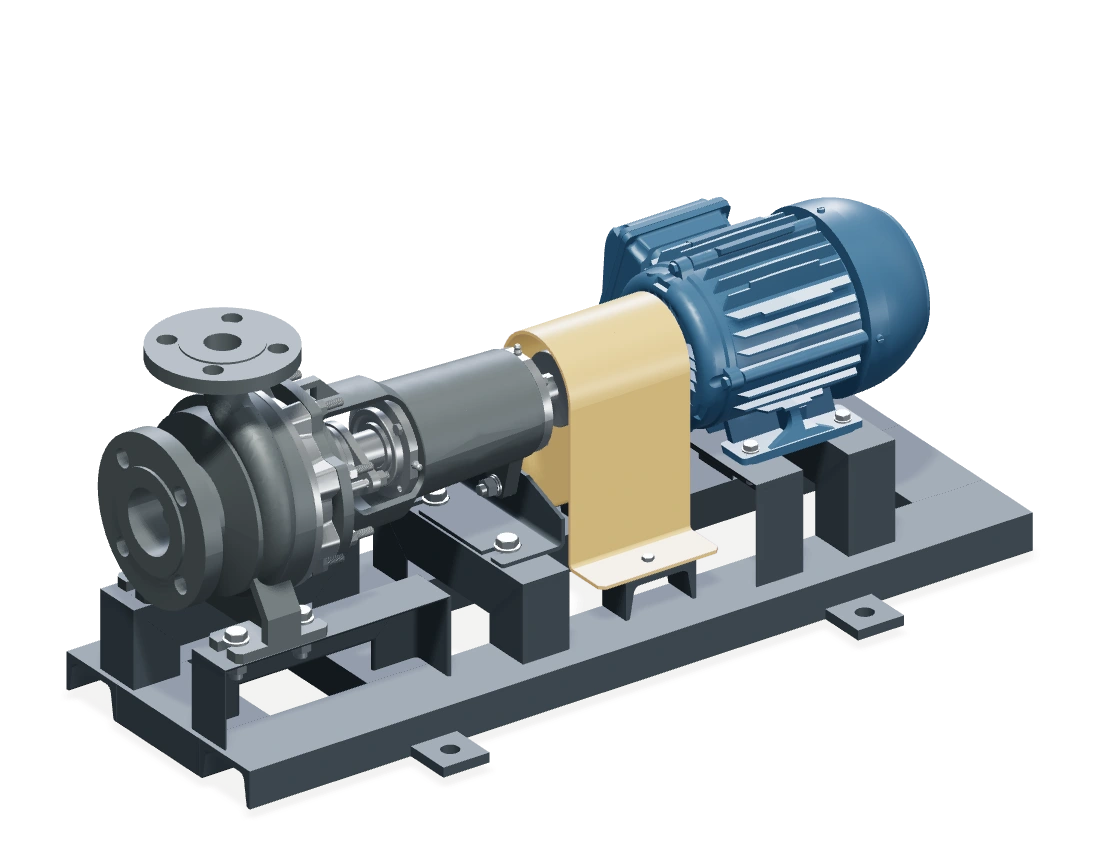 Engineering filesExisting pump CAD
Remove the coupling guard
Remove the fasteners and lift the guard clear of the coupling.
Pump CAD ↗Expert review“Add the isolation check first.”
02 / Prepare the job
Know what you need before you start.
Open a product link or scan its QR code. Find the tools, protection, and safety checks in one place.
Open a procedureCheck the equipment configuration before starting.
Coupling inspection
Centrifugal pump · v1.0
Tools
As listed in your service manual
Protection
As required for your site and task
Isolation
Follow the approved safety procedure
- 1Remove guard
- 2Inspect coupling
- 3Refit guard
03 / Follow the steps
See exactly what the next step means.
See the part. Understand the movement. Replay whenever you need.
Viewer not loading? Use “Open viewer” or read the example steps.
04 / Get an answer
Keep the answer close to the task.
Ask about the step you’re on. See what the answer is based on.
 Product AssistantExample chat
Illustrative conversation · pump CAD identifies parts, not service specifications.
Report recap
Coupling inspection
Steps
0 photos| Step | Status | Comment | Image |
|---|---|---|---|
| 1Remove guard | Complete | — | — |
| 2Inspect coupling | Complete | Add a closer view of the guard mounting points. | — |
| 3Refit guard | Complete | — | — |
05 / Record the work
Know what happened on this machine.
Keep completed steps, photos, and notes with the machine. Give the next person a useful history.
Illustrative record · no field photos attached.
06 / Keep instructions current
A part changes.
Know what needs a review.
Find the affected instructions. Add technician feedback. Publish after expert approval.
Example change · TW-PUMP-001 · revised coupling guard
- 01
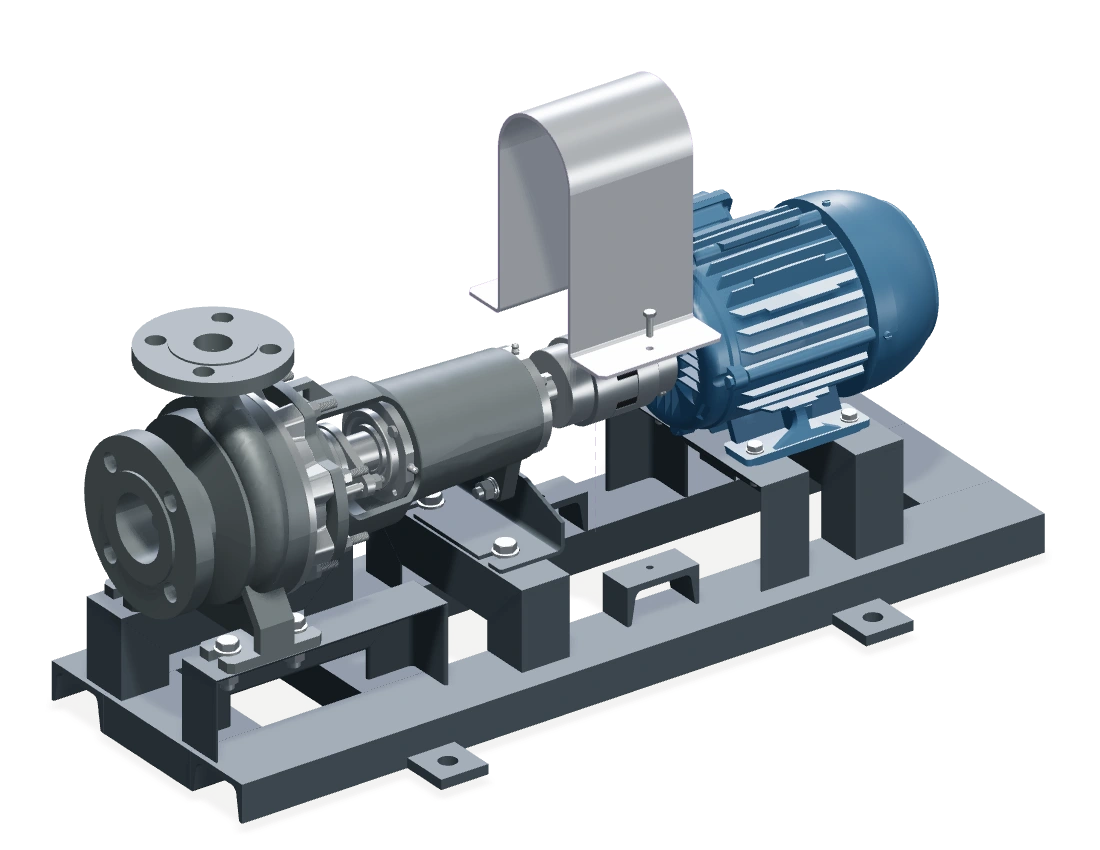 Revised guard
A part changes
A new guard for the same pump.
- Remove the guard Refit the guard 2 instructions to review02
See what’s affected
Linked instructions are flagged.
- “Add a closer view.”Technician feedback → expert review03
An expert checks
Review the change and feedback.
- v1.1Approved example04
Share the update
Only after expert approval. Keep v1.0.
Try it with your team
Start with one familiar maintenance task.
Bring a manual and a recurring job. Add CAD if you have it.
THREE SIMPLE QUESTIONS
- 01Can the technician find the right step?
- 02Is the action clear enough to follow?
- 03Does the record give the reviewer what they need?