What is the TwinWorks Community?
The TwinWorks Community is a free, public library of step-by-step 3D guides for real hardware. Builders publish assembly, repair, maintenance, usage and quality-check guides that anyone can open in a web browser. In November 2026 it holds 77 guides with 894 steps across 35 projects, from the SO-101 robot arm to a 2U CubeSat.
Do I need an account to follow a guide?
No. Opening and following any public guide is free and needs no account, download or install. You need a TwinWorks account only to rate a guide, comment or publish your own.
What kinds of guides are there?
Assembly (47 guides), maintenance and repair (16), usage (8), disassembly (3) and quality checks (3). In each step the exact parts and screws light up in 3D, and you can turn, zoom and replay the step.
Which machines are documented?
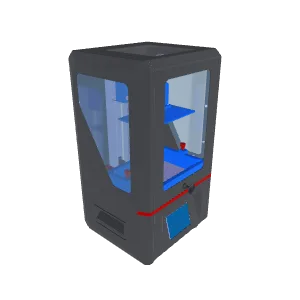
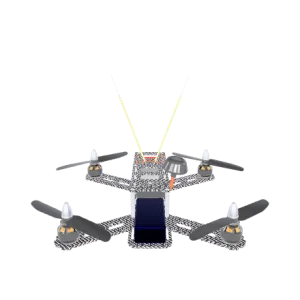
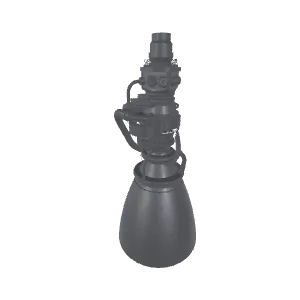
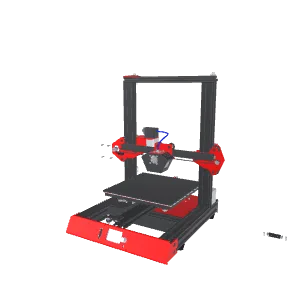
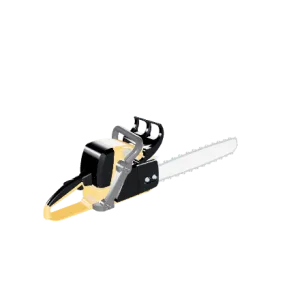
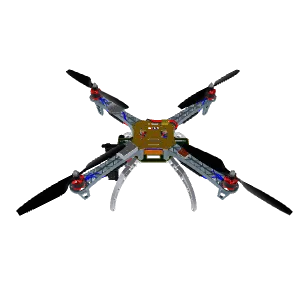
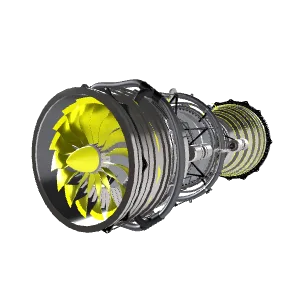
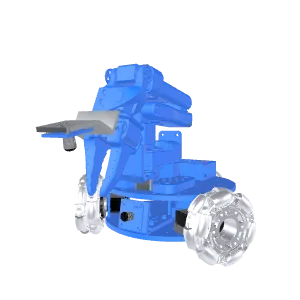
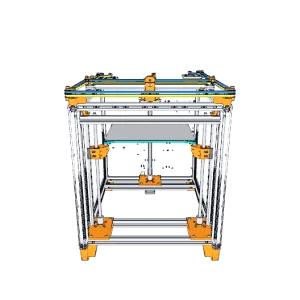
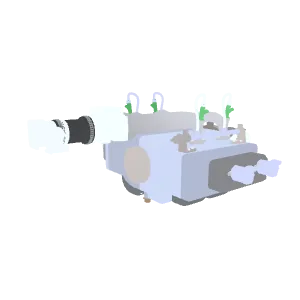
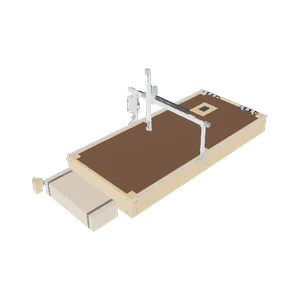
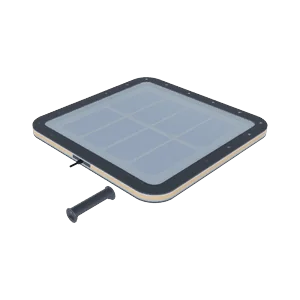
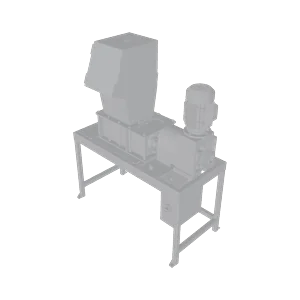
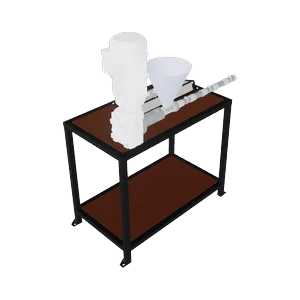
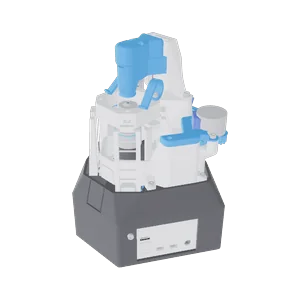
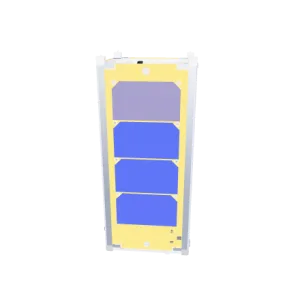
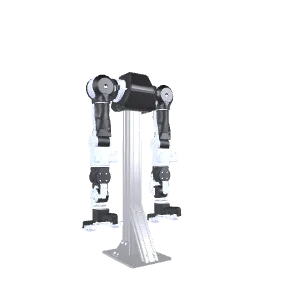
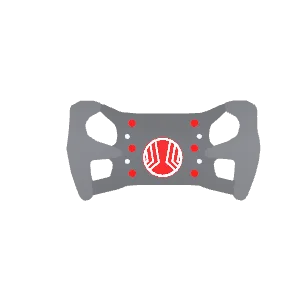
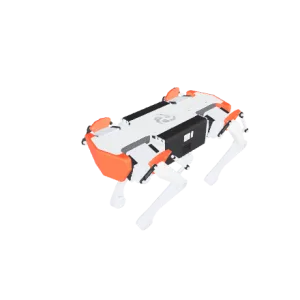
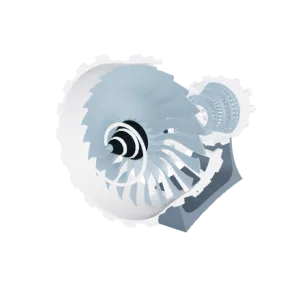
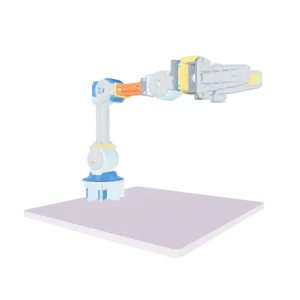
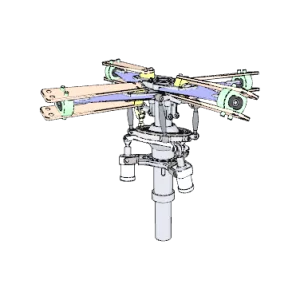
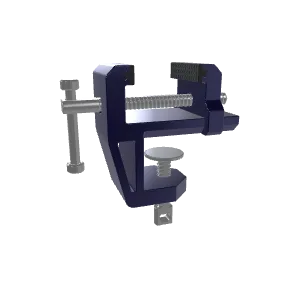
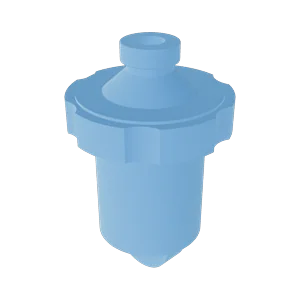
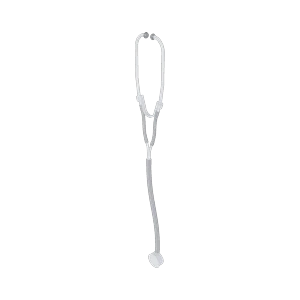
Robot arms (SO-101, OpenArm v1.1, OpenManipulator-X), mobile robots (LeKiwi, OpenAMR), a robot dog, 3D printers (Anycubic Photon, Creality Ender-3 V2, Jubilee toolchanger, Tevo Flash), a QAV250 racing drone and an F450 quadcopter, a 2U CubeSat, a turbofan engine, a helicopter rotor head, a Raptor 3 engine model, a boxer engine, a 240 V battery storage rack, a Stihl 039 chainsaw, a racing steering wheel, a table vice, an X-Wing card kit, and open hardware for everyday needs: a FarmBot garden robot, a DIY solar panel, a Precious Plastic shredder and extruder for recycling plastic, an earth-block press, a WikiHouse timber wall block, a 3D-printed water filter, an OpenFlexure microscope and a Glia stethoscope.
How do I replace a servo on the SO-101 robot arm?
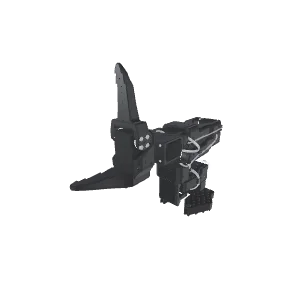
Use the SO-101 servo guides: there is one for each of the arm’s six servos. The gripper servo (motor 6) takes nine steps: unscrew the eight M3 × 6 mm screws that hold the moving jaw, remove the jaw, unplug and replace the servo, plug in the new one, then refit and screw the jaw. The SO-101 gripper servo guide has every step and the 3D viewer.
Who made the designs, and can I reuse them?
The designs belong to their creators, and projects built on open designs credit them: the SO-101 by TheRobotStudio (Apache-2.0), LeKiwi by SIGRobotics-UIUC (Apache-2.0), OpenAMR by openAMRobot (CERN-OHL-P-2.0), OpenArm by Enactic, OpenManipulator by ROBOTIS, and the 2U CubeSat CAD by the Yale Undergraduate Aerospace Association and nmadev. Check each design’s files and licence before you reuse it.
Can I publish my own project?
Yes. Create a free account, upload your 3D model (GLB, GLTF, FBX, OBJ or USDZ; STEP import is in beta), write the steps or draft them from your PDF manual, link your design files and licence, then publish. Your project gets a public page, a link anyone can open and an embed code.
Can I embed a guide on my own site?
Yes. Every public guide has a link anyone can open and an embed code for your website or documentation, so the 3D guide sits right next to your design files.
How is a 3D guide different from a photo guide?
A photo shows one angle, taken once. A 3D guide is built on the product’s model: you can turn it, zoom in, see the hidden parts, and watch each part move into place, step by step.
Is TwinWorks only for open hardware?
No. The community is the public side of TwinWorks. Manufacturers use the same 3D viewer for their own machines, kept private, with expert review and approval before anything is published.