AI CAD
Text to CAD. A real model you can edit.
Describe it, or add a sketch. TwinWorks designs it with you in real CAD, and you can change anything by hand.
The prompt
Create a racing drone that looks really cool and aerodynamic
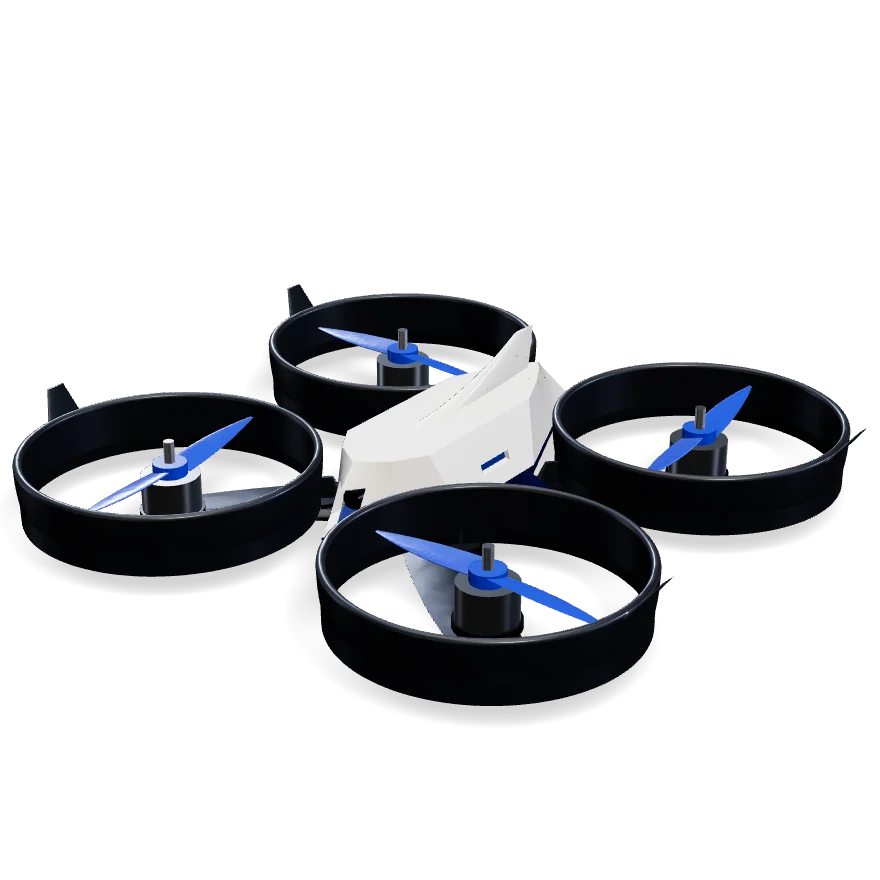
A sentence in. An assembly out.
Canopy, tray, arms, motors, ducts and propellers, with the electronics inside. Each of the 28 parts is its own solid, with its own material.
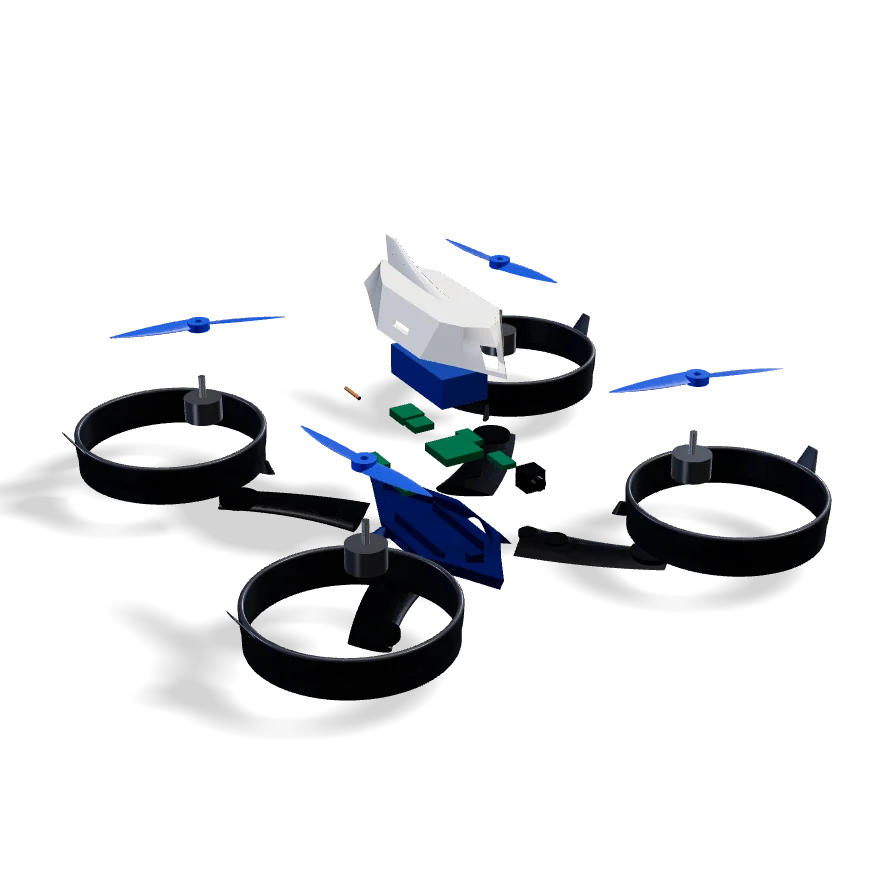
| Duct shroud | 4 |
|---|---|
| Brushless motor | 4 |
| 5-inch propeller | 4 |
| Swept airfoil arm | 4 |
| ESC | 4 |
| Canopy, tray, battery, camera and 4 more | 8 |
Real CAD. Not a mesh.
Sketches, features, sizes and materials, like any CAD tool. Change a value by hand, or ask for the change.
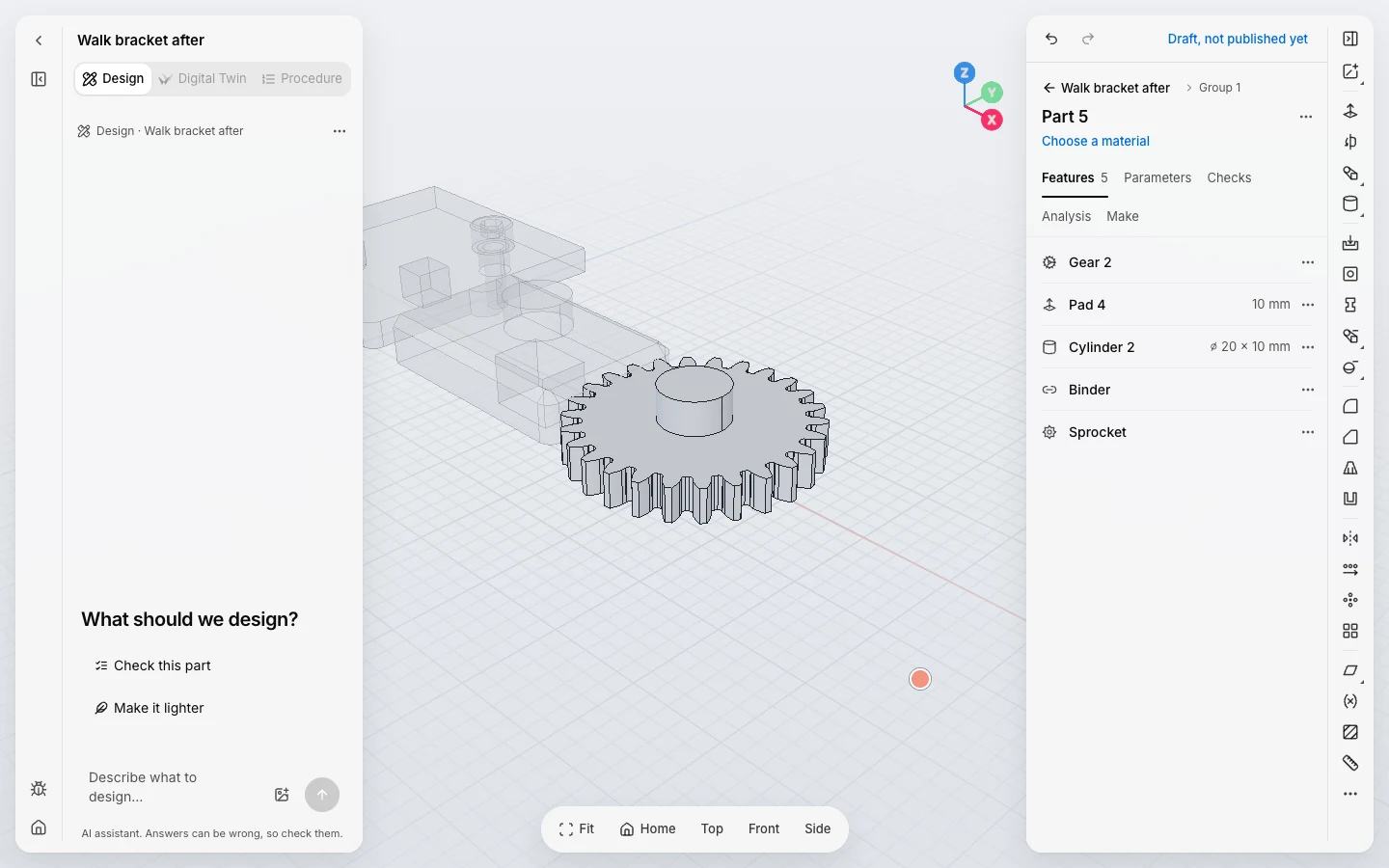
Image to CAD
Start from a sketch. Or a photo.
Add up to four pictures to your message: a sketch, a photo or a drawing. Give the main sizes in words, since a picture has no scale.
Then take it further. Same model.
Parts catalogue
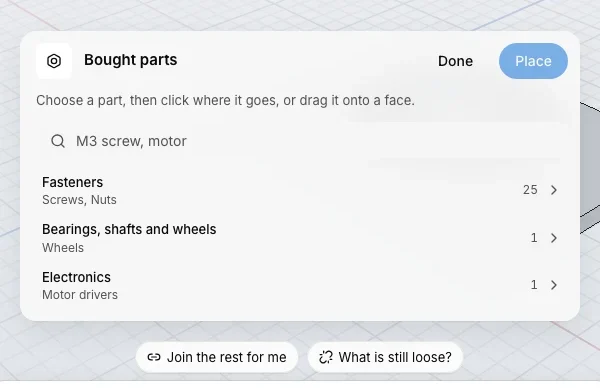
Real parts drop right in.
Screws, bearings, motors and servos. Place them by hand, or ask.
Make
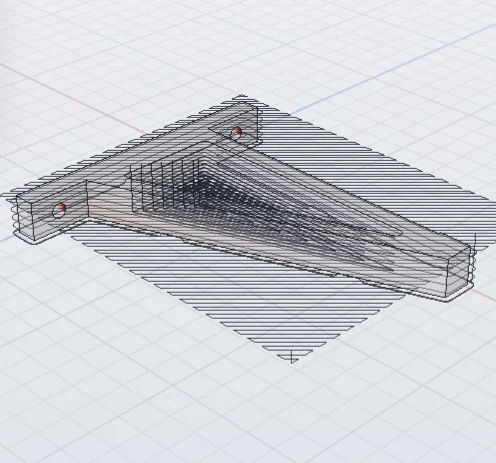
Get a CNC program.
A milling program for GRBL machines, checked against the stock. Or download each part’s STL file.
Build it
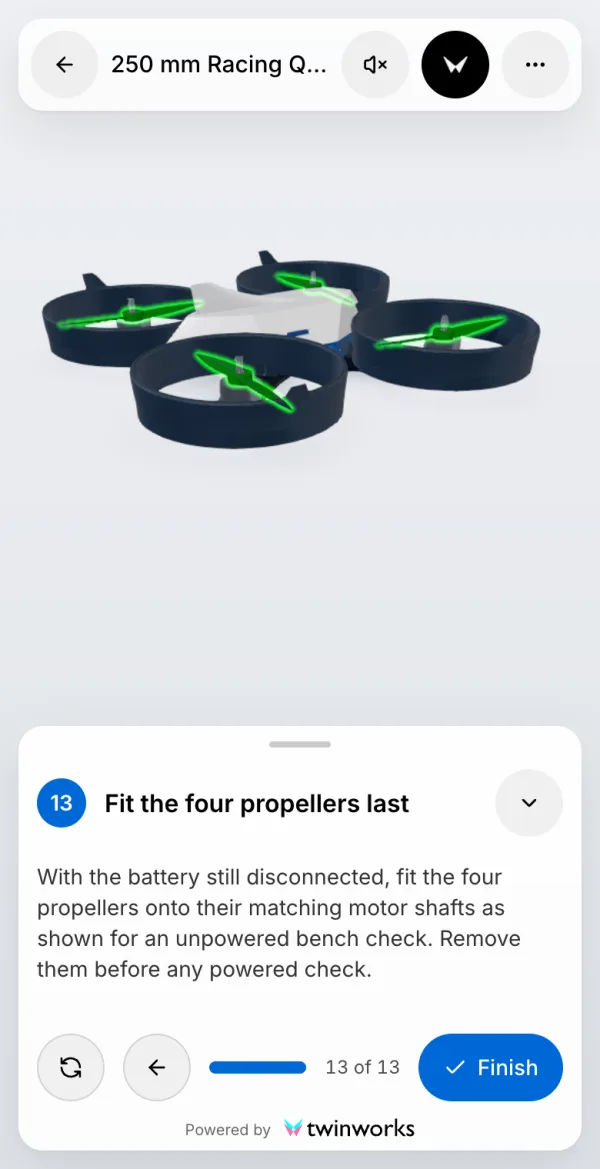
The build guide comes with it.
TwinWorks writes the guide with you, part by part. The drone’s has 13 steps and opens in a phone browser.
CAD or a 3D shape? Not the same thing.
An AI 3D model generator makes a shape that looks right. Text to CAD makes parts you can measure and make.
| What you get | AI 3D model generator | Text to CAD in TwinWorks |
|---|---|---|
| The model | A mesh: one surface | Solid parts with features |
| Sizes | Roughly right | Exact, in millimeters, editable |
| Parts | Often a single shell | Separate parts with names and materials |
| A change | Generate it again | Edit a value, or ask |
| What comes next | View or render it | Check it, export it, build it |
Questions
What is text to CAD?
Text to CAD turns a written description into a CAD model: solid parts with features and sizes you can edit, not just a 3D shape. In TwinWorks you describe the part or product in the Design room, and it designs it with you.
What is AI CAD?
AI CAD is CAD software with an AI assistant that can create and change the model for you. In TwinWorks the assistant works on the same model you edit by hand, so you can switch between asking and doing.
Can I make a CAD model from an image?
Yes. Add up to four pictures to your message in the Design room: a sketch, a photo or a drawing. TwinWorks models what they show. Give the main sizes in words too, because a picture has no scale.
Can I edit the model it makes?
Yes. It is a CAD model with sketches, features and sizes. Change any value by hand, or ask TwinWorks to make the change for you.
How is text to CAD different from an AI 3D model generator?
An AI 3D model generator makes a mesh: a surface that looks right but has no features or exact sizes. Text to CAD makes solid parts you can measure, edit, check and make.
Which files can I export?
Download each part’s STL file from the Build tab for 3D printing. From the Make tab you can also get a milling program for a GRBL CNC machine.
Can I trust a design made with AI?
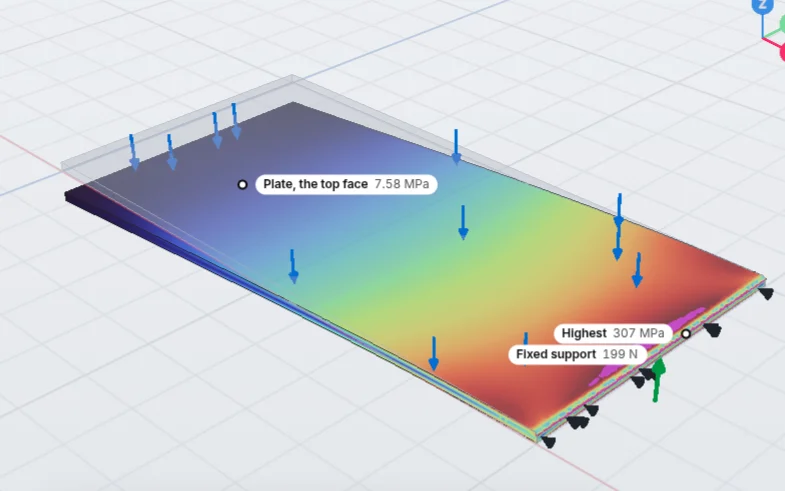
Treat it as a strong first version, not a finished design. The AI can be wrong, so check sizes, fits and results. Anything that carries load, heat, power or people needs a review by a qualified engineer before you build it.
How was the racing drone on this page made?
It started with one prompt in the TwinWorks Design room: “Create a racing drone that looks really cool and aerodynamic.” The result is a 250 mm drone with 28 parts, including four motors, four ducted propellers, the flight electronics and a battery, and a 13-step build guide anyone can open.
Describe your first part.
Start with one sentence or one sketch. Then check every size before you make it.
Updated