CAD software for 3D printing. Design it, check it, print it.
TwinWorks is CAD software for 3D printing that runs in your browser. Describe a part or draw it, then download the STL files for your slicer.
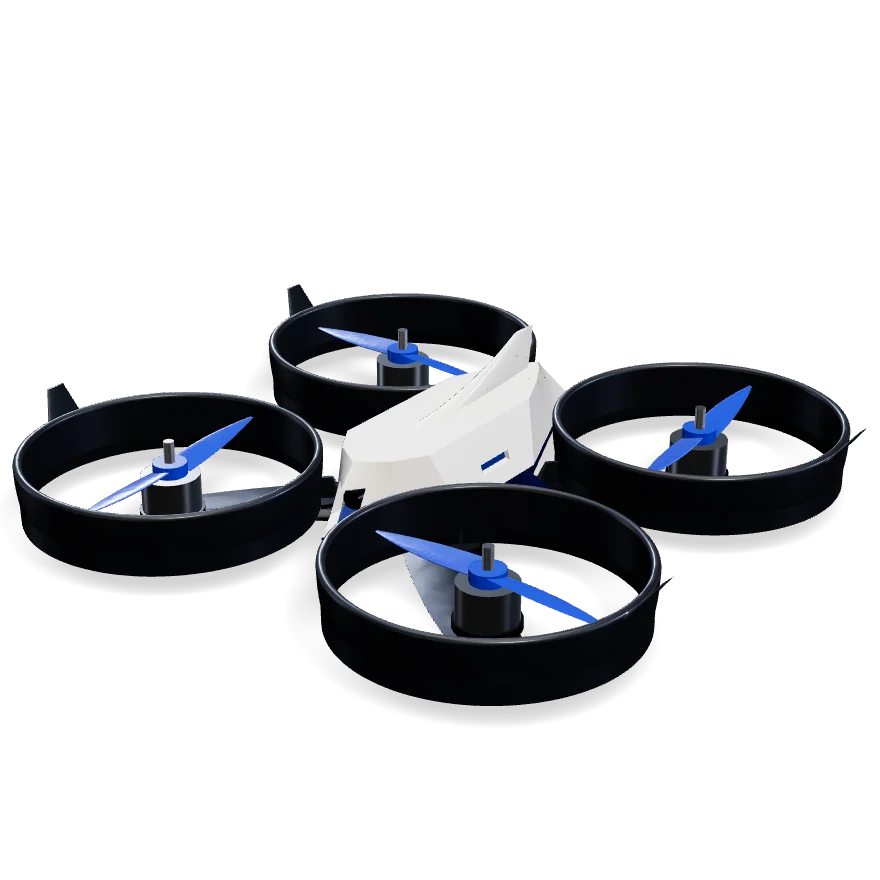
3D CAD software. Real parts, real sizes.
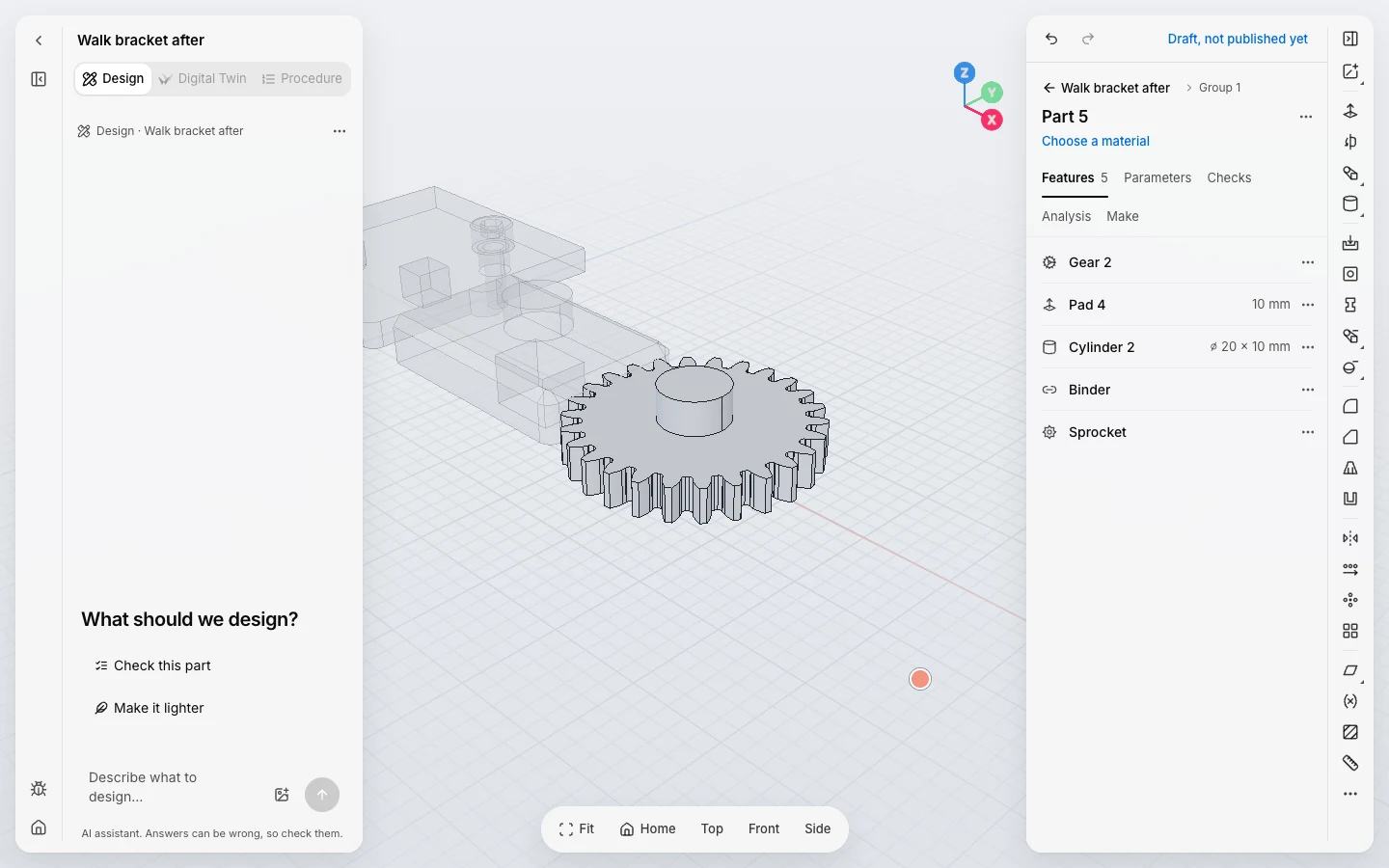
Sketches, features, sizes and materials, like any CAD tool. Change a value by hand, or describe the change with text to CAD.
From model to printer. Your slicer does the rest.
Download the STL files of the parts you print. Slice them in the slicer you already use.
 Download the print files
Online CAD. One tab for the whole build.
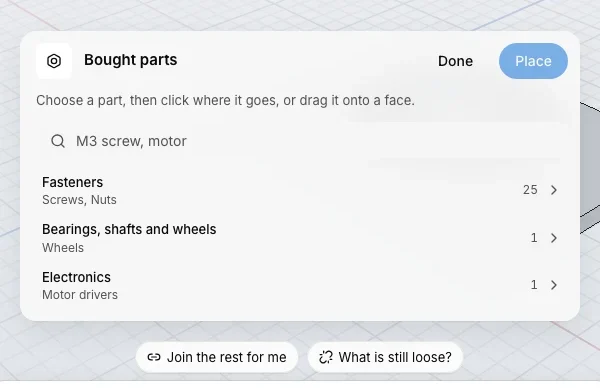
Screws and motors drop in.
Real bought parts, placed by hand or by asking.
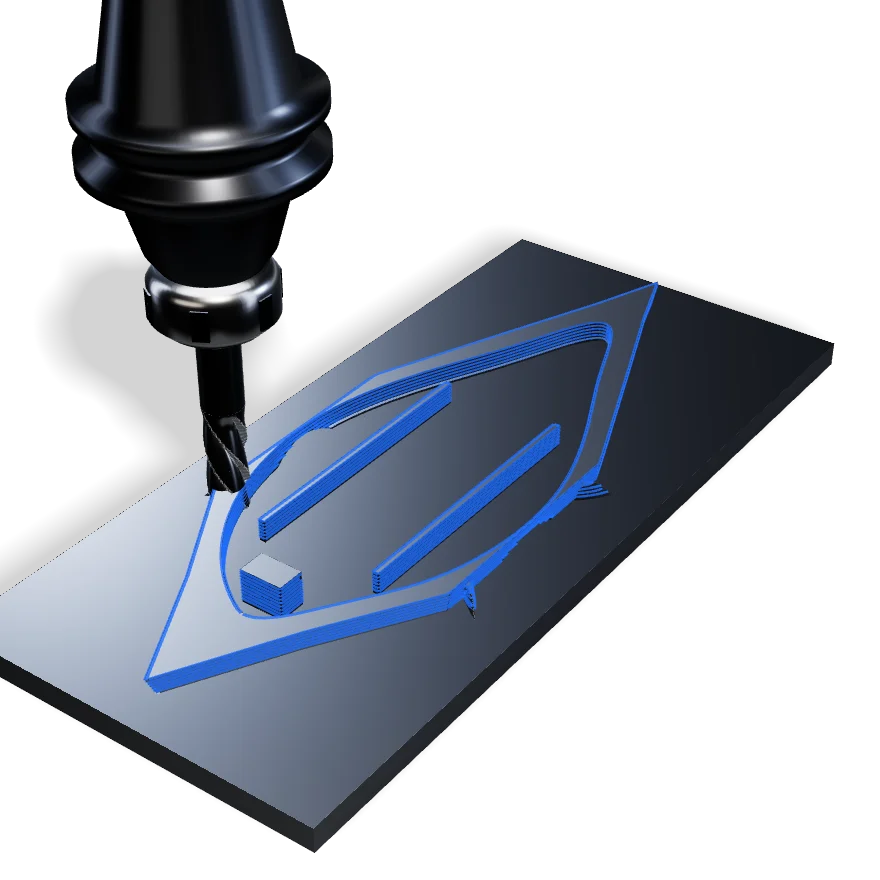
Mill the rest.
A CNC program for LinuxCNC or GRBL, from the same model.
CAD software for beginners. Start with a sentence.
Describe what you want, and TwinWorks builds a first model with you. New to building? Read how to make a prototype.
The best CAD software for 3D printing? The one that fits you.
Each of these makes parts you can print. Pick by how you like to work.
| Tool | Cost to start | Runs in | Suits |
|---|---|---|---|
| Tinkercad | Free | Browser | First shapes, schools |
| FreeCAD | Free, open source | Windows, Mac, Linux app | Parametric design of real objects |
| Onshape | Free tier, non-commercial, public documents | Browser | Parametric CAD, paid plans for business |
| TwinWorks | Free tier | Browser | Describe or draw it, check it, then print and build it |
Print it. Then build it.
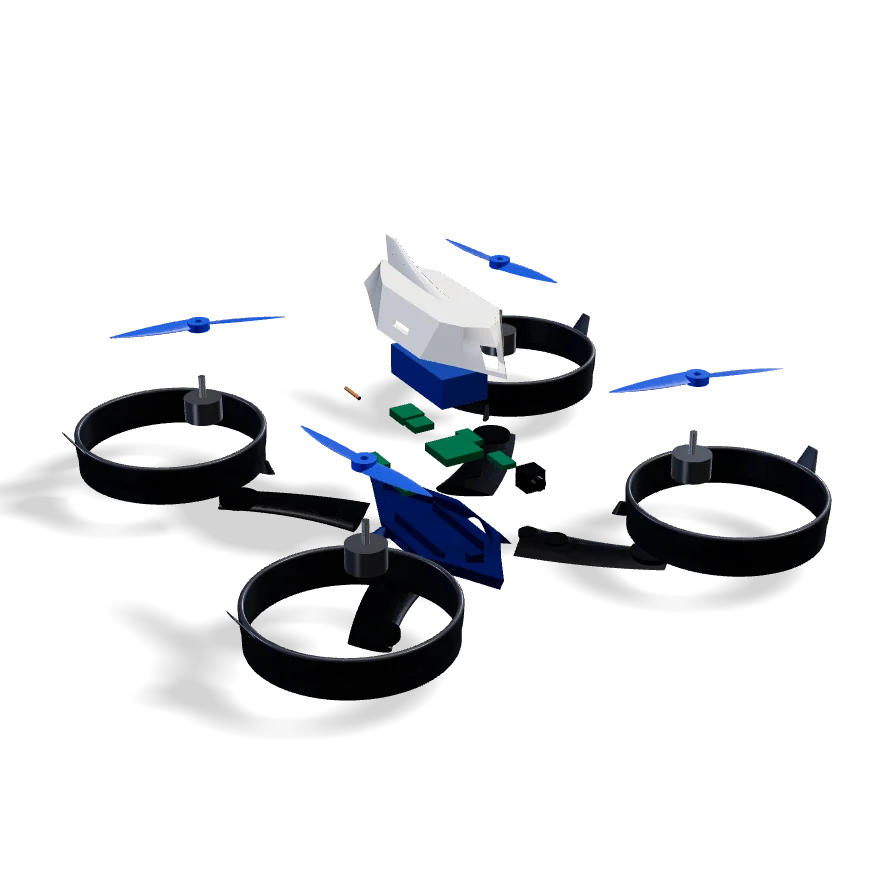
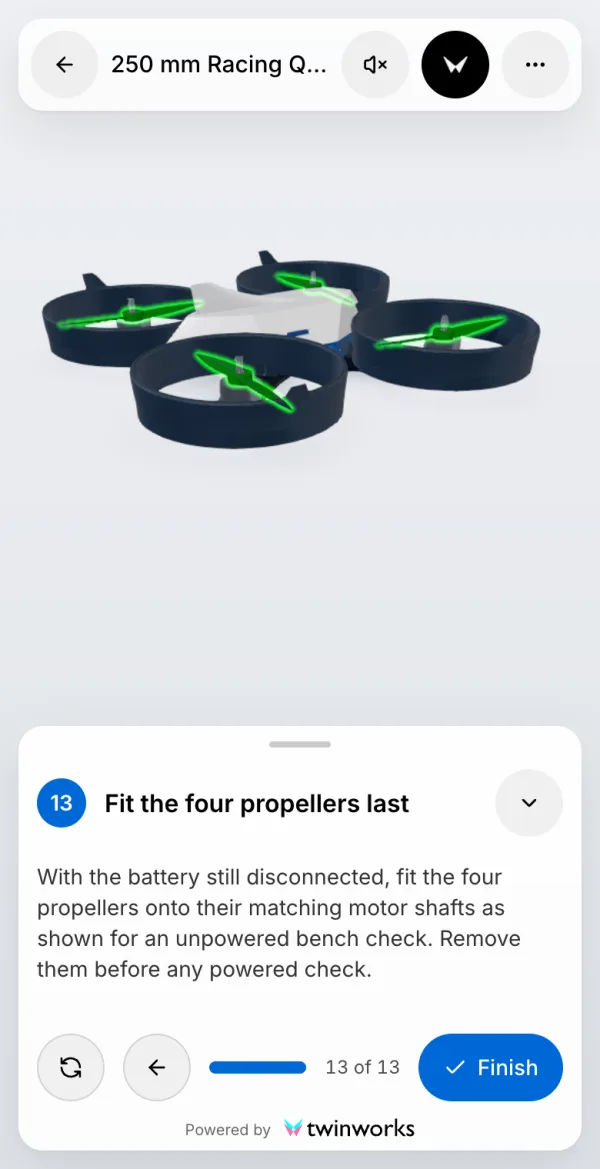
TwinWorks lists every part to buy and writes the build guide with you. The drone’s guide has 13 steps.
Questions
What is the best CAD software for 3D printing?
It depends on how you like to work. Tinkercad is free and simple for first shapes. FreeCAD is free, open source and parametric. Onshape runs in the browser and has a free tier for non-commercial work. TwinWorks runs in the browser, designs the part with you from a description, and checks it before you print.
Is there free CAD software for 3D printing?
Yes. Tinkercad and FreeCAD are free. Onshape has a free tier for non-commercial projects, and its documents are public. TwinWorks has a free tier with the Design room and the checks, plus a one-time set of credits when you sign up.
What is the best CAD software for beginners?
Pick a tool that gives you a result on the first day. Tinkercad builds parts from simple shapes. In TwinWorks you describe the part, it builds a first model with you, and you learn sketches and features by changing it.
What is online CAD?
Online CAD runs in a web browser, so there is nothing to install and your designs are saved in your account. TwinWorks, Onshape and Tinkercad work this way. FreeCAD is an app you install on Windows, Mac or Linux.
What is 3D CAD software?
3D CAD software is used to design parts as solid 3D models with exact sizes. You build each part from sketches and features, put the parts together into an assembly, and export files to make them.
Which file do I need for 3D printing?
An STL file. Your slicer turns it into the layer-by-layer program for your printer. To share an editable design with another CAD tool, use a STEP file instead.
Does TwinWorks slice or print my parts?
No. TwinWorks gives you the STL files. You slice them in the slicer you already use, then print them yourself or through a print service.
Can I check a part before I print it?
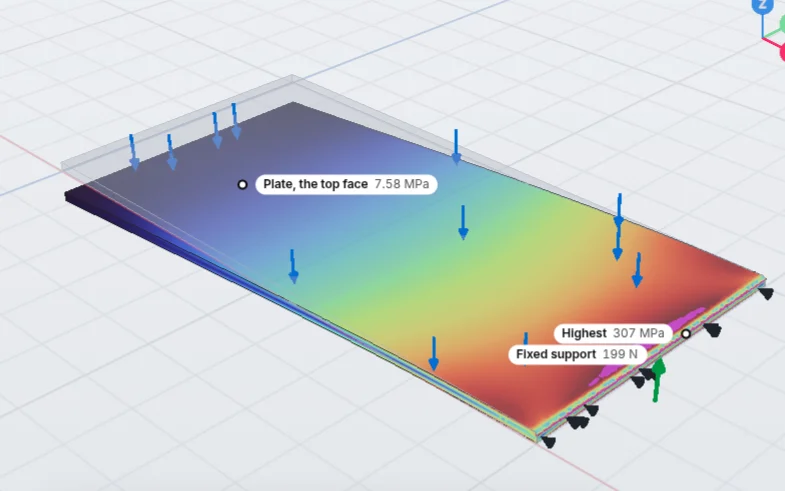
Yes. TwinWorks runs linear static stress, natural frequency and steady heat checks on the model. They show weak spots early, but a qualified engineer should check anything that carries load, heat, pressure or people.
Design your first part.
Describe it or draw it. Check every size before you print.
Updated