FEA software
FEA software. On the real model.
FEA software that checks stress, vibration and heat on your CAD model, right in your browser.
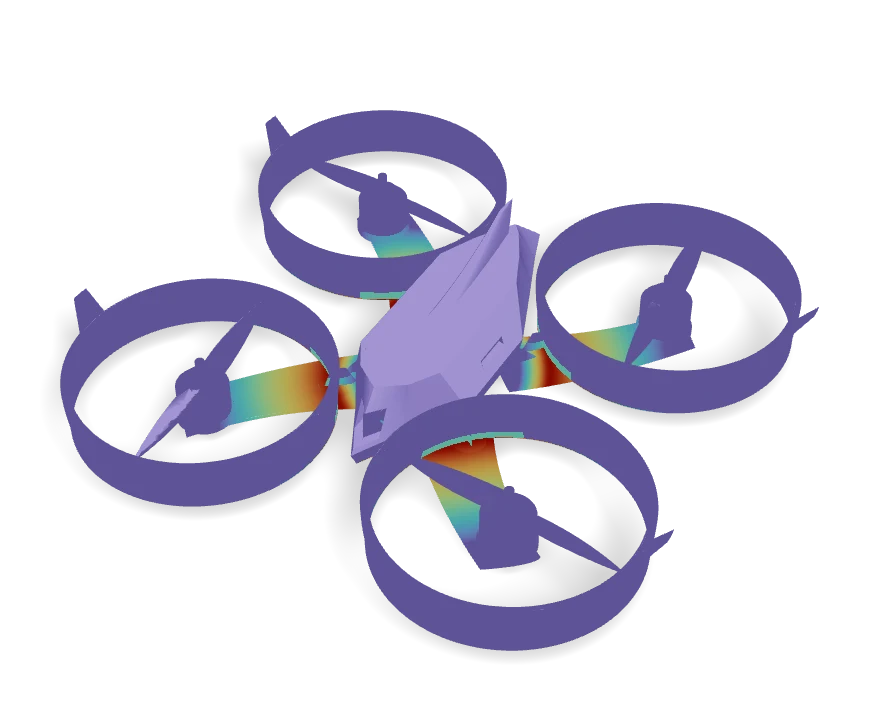
Stress analysis software. Find the weak spot.
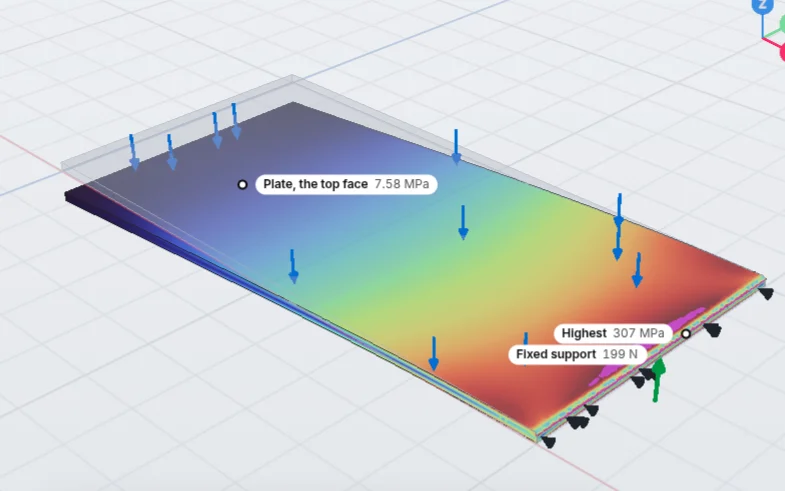
Hold the part, load it, run it. Read the stress, the displacement and the safety factor.
New to it? Start with stress analysis.
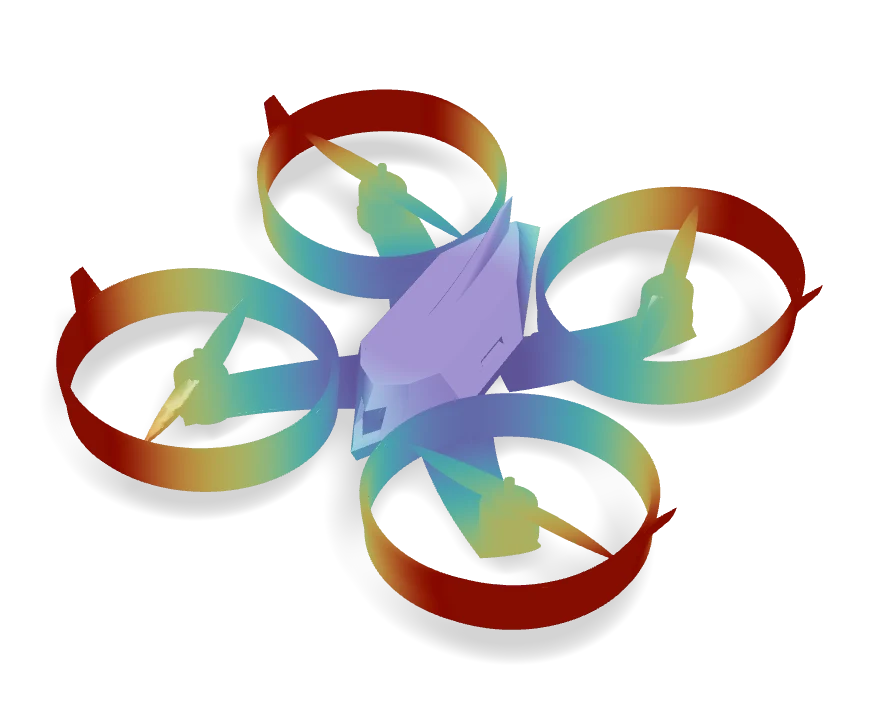
Natural frequencies. Before it shakes.
Find the frequencies where a part shakes most. Keep them clear of what drives it, like a motor.
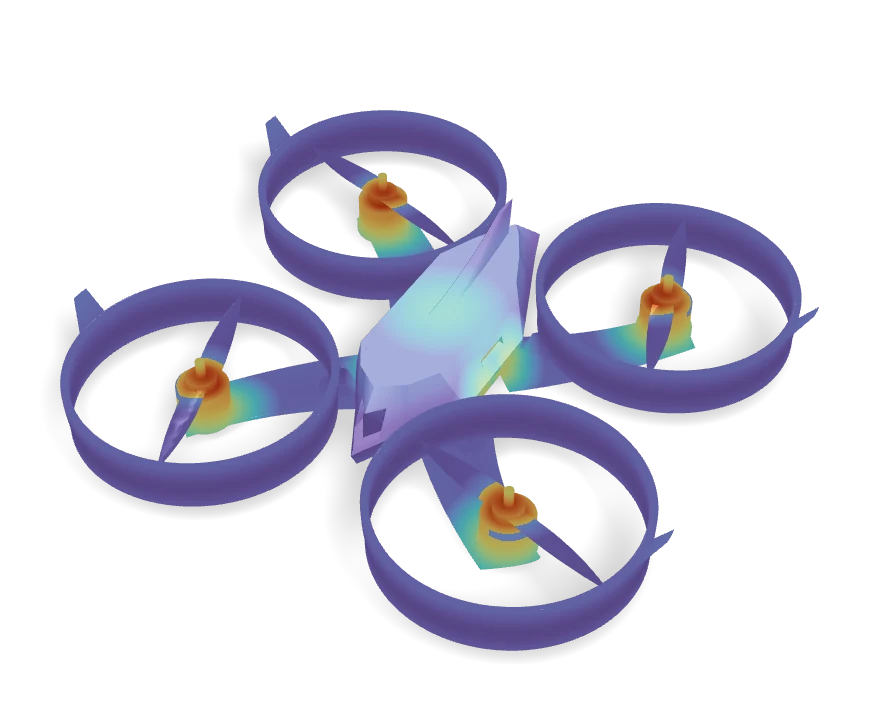
Thermal simulation software. Find the hot spots.
Put the watts on the motors and the electronics, and add the air. See where the heat settles.
Online FEA. Nothing to install.
The model opens in a browser tab. The solver runs on TwinWorks servers, so a laptop is enough.
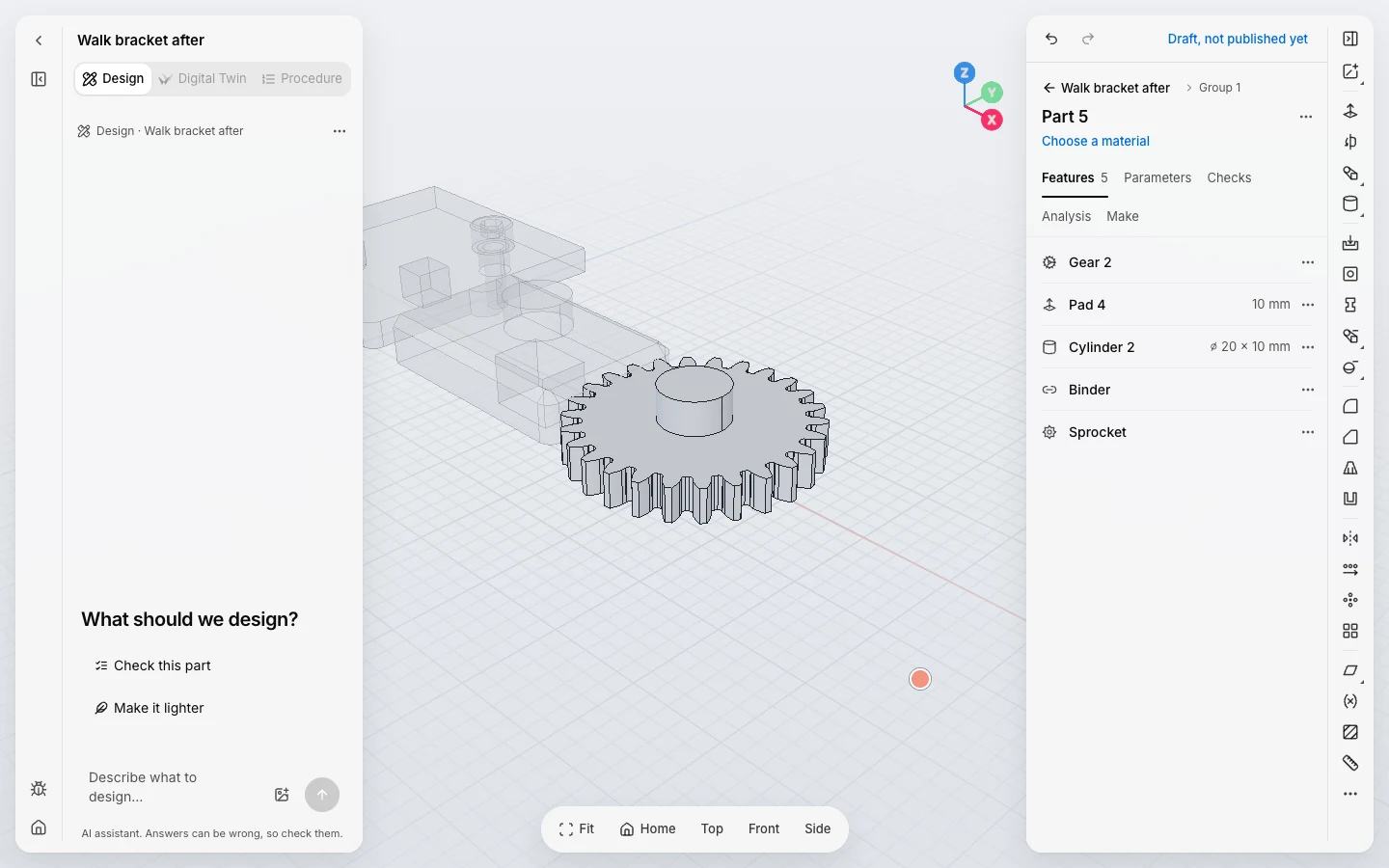
Change it. Check it again.
The checks run in the same CAD software you design in. Change a size by hand or ask, then run the study again.
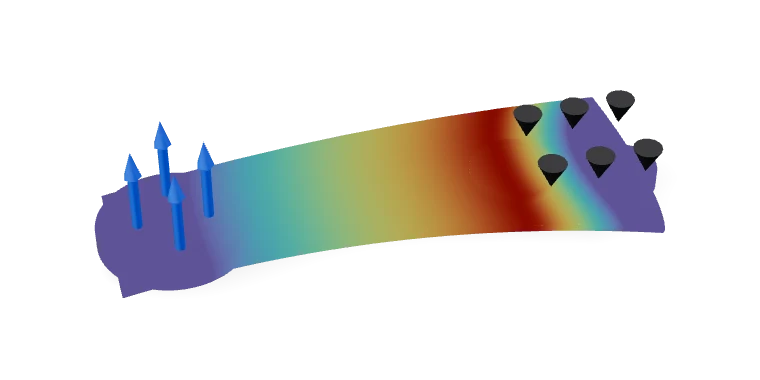
Make the arms 1 mm thicker
Changing the four arms
Three studies. What each one assumes.
Read the assumptions before you trust a color. A qualified engineer should review anything that carries load, heat, pressure or people.
| Study | Gives | Assumes |
|---|---|---|
| Static | Stress (von Mises), displacement, safety factor | Small movements and an elastic material. Parts that touch are joined. |
| Frequencies | Natural frequencies in Hz, and how the parts move at each one | The parts as they are held, with no load on them |
| Heat | Temperatures, heat in and heat out | The temperatures the parts settle at, with no radiation |
Each study uses the part’s material: Young’s modulus, Poisson’s ratio, density, yield strength and thermal conductivity.
Questions
What is FEA software?
FEA software splits a part into many small elements, applies the loads, supports and material, and solves for the stress, movement, vibration or temperature in each one. TwinWorks runs these checks on the CAD model you design, in your browser.
What is stress analysis software?
Software that works out how much stress a load puts into a part, where it peaks and how far the part moves, so you can see whether it will bend or break. In TwinWorks, a static study gives the stress, the displacement and the safety factor.
Is there free FEA software?
Yes. CalculiX, Code_Aster and the FEM workbench of FreeCAD are free and open source, and run on your own computer. TwinWorks has a free tier that includes its stress, frequency and heat studies, paid for with one-time sign-up credits.
Can I run FEA online?
Yes. TwinWorks runs in a web browser. You set the study up on your model, and the solving happens on TwinWorks servers, so there is nothing to install.
What is thermal simulation software?
Software that predicts the temperatures in a product from the heat put in, such as motors and electronics, and the heat taken out, such as moving air or a fixed temperature. A heat study in TwinWorks gives the temperatures the parts settle at.
What are natural frequencies?
The frequencies at which a part or an assembly shakes most easily. If a motor or a road shakes it near one of them, the movement can grow until something cracks. A frequency study finds them before you build.
Can I trust the results?
Only as far as the set-up is right: the supports, the loads, the material and the mesh. Check one number by hand, and have a qualified engineer review anything that carries load, heat, pressure or people before it is built.
Check your first part.
Hold it, load it, run it. Then change it.
Updated