Hardware prototyping guide
How to make a prototype. From idea to product.
Seven steps to turn an idea into a working prototype you can hold and test. Here is where TwinWorks helps, and where you need other tools.
The product development process. Seven steps, one loop.
Most prototypes go round steps 2 to 6 a few times before they work.
-
Step 1
Describe it
Write down what it must do, how big it can be, what load it carries and what it may cost.
In TwinWorks: type it, or add a sketch or a photo.
What do you want to build?
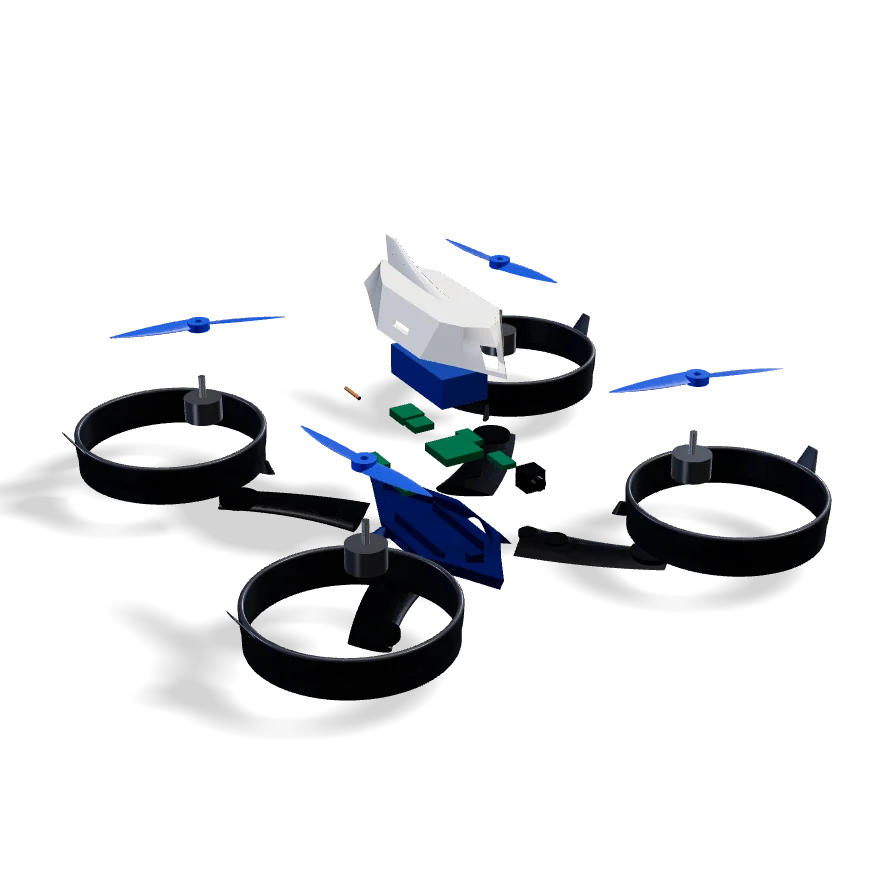
Create a racing drone that looks really cool and aerodynamic
-
Step 2
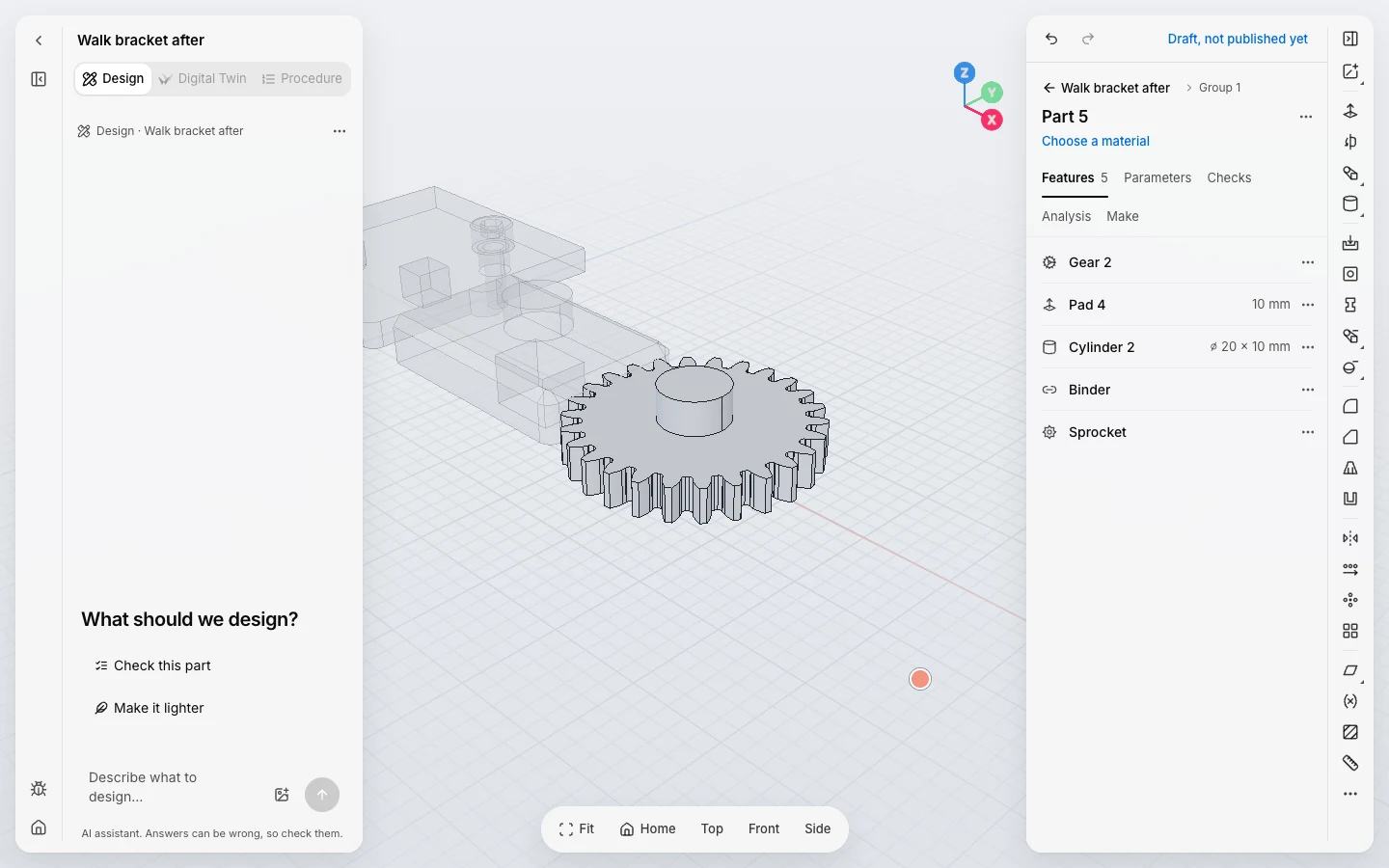
Design it in CAD
Turn the idea into parts with real sizes, joints and materials, and add the parts you will buy.
In TwinWorks: it designs the model with you, and you change anything by hand.
-
Step 3
Check it
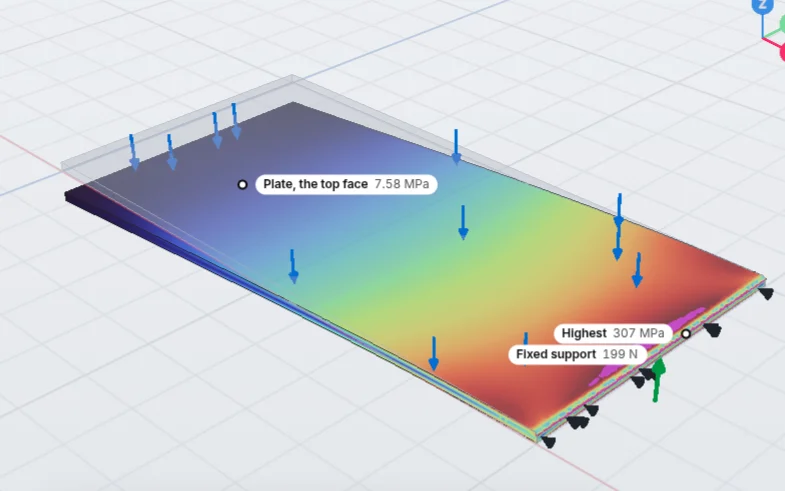
Look for weak spots, clashes and hot spots on the model, while changes are still cheap.
In TwinWorks: stress, vibration and heat checks with FEA software.
You also need: a qualified engineer for anything safety-critical.
-
Step 4
Make the parts
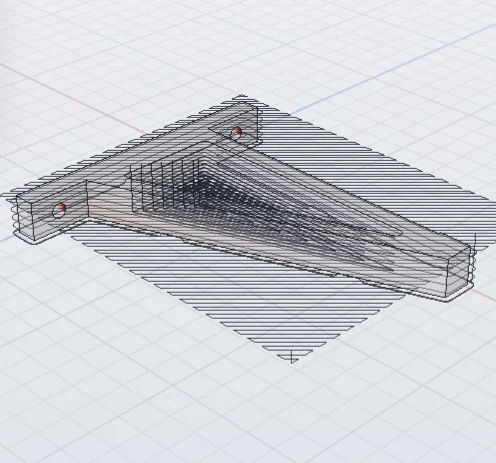
3D print the plastic parts, mill or order the metal ones, and buy the rest.
In TwinWorks: each part’s STL file, a CNC program and every part to buy.
You also need: a printer and slicer, a CNC mill or a machine shop, and suppliers.
-
Step 5
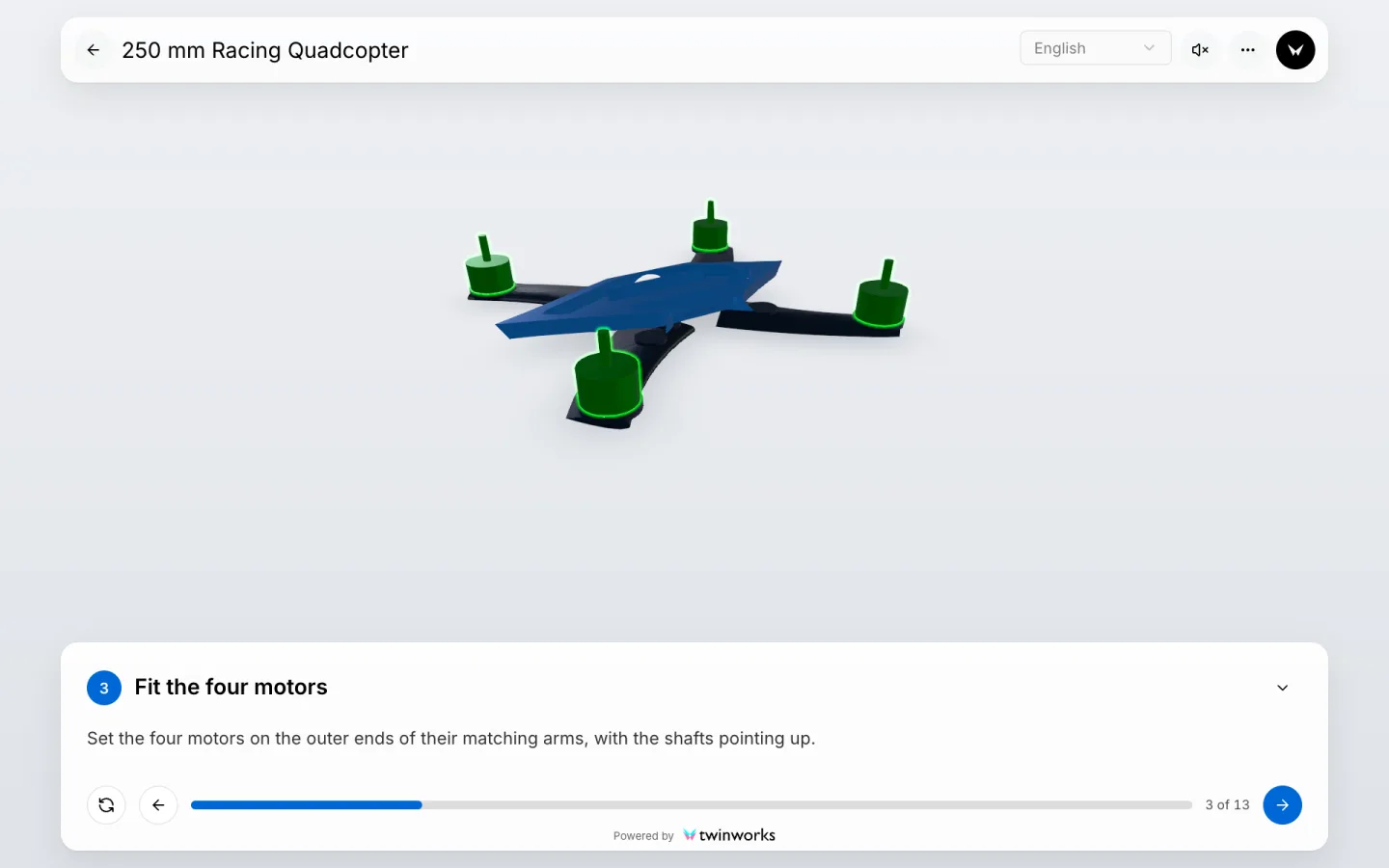
Assemble it
Put it together one part at a time, in the order of a written build guide.
In TwinWorks: a 3D build guide, written with you.
-
Step 6
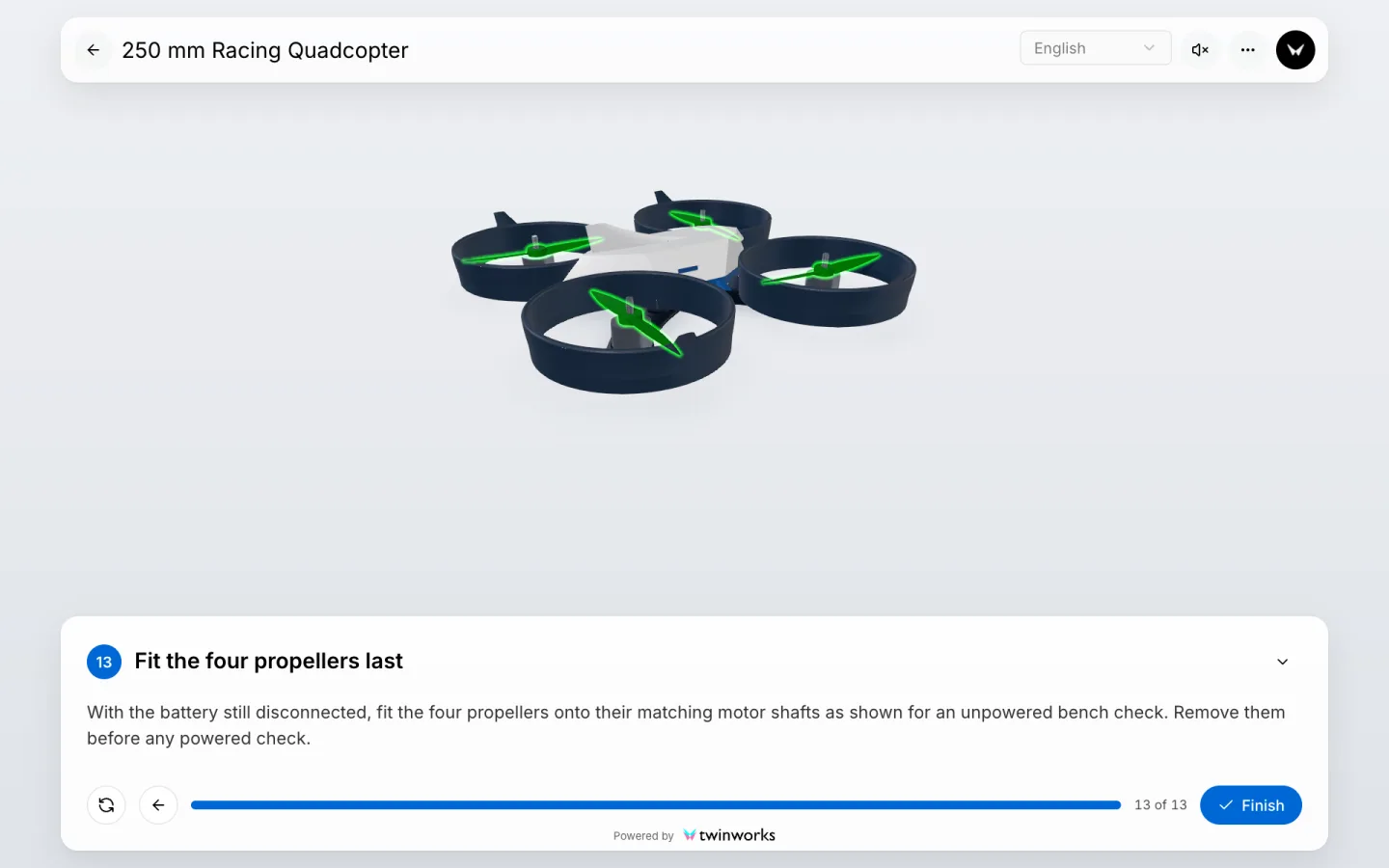
Test it
Check it unpowered first, then test it the way it will be used. Write down everything that fails.
You also need: a bench, meters and a safe place to test. Then change the design and check it again.
-
Step 7
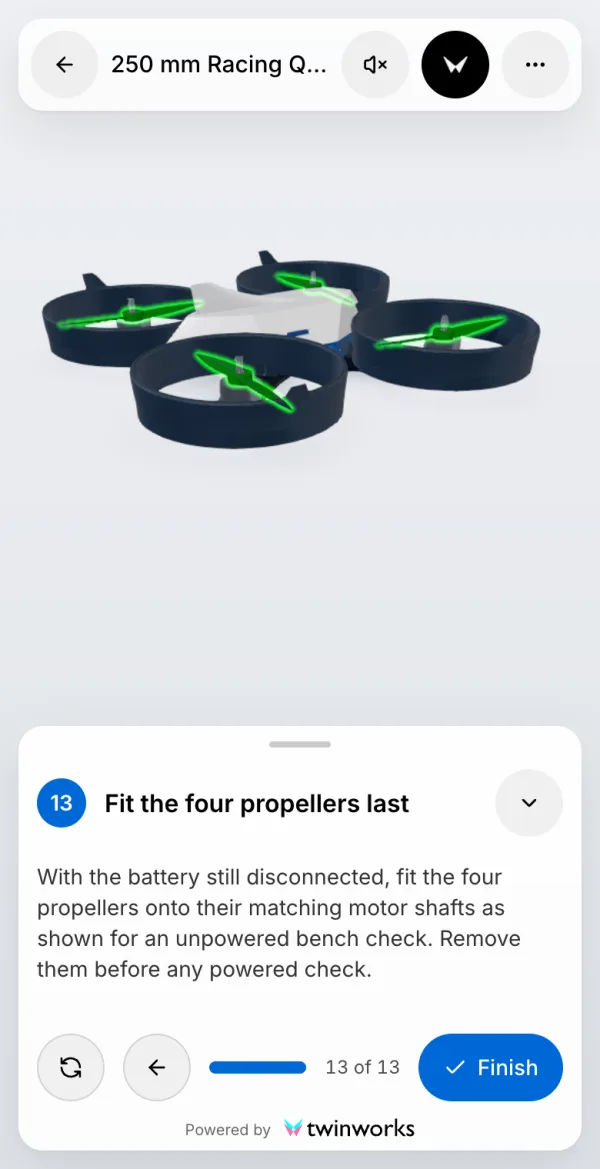
Document it
Record the parts, the build steps and what changed, so you or anyone else can build it again.
In TwinWorks: the parts list and the guide, shared on Community if you want.
What TwinWorks does. What you still need.
TwinWorks covers the design, the checks, the files and the guide. Making, testing and production happen outside it.
| Step | In TwinWorks | Outside TwinWorks |
|---|---|---|
| Describe it | The assistant, from words or pictures | No other tool |
| Design it in CAD | The Design room, with catalogue parts | No other tool |
| Check it | Stress, vibration and heat | A qualified engineer for safety-critical parts |
| Make the parts | Each part’s STL file, a CNC program for GRBL machines, every part to buy with links to find it | A 3D printer and slicer, a CNC mill or machine shop, suppliers |
| Circuit boards | Board layout, by hand | A board maker to make and assemble them |
| Assemble it | The 3D build guide | Your tools |
| Test it | Change the design and check it again | A bench, meters and a safe place |
| Document it | Parts list, build guide, Community page | No other tool |
| Produce it | No ordering or delivery | A manufacturer for batches and volume |
Questions
How do you make a prototype?
Describe what it must do, design it in CAD, check it, make the parts by 3D printing or CNC machining, assemble it, test it and document what you learned. Then change the design and build the next version.
How do I turn an idea into a product?
Build a first prototype to prove the idea works, then improve it over a few versions. When the design is stable, make a small batch with the processes you will use in production, fix what that shows, and only then order in volume.
Do I need to know CAD to make a prototype?
Not to start. In TwinWorks you can describe the part and it designs the model with you, then you change it by hand. You still need to check the sizes, because the AI can be wrong.
Should I 3D print or CNC machine my prototype?
3D print plastic parts to test shape and fit quickly. Machine parts on a CNC when they must be strong, precise or metal. Most prototypes use both, plus bought parts like screws, bearings and motors.
What is hardware prototyping?
Hardware prototyping is building early physical versions of a product to test how it looks, fits and works before you make it in quantity. Each version should answer one question, such as whether it fits, holds its load or survives use.
How do I find a manufacturer for my prototype?
Send several shops the same package: a STEP file for each part, the material, the finish and the quantity. Compare prices and lead times, and ask what they would change to make the part easier to make.
Can TwinWorks make or order my parts?
No. TwinWorks gives you each part’s STL file, a CNC milling program, the list of parts to buy with links to find them, and the build guide. You print, machine or order the parts yourself, or through a manufacturer.
What are EVT, DVT and PVT?
EVT, DVT and PVT are the three test builds of a hardware product before mass production. EVT checks that the engineering works, DVT checks that the final design meets its requirements, and PVT checks that the production line can build it reliably.
Start your prototype.
Describe it in one sentence. TwinWorks designs it with you.
Updated