Free tools
Free tools for technical documentation.
Explode a STEP file, download a template and get your machine instructions ready for 2027. In your browser, with no account.
Animate · STEP and STP files
See how it all fits.
Drop an assembly up to 100 MB. Watch it come apart, then move, and download the MP4.
Open Animate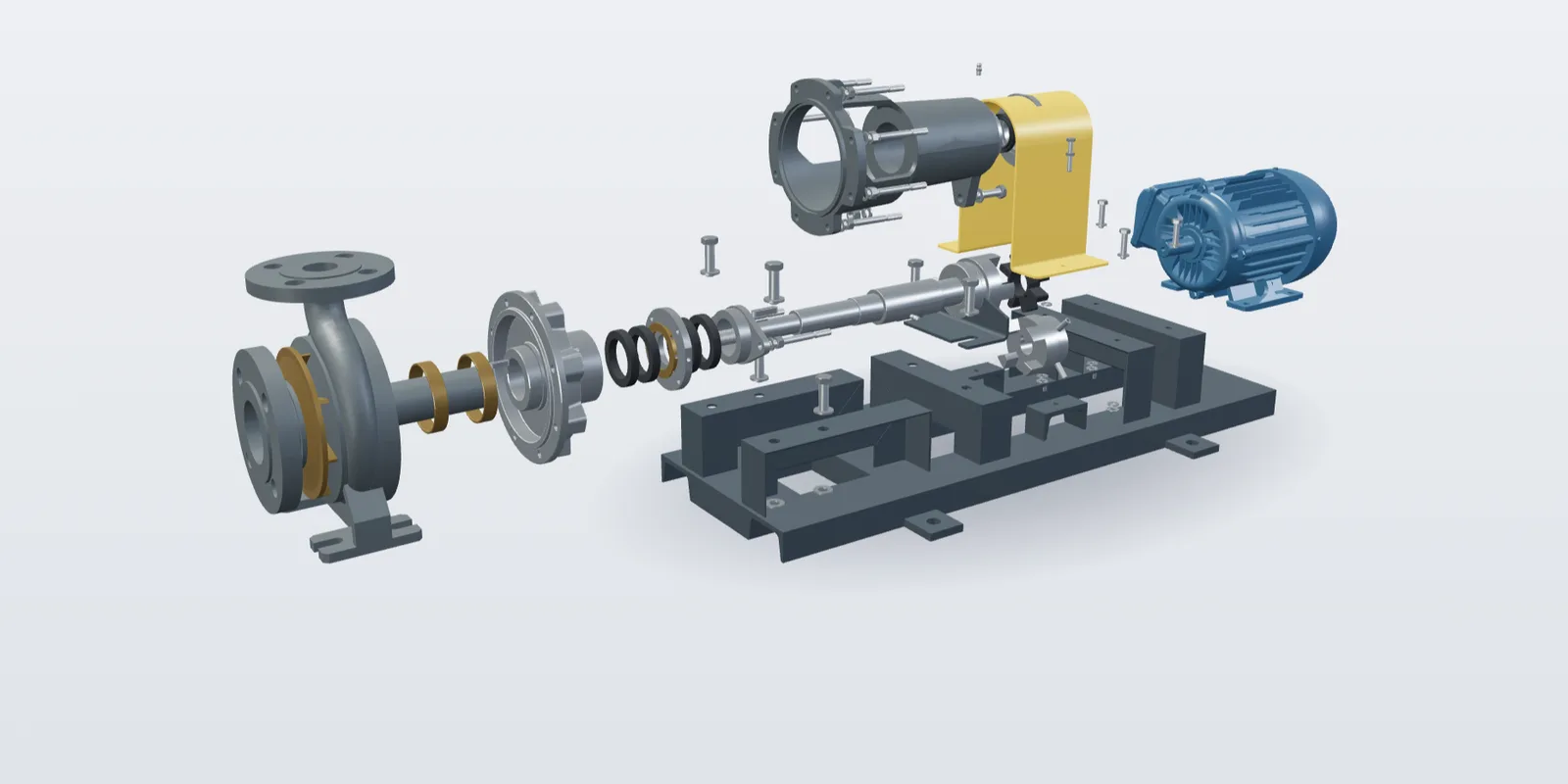
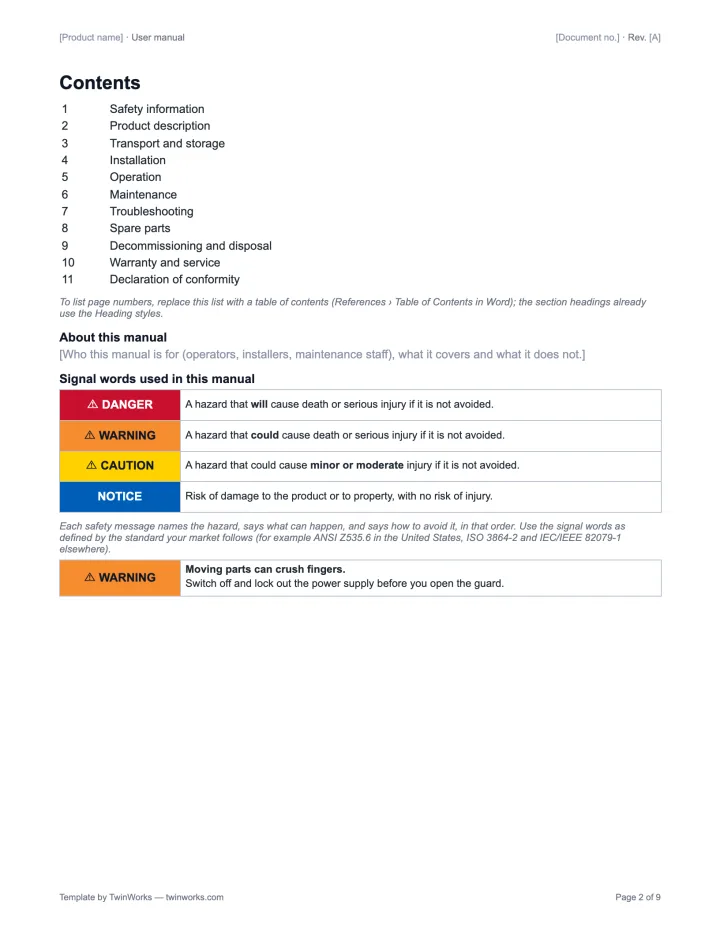
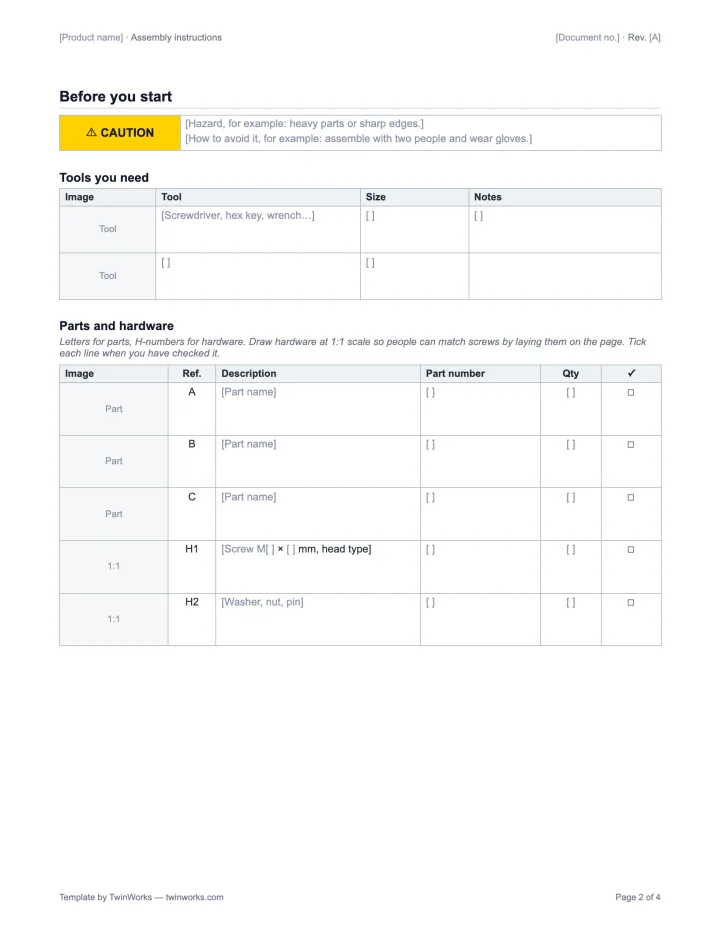
Templates · Word and Excel
The templates engineers actually use.
SOP, work instruction, user manual, assembly instructions, training manual and bill of materials.
Browse the templates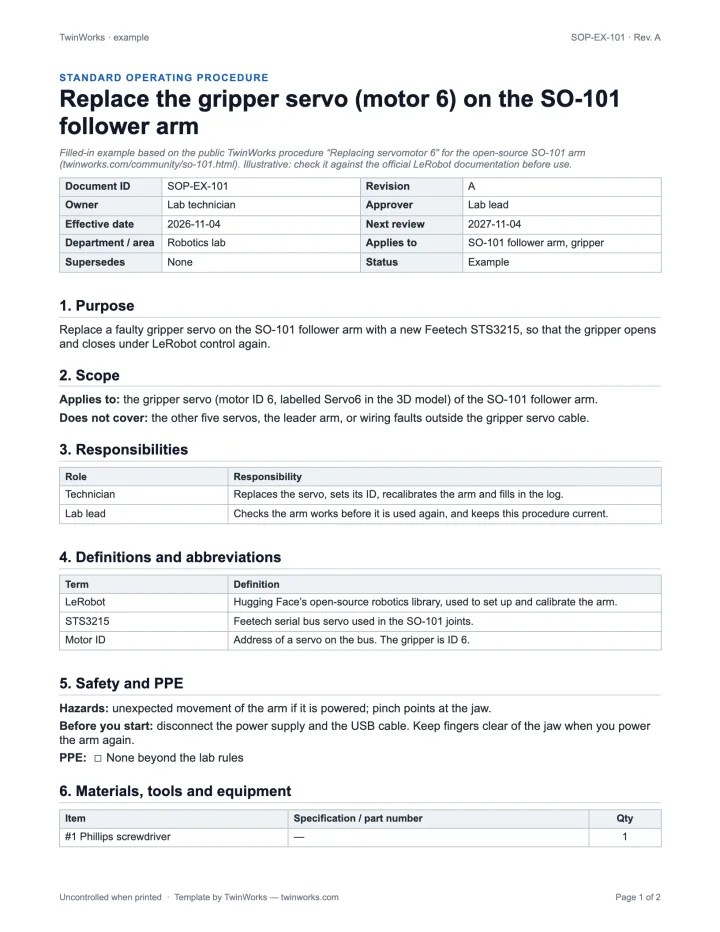
Checklist · Regulation (EU) 2023/1230
Ready for the Machinery Regulation.
What your instructions must contain, on paper and online.
Build your checklistCommunity · free 3D guides
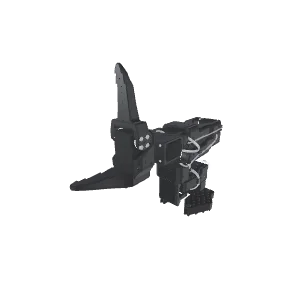
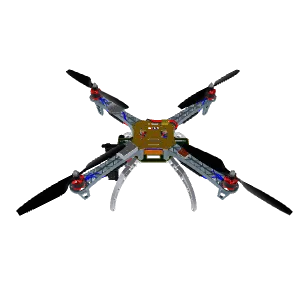
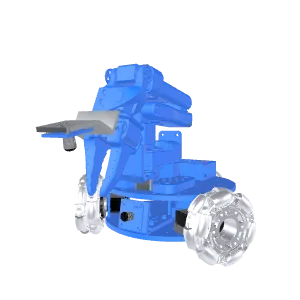
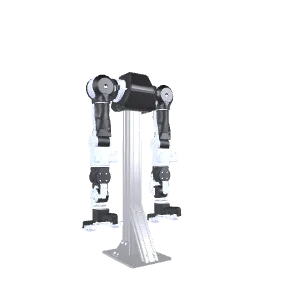
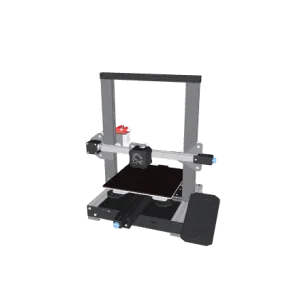
Real machines, explained in 3D.
Step-by-step guides for robot arms, drones, 3D printers and more.
Open the guides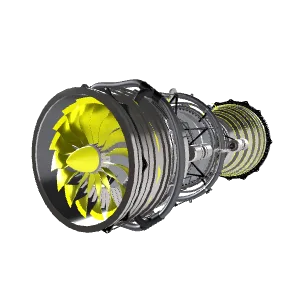
Starter kit · PDF
Plan your documentation set.
Five choices, then a structure, worksheets and two examples.
Get the starter kit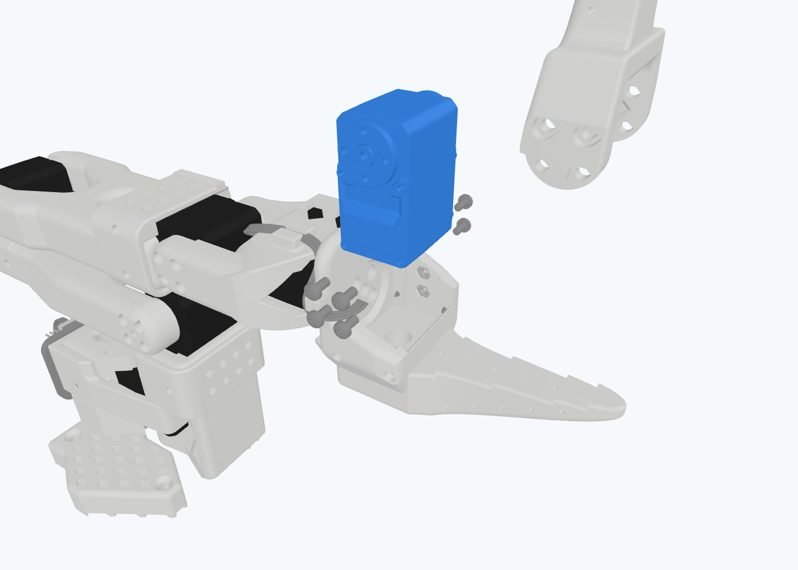
One job, one tool.
- Show how an assembly comes apartAnimateSTEP file in. 3D view and MP4 out.
- Write an SOP, work instruction or manualTemplatesWord and Excel files, ready to edit.
- Prepare instructions for the EU Machinery RegulationChecklistA few answers in. A PDF out. Nothing is sent.
- See what a finished 3D guide looks likeCommunityPublic guides that open in a browser.
- Plan a documentation setStarter kitFive choices and an email. A PDF out.
Questions
What free tools does TwinWorks offer?
TwinWorks offers five free tools for engineers and technical writers. Animate explodes and animates a STEP or STP assembly up to 100 MB in your browser. The template library has SOP, work instruction, user manual, assembly instruction, training manual and bill of materials templates in Word and Excel, in English and French. The Machinery Regulation checklist lists what a machine's instructions must contain from 20 January 2027. The Community library has free public 3D guides for open hardware. None of them needs an account.
Are the TwinWorks tools really free?
Yes. Animate, the templates, the Machinery Regulation checklist and the Community guides are free and need no account. Animate asks for an email only to send a share link and QR code.
What happens to my STEP file in Animate?
Your STEP file stays on your computer. Only the display model is uploaded. It stays private until you share it, and models are never used to train AI.
Can I use the templates for my company's documents?
Yes. Download them, change them and use them for your own products and procedures, without asking us. Each file carries a small TwinWorks credit in its footer that you can remove.
Are the tools available in French?
Yes. Every page has a French version, and each template can be downloaded in English or French.
Need the whole manual?
TwinWorks drafts manuals from your PDF and Word files and builds 3D work instructions on your models. Your experts approve every release.
Or have it written for you: technical writing services.
The Free plan costs €0, needs no credit card and starts with 500 AI credits.
Updated