AI technical documentation
Technical documentation software that keeps up with your engineering.
Draft manuals from your PDFs and engineering data, and add a 3D model for visual instructions. Your experts approve every release.
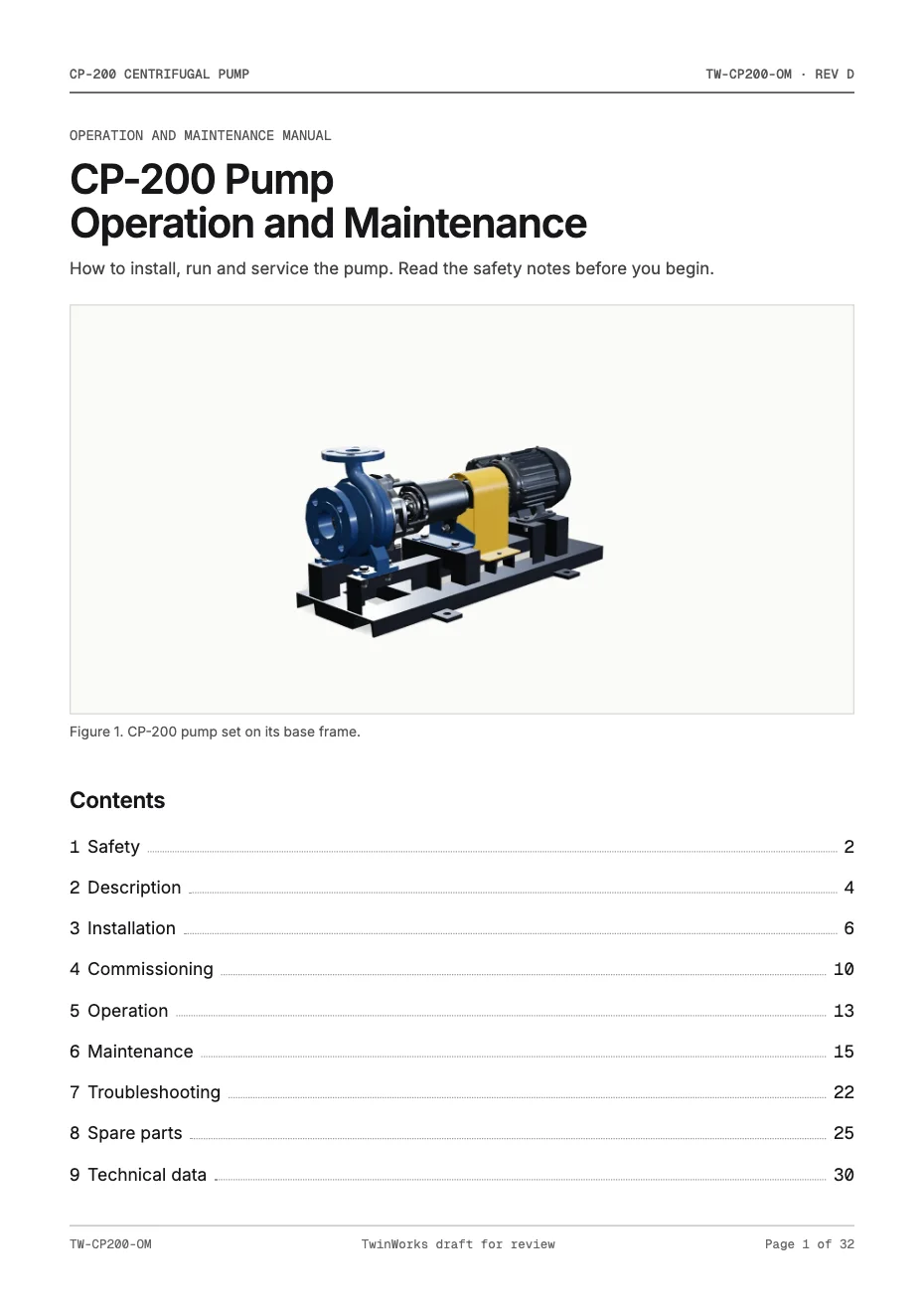
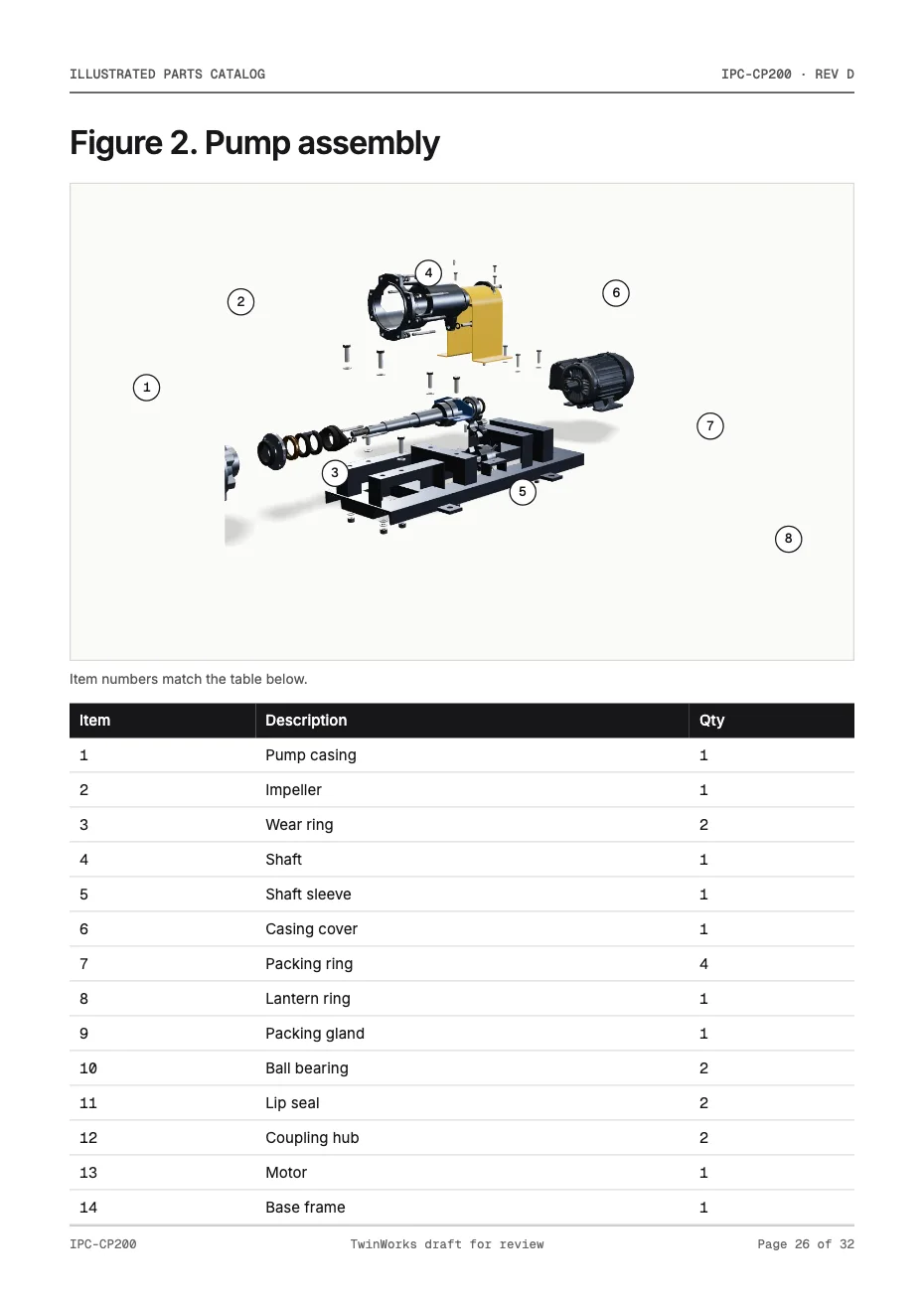
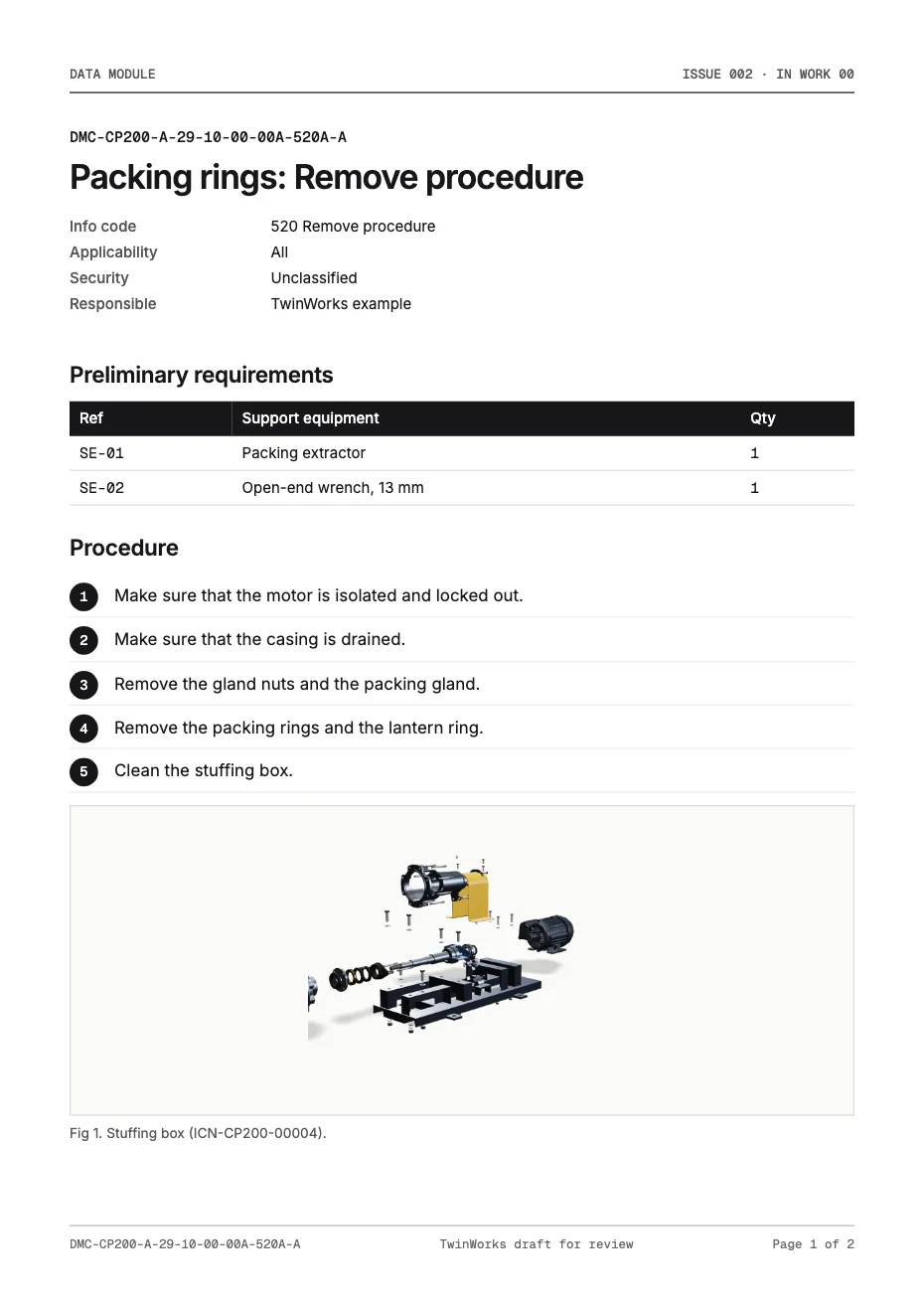
One product. Every document it needs.
Manual, work instruction, parts catalog, drawing and S1000D data module, from one approved source.
Bring what you have. Keep what your experts know.
Import PDF and Word manuals into editable drafts. Add 3D models, schematics, narrated video, code and expert notes.
- ManualsPDF and Word, imported as editable drafts.

- 3D modelsGLB, FBX, OBJ, USDZ. STEP in beta.
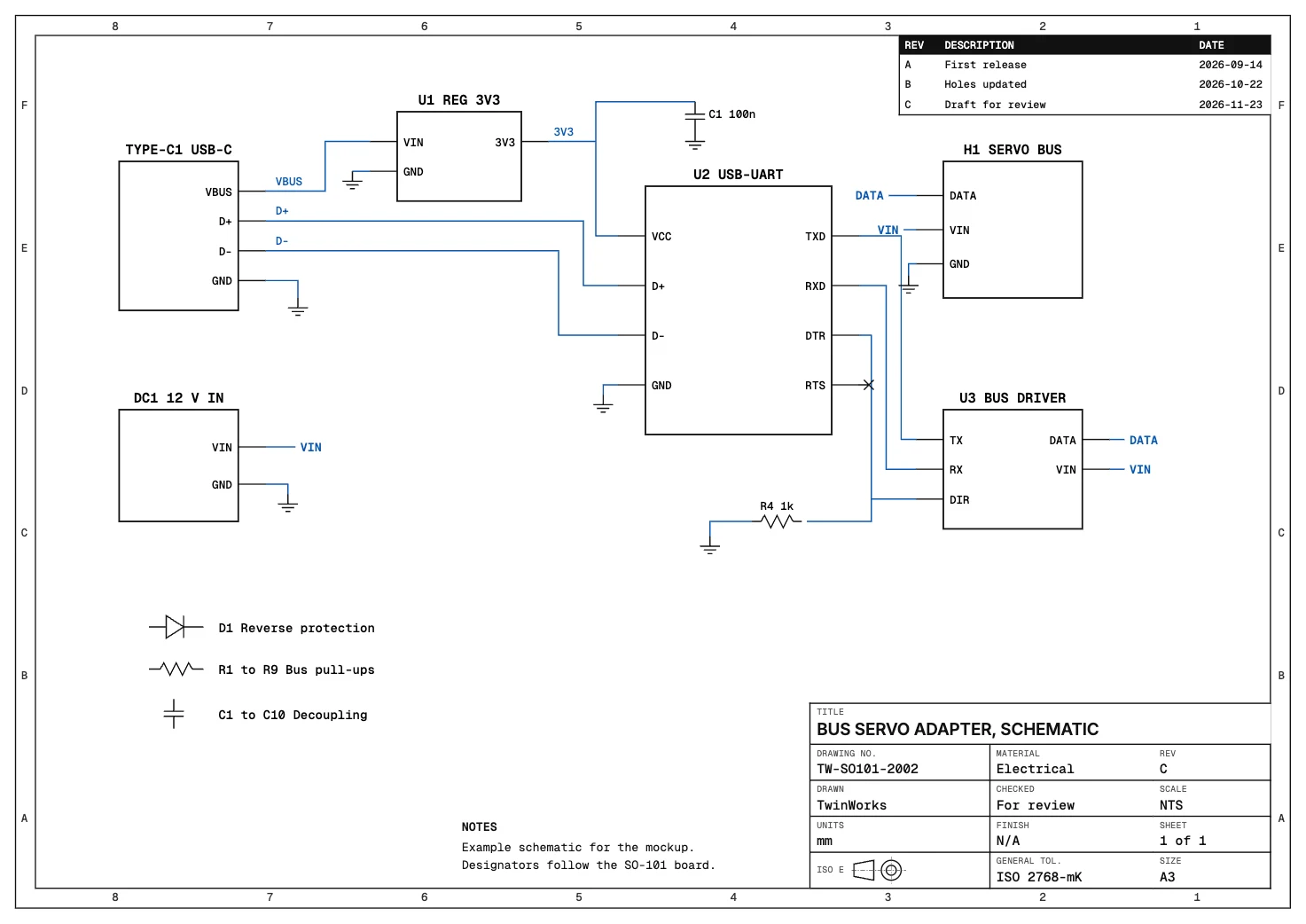
- SchematicsKiCad, Eagle and QElectroTech.
- Expert know-howNotes, narrated video and code repositories.

AI drafts. Your experts approve.
Every block keeps a link to its source. Reviewers comment, request changes and approve each revision.
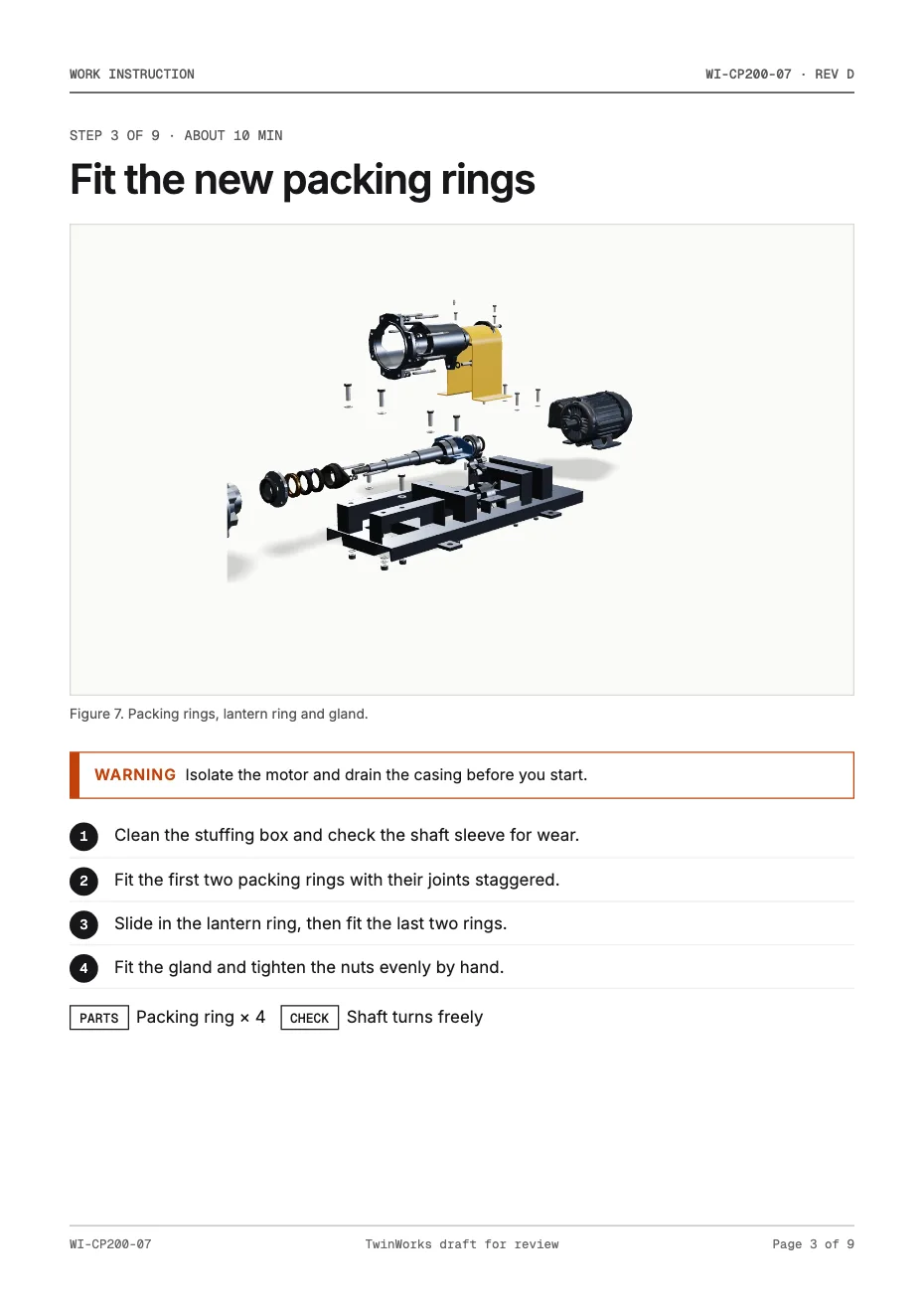
- Drafted from the CP-200 manualSource linked on every block
- 2 comments from the reviewerTorque value to confirm
- Approved, revision DReady to publish
- Connect Manuals, 3D models, schematics and expert notes.
- Draft Review-ready drafts, each block linked to its source.
- Review Experts comment, request changes and approve.
- Publish Web viewer and PDF, public or private.
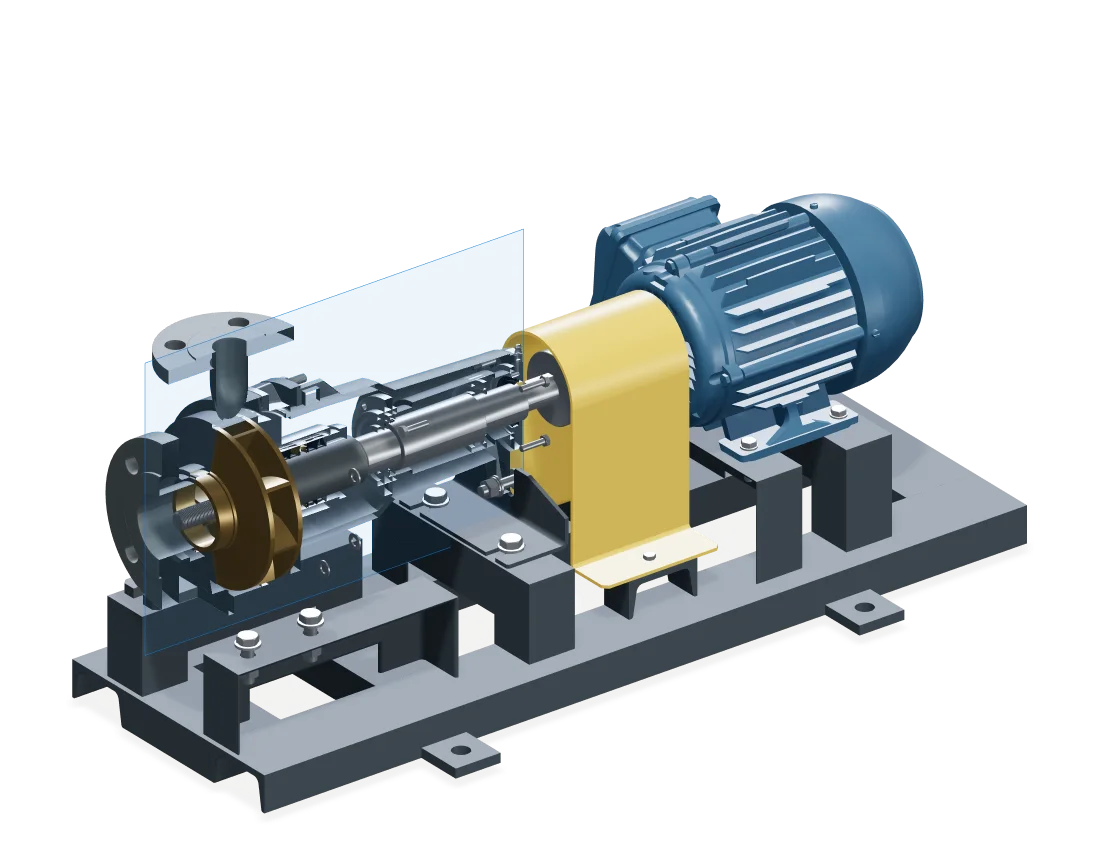
Drawings from your 3D model. Views, callouts, dimensions.
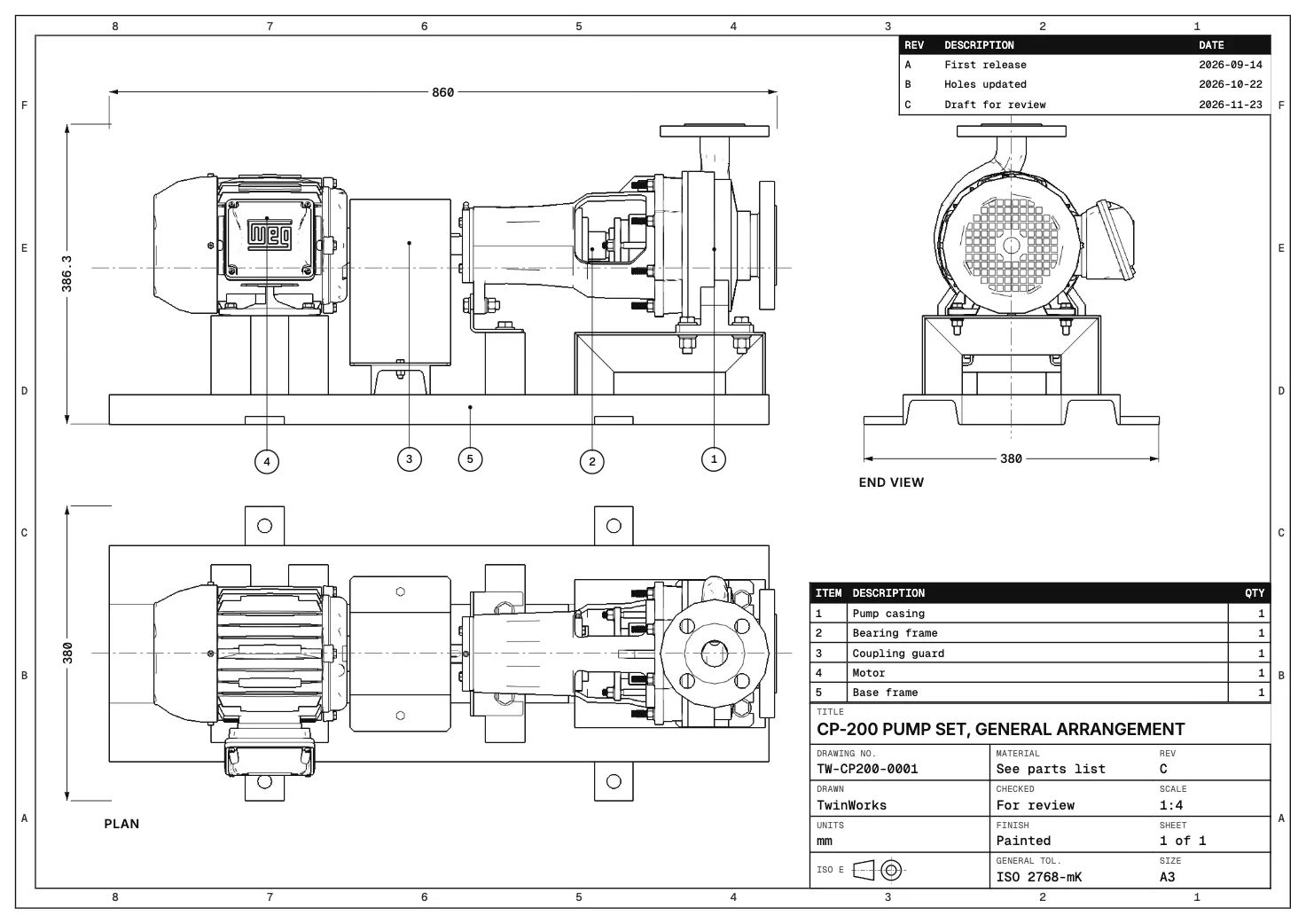
The assistant adds shaded views or technical line drawings of your model to the manual, exploded or isolated. Authors review every one.
Change a part once. Every document it touches changes with it.
TwinWorks finds the content linked to the changed part and flags it for review. Nothing is published until your experts approve.
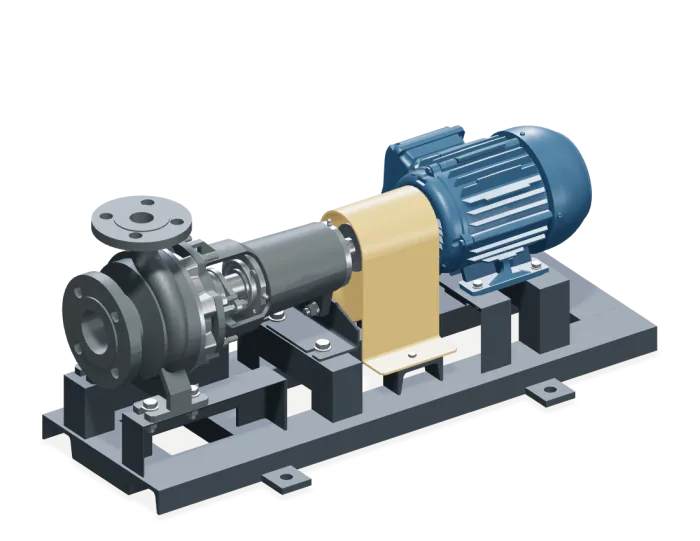 Rev C Painted guard
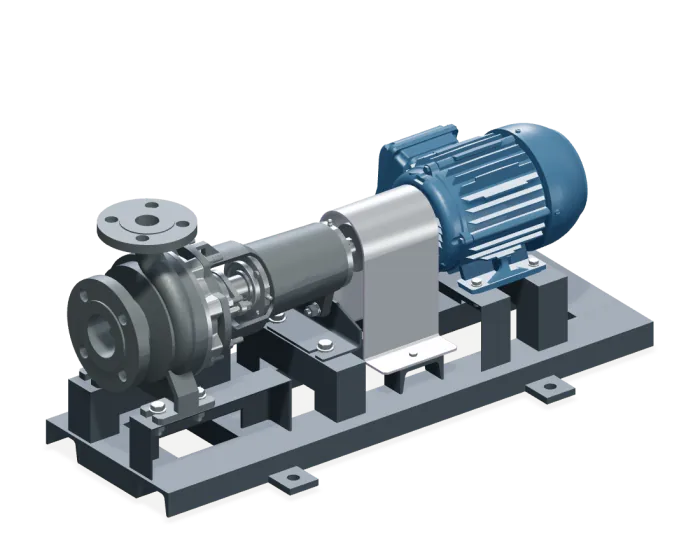 Rev D Stainless guard
Where this part is used4
- Maintenance manualSection 4.2, coupling inspectionApproved
- Parts listItem 01, coupling guardApproved
- Work instructionSteps 1 and 3Approved
- Training moduleLesson 2In review
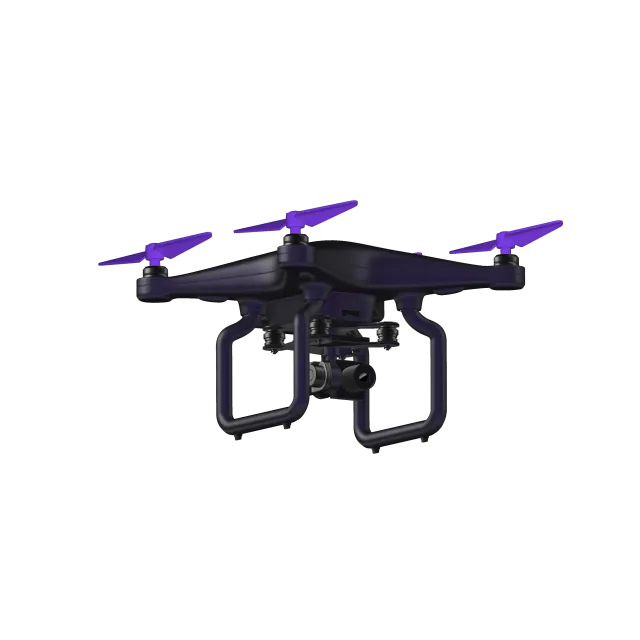
Technical documentation samples. A pump or a racing drone.
If it has a 3D model and parts to explain, it gets the full set.
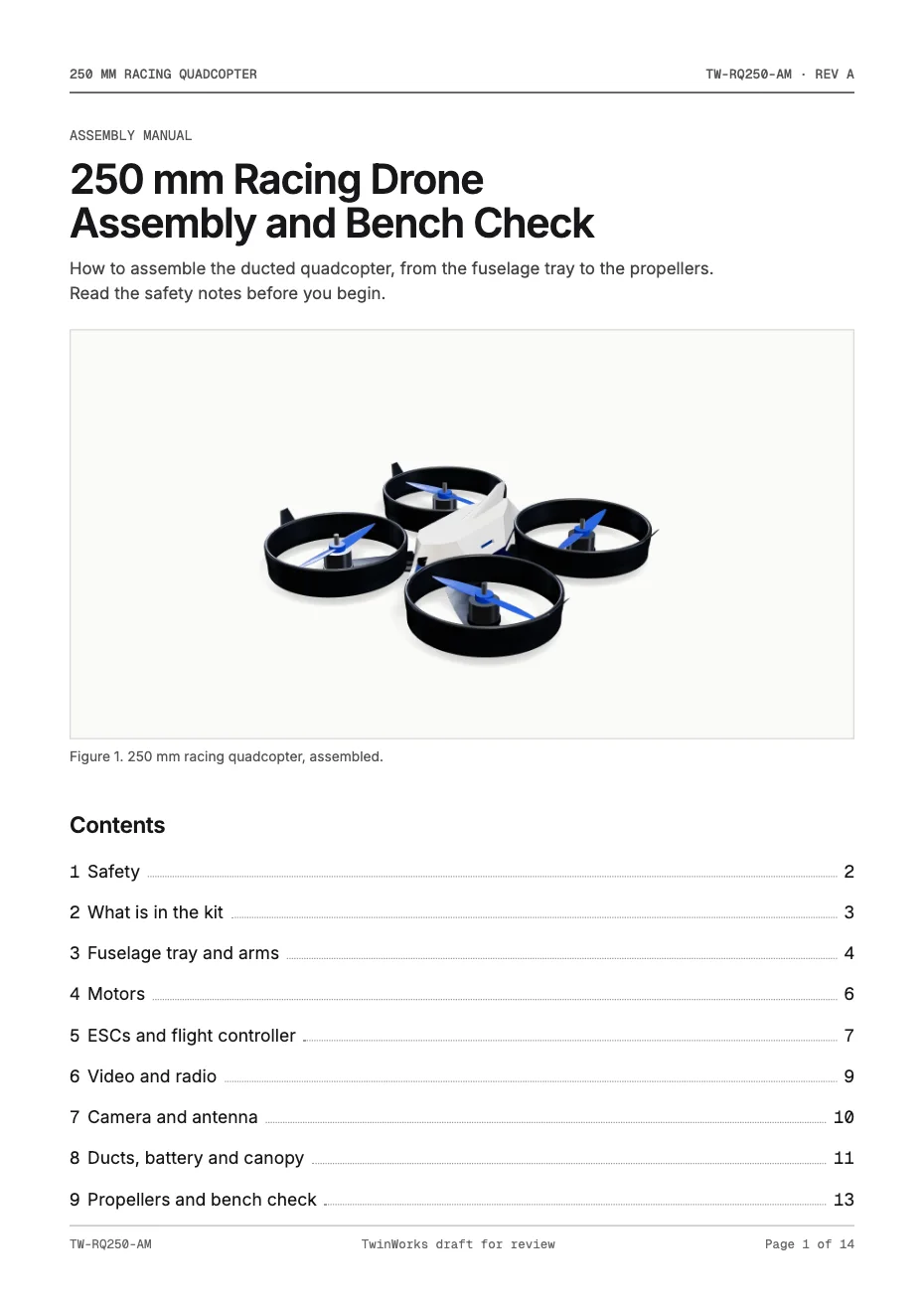 Manual
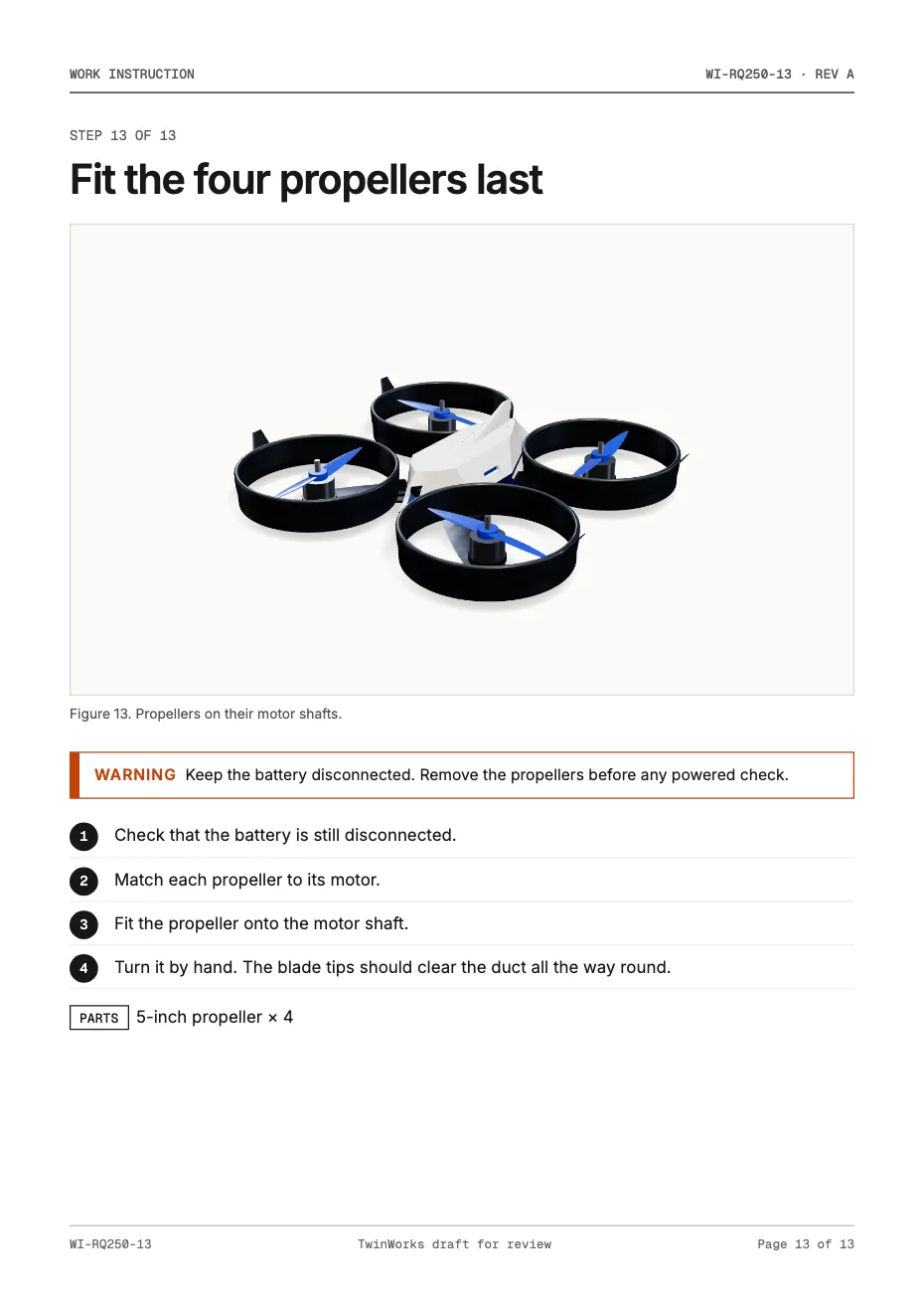 Work instruction
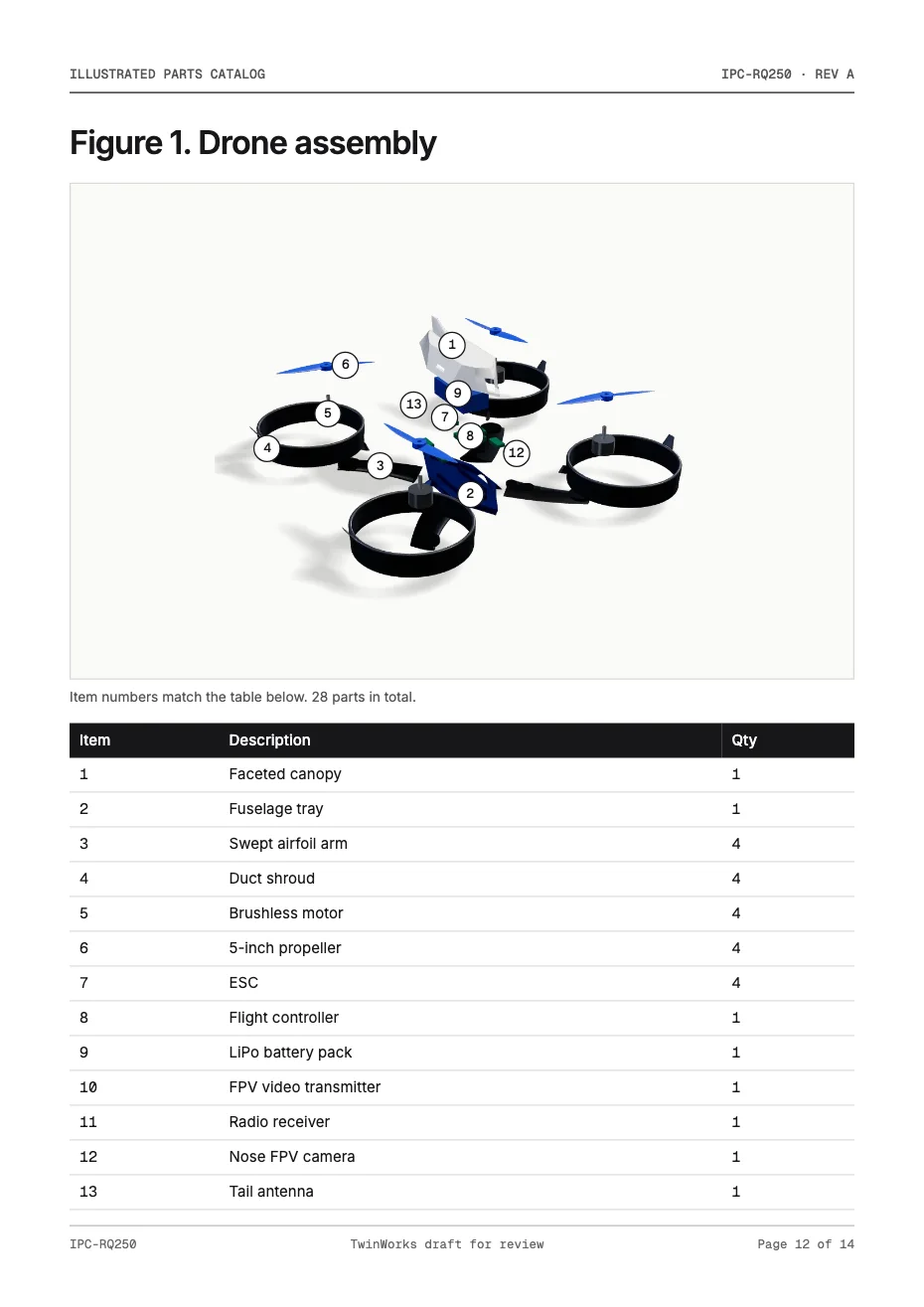 Parts catalog
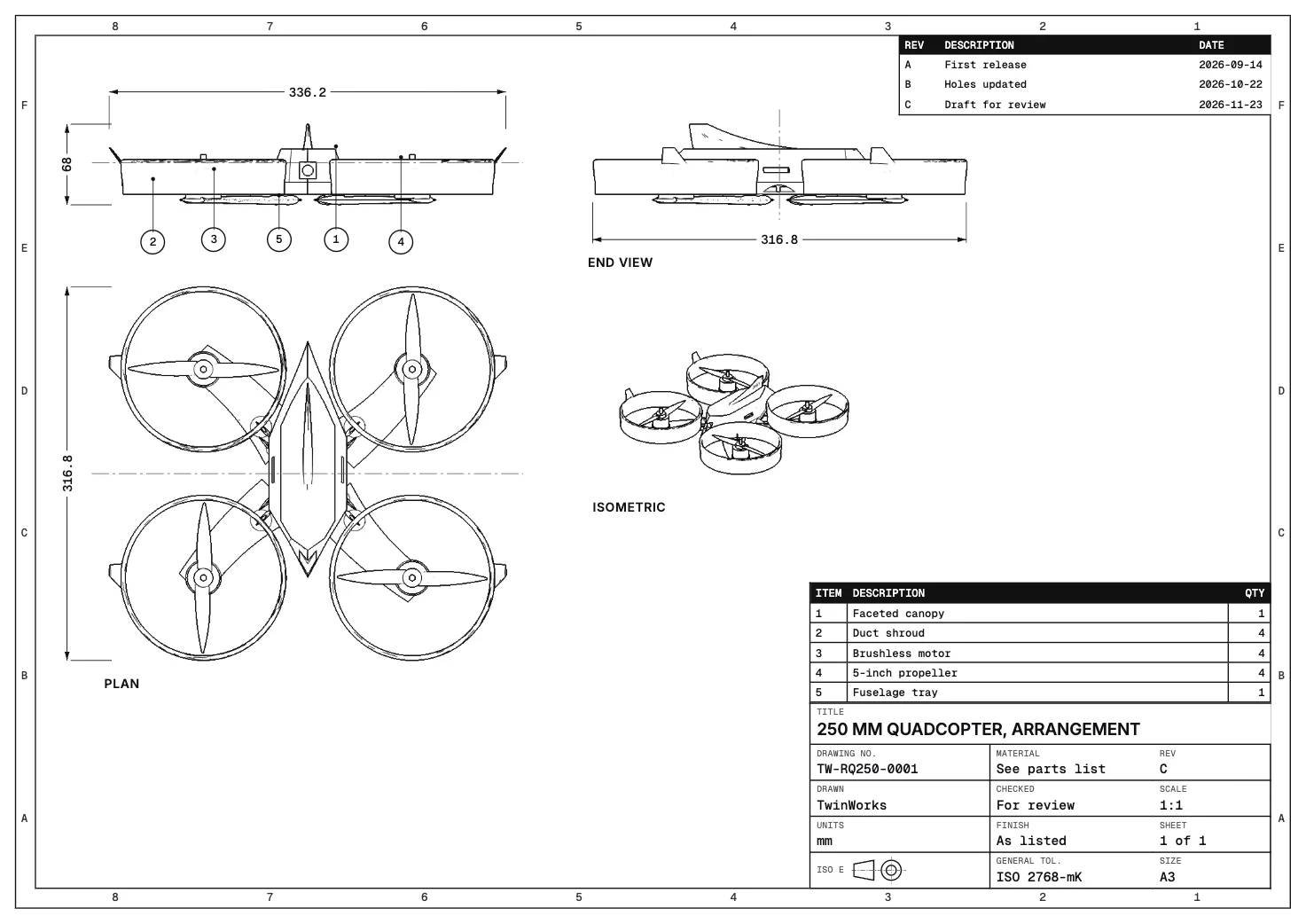 Drawing
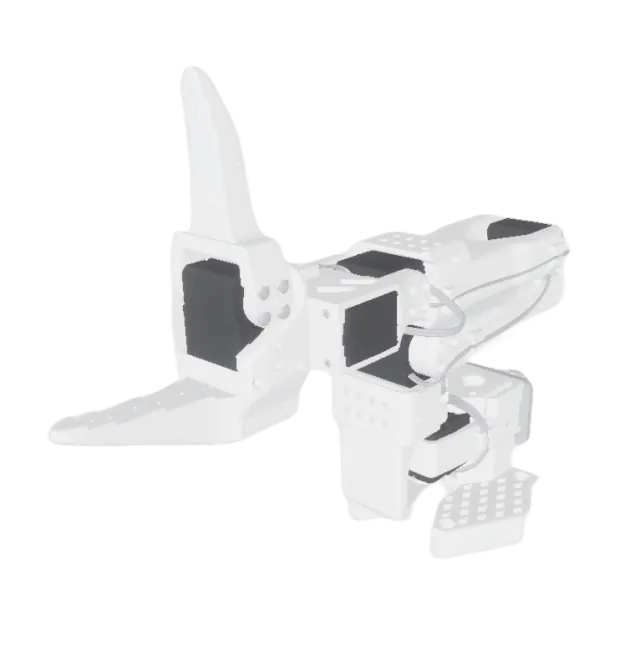
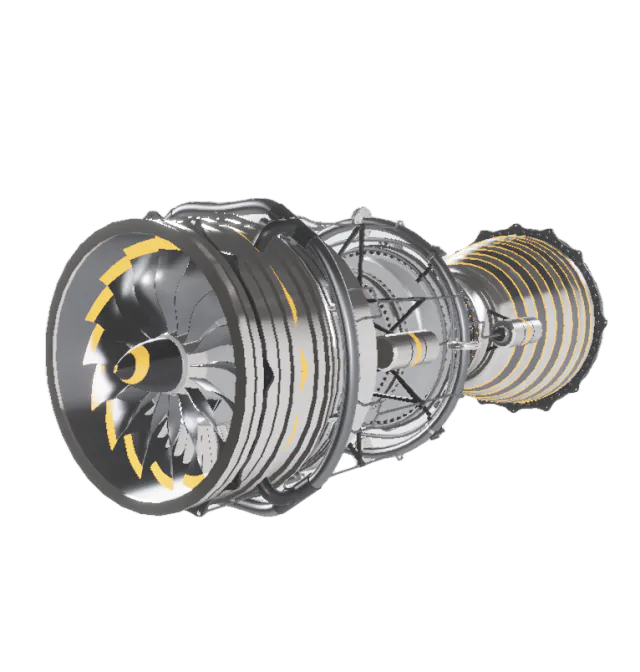
Built where documentation is mission-critical.
One source. Not three tools.
A CCMS for manuals, an app for shop-floor steps, generic AI for drafts. TwinWorks connects all of it to the engineering data behind the product.
| Capability | Traditional CCMS | Work instruction app | Generic AI | TwinWorks |
|---|---|---|---|---|
| Structured technical publications | ✓ | Limited | Limited | ✓ |
| Interactive work instructions | Limited | ✓ | Limited | ✓ |
| 3D and engineering inputs | Integration-heavy | Limited | Uncontrolled | ✓ STEP in beta |
| Shows the pages a change affects | Sometimes | Rarely | No | ✓ |
| Review and approval | ✓ | Sometimes | No | ✓ |
| Training from the same content | Limited | Sometimes | No | ✓ |
| Execution reports | Limited | ✓ | No | ✓ |
Comparing tools by name? See TwinWorks vs Paligo, Arbortext, Cortona3D and Dozuki, or all comparisons.
Go deeper. One page per document.
- Write and publish manualsTechnical writing softwareDraft, review, publish
- The manual that ships with a machineUser manual softwareWeb and PDF
- Step-by-step instructionsWork instruction softwareLink or QR code
- Standard proceduresSOP softwareDraft, approve, publish
- Start from your CADCAD to work instructions3D steps you review
- Aerospace and defenseS1000D data modulesDescriptive and procedural
- Parts list from a STEP fileFree parts catalog and BOMNo account
- EU machinery rulesMachinery Regulation 2027What changes for manuals
Questions
What is technical documentation software?
Technical documentation software helps companies create, manage and deliver the documents that describe how a product is built, operated and maintained: manuals, work instructions, SOPs, parts catalogs and training material. TwinWorks uses AI to prepare review-ready drafts from linked manuals and parsed engineering data. Experts edit, review, approve, version and publish each revision.
What is AI technical documentation?
AI technical documentation means using AI to prepare drafts, suggestions and figures from the sources you already have, while people stay responsible for the content. In TwinWorks, the assistant drafts and suggests; reviewers apply or dismiss its suggestions and approve every revision. Nothing approves itself.
What sources can TwinWorks work from?
Existing PDF and Word manuals, imported into editable drafts. 3D models in OBJ, FBX, GLB, self-contained GLTF and USDZ, and STEP or STP files in beta. Schematics from KiCad, Eagle and QElectroTech, narrated video, connected GitHub or GitLab repositories, and what your experts write down. Each source contributes only the facts it contains; authors supply the rest.
Does the AI publish documents on its own?
No. TwinWorks prepares drafts and suggestions. Your experts comment, request changes and approve a new revision before anything is published.
Can TwinWorks add drawings of the product to a manual?
Yes, when the product has a 3D model. The assistant adds views of the model to a manual: shaded or as technical line drawings, exploded or isolated, with callouts and dimensions measured in the viewer. Authors review them in the draft. TwinWorks does not check drawings against drafting standards such as ISO or ASME.
Does TwinWorks export S1000D?
Yes. TwinWorks exports descriptive and procedural S1000D data modules next to its web and PDF publications. It does not claim S1000D or BREX conformance. Tell us which issue and business rules you work to, and we will check the setup with you.
Can it show what a design change affects?
Yes. When a part changes, TwinWorks finds the content linked to it through established relationships and flags it for review. It does not rewrite or republish documents on its own.
Is technical documentation software the same as technical writing software or user manual software?
They overlap. Technical writing software is the authoring tool. User manual software covers the manuals that ship with a product. Technical documentation software covers all of a product’s documents, from manuals and work instructions to parts catalogs, with their review, publication and revisions.
Which industries is TwinWorks built for?
Industrial manufacturers whose documentation is mission-critical, such as aerospace and defense, machinery and equipment, robotics and energy. Its workflows center on structured content, expert review and revision history.
How do people open the published documentation?
In the TwinWorks web viewer, in a browser, from a link or a product QR code. Manuals can also be published as PDF files to download, print and save.
Start with one product.
Bring a manual and a 3D model. See the drafts your experts would review.
Updated