Web-based augmented reality
Augmented reality work instructions.
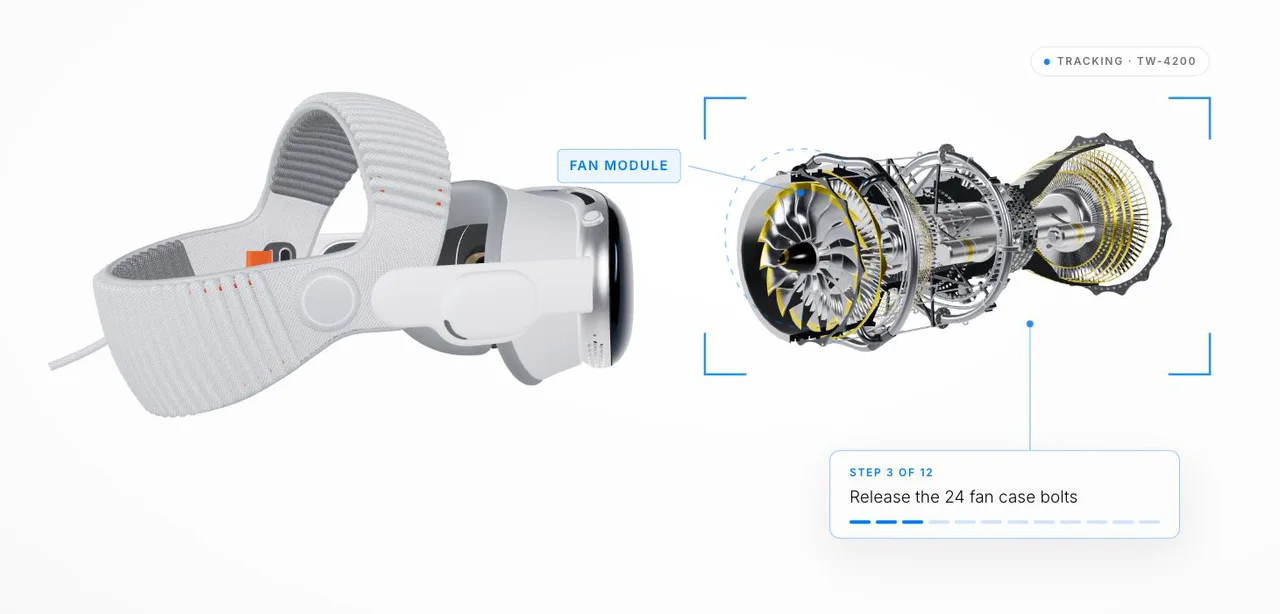
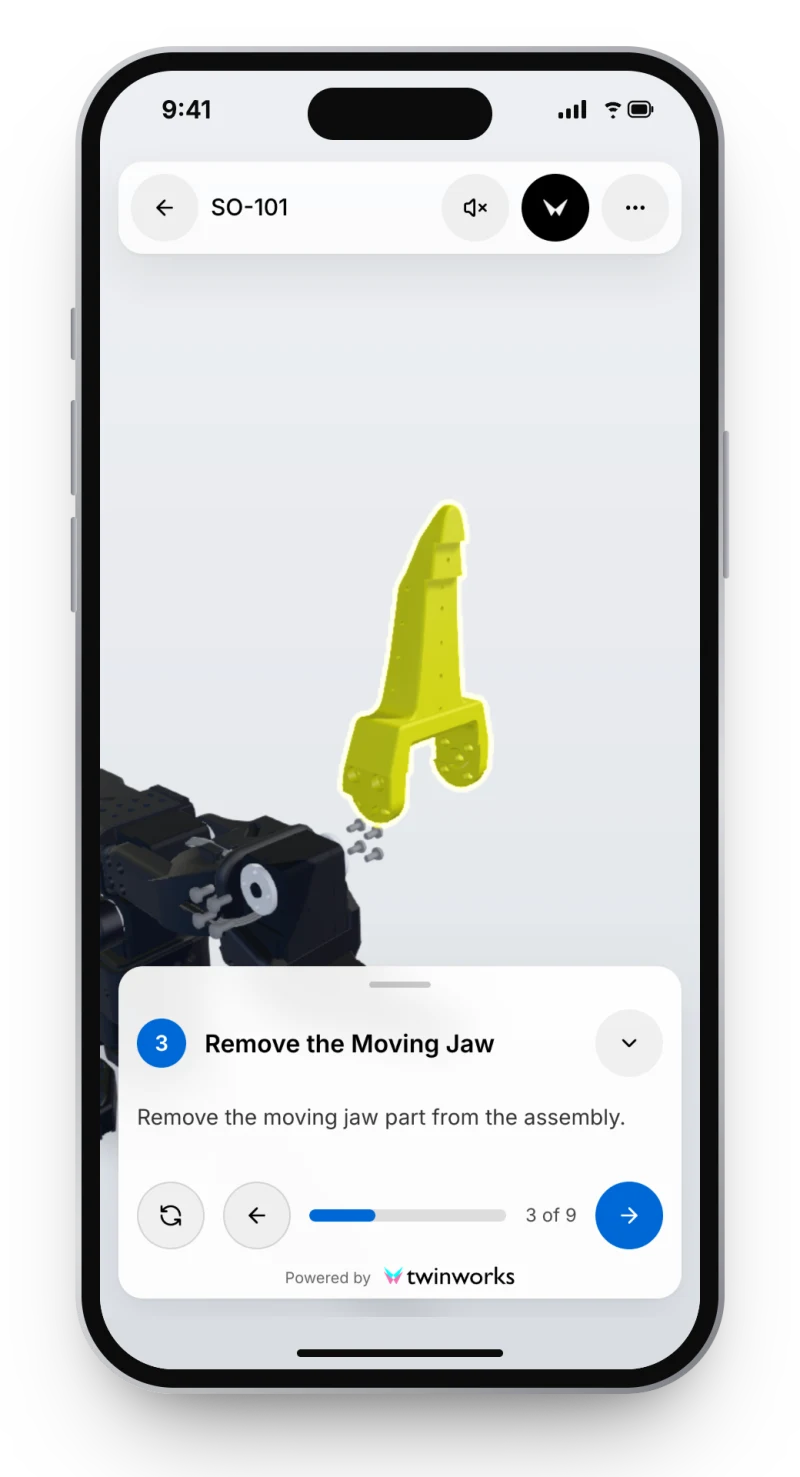
Each step appears on the real machine: the part, the action, the next step. Web-based: it opens in the browser, with no app to install.
- Open it in the browser. Scan the QR code or tap the link. No app to install.
- Line up. Move the 3D model over the engine, then tap Track.
- One step at a time. The parts for each step are highlighted on the engine.
- Follow it through. Seventeen steps, from the spark plugs to the new piston rings.
On the machine. Not in a binder.
Training
Learn on the real part.
New technicians follow each step where it happens.
Training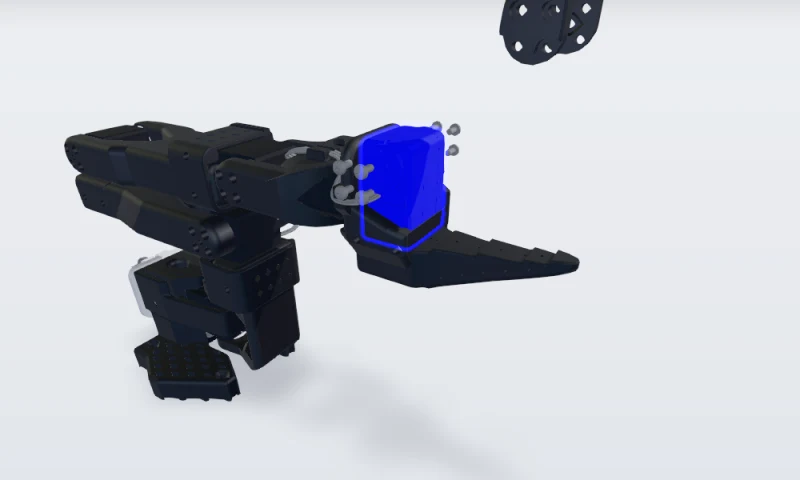
Maintenance
See what comes off first.
The parts of the step are shown in place, in order.
Maintenance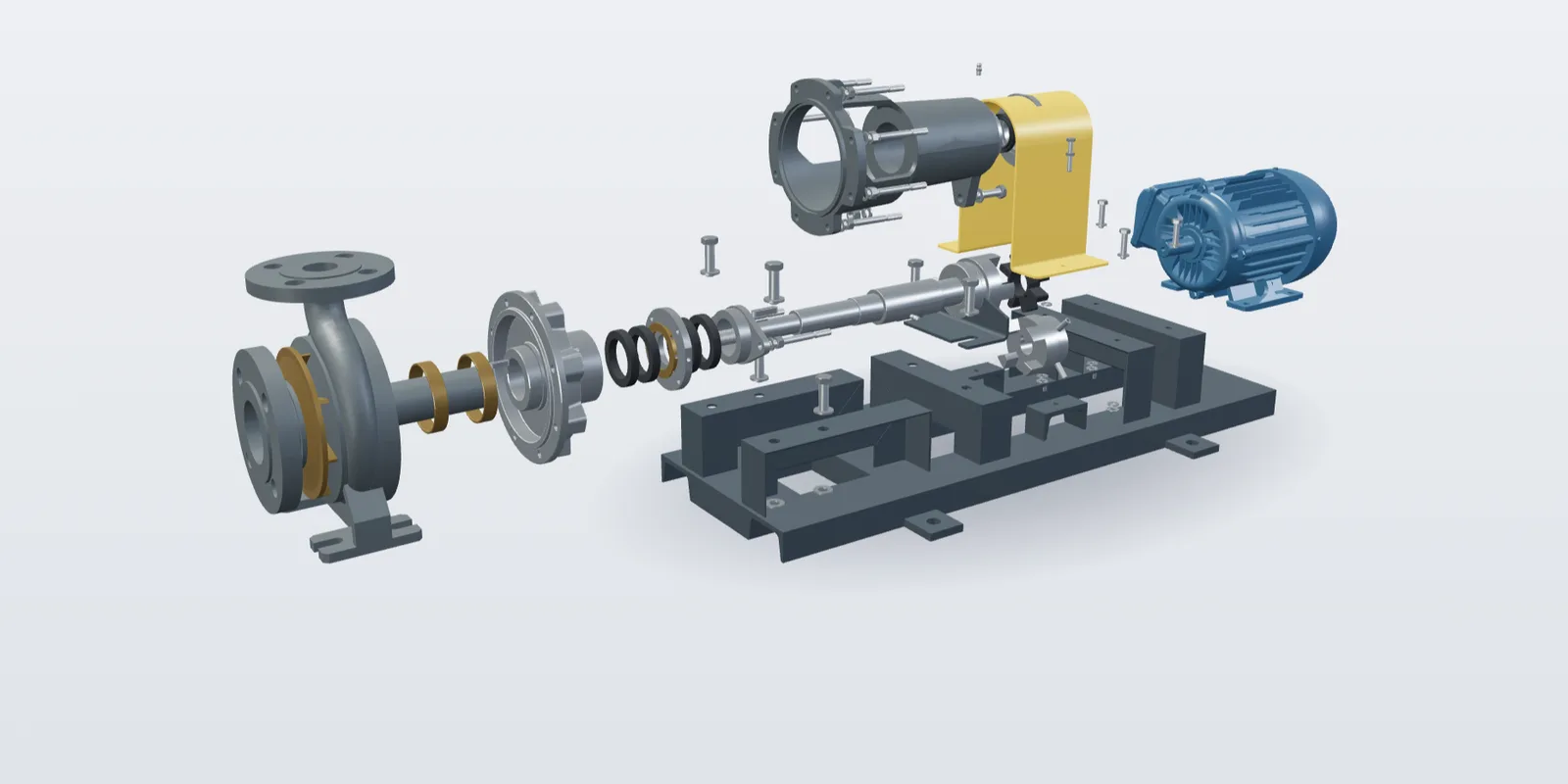
Assembly
Build it right the first time.
Each part, its position and its fasteners, step by step.
Assembly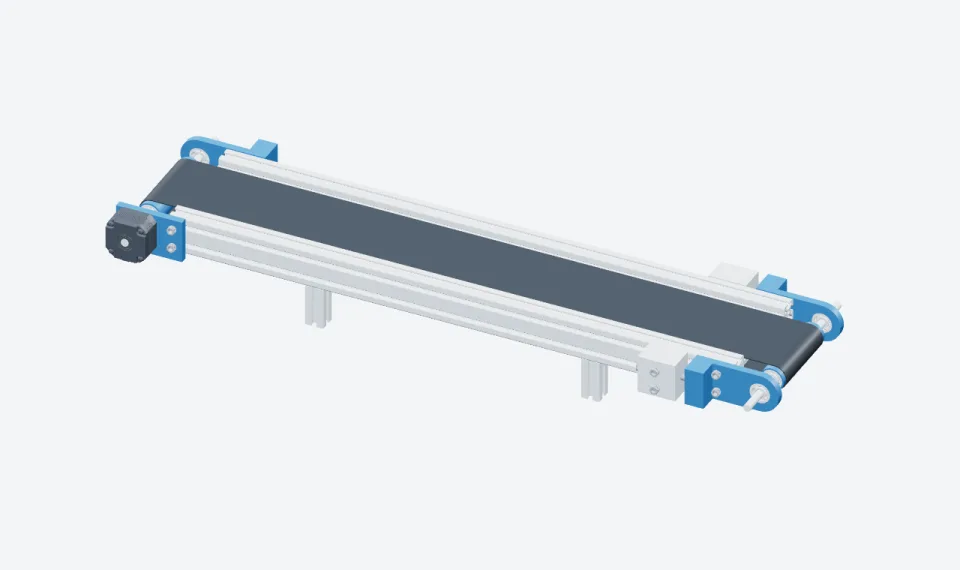
One procedure. Four steps to AR.
AR guidance uses a prepared 3D procedure, a tracking and alignment setup, and supported viewing conditions.
- Author the procedure Build the 3D procedure in TwinWorks. Your experts review and approve it.
- Prepare the tracking Set up tracking and alignment for your machine, from its 3D model.
- Open it on the device On Apple Vision Pro, iPhone and iPad, Android, or a supported browser.
- Follow on the machine The parts and actions of each step appear on the machine itself.
Your device. Your machine.
We confirm the supported conditions for your machine in a pilot.
- Web browserNo app to install. Open it from a link or a QR code on supported phones and tablets.
- Apple Vision ProHands free, the steps in view.
- iPhone and iPadPoint the camera at the machine.
- AndroidPhones and tablets.
AR SDK
An SDK for our AR tracking.
Build TwinWorks tracking into your own app on Apple Vision Pro, iPhone and iPad, Android and the web. Available on request, with its documentation.
Start with one procedure.
Bring a 3D model and one task. We run the AR pilot with your team, built in TwinWorks and handed over editable.
Questions
What are augmented reality work instructions?
Augmented reality work instructions show each step of a procedure on the real machine: the parts of the step and the action appear where they are, through a headset, a phone or a tablet. In TwinWorks they come from a prepared 3D procedure that your experts review and approve.
Do I need to install an app?
No. TwinWorks AR is web-based: on supported phones and tablets it opens in the browser, from a link or a QR code, with no app to install. Apple Vision Pro and your own apps, through the SDK, are supported too.
Which devices does TwinWorks AR support?
Apple Vision Pro, iPhone and iPad, Android devices and supported web browsers. AR guidance needs a prepared 3D procedure, a tracking and alignment setup, and supported viewing conditions, which we confirm for your machine.
Is there an SDK for TwinWorks AR tracking?
Yes. TwinWorks provides an SDK for its AR tracking, so your developers can build it into your own apps on Apple Vision Pro, iPhone and iPad, Android and the web. It is available on request: contact us for access and documentation.
What do I need to start?
A 3D model of the machine, a procedure prepared in TwinWorks, and the machine itself to set up tracking and alignment. Most teams start with one procedure in a pilot.
Can I use AR for training?
Yes. A trainee follows each step on the real machine, with the parts of the step shown in place, from the same reviewed procedure your team publishes on the web.
See AR on your machine.
Start with one procedure and its 3D model. Ask for the SDK if you build your own app.
Updated