Compared · November 2026
SOLIDWORKS Composer alternatives in 2026.
Twelve tools that turn 3D CAD into instructions or illustrations, what each is best at, and what it costs. We make TwinWorks, so we say where another tool fits better.
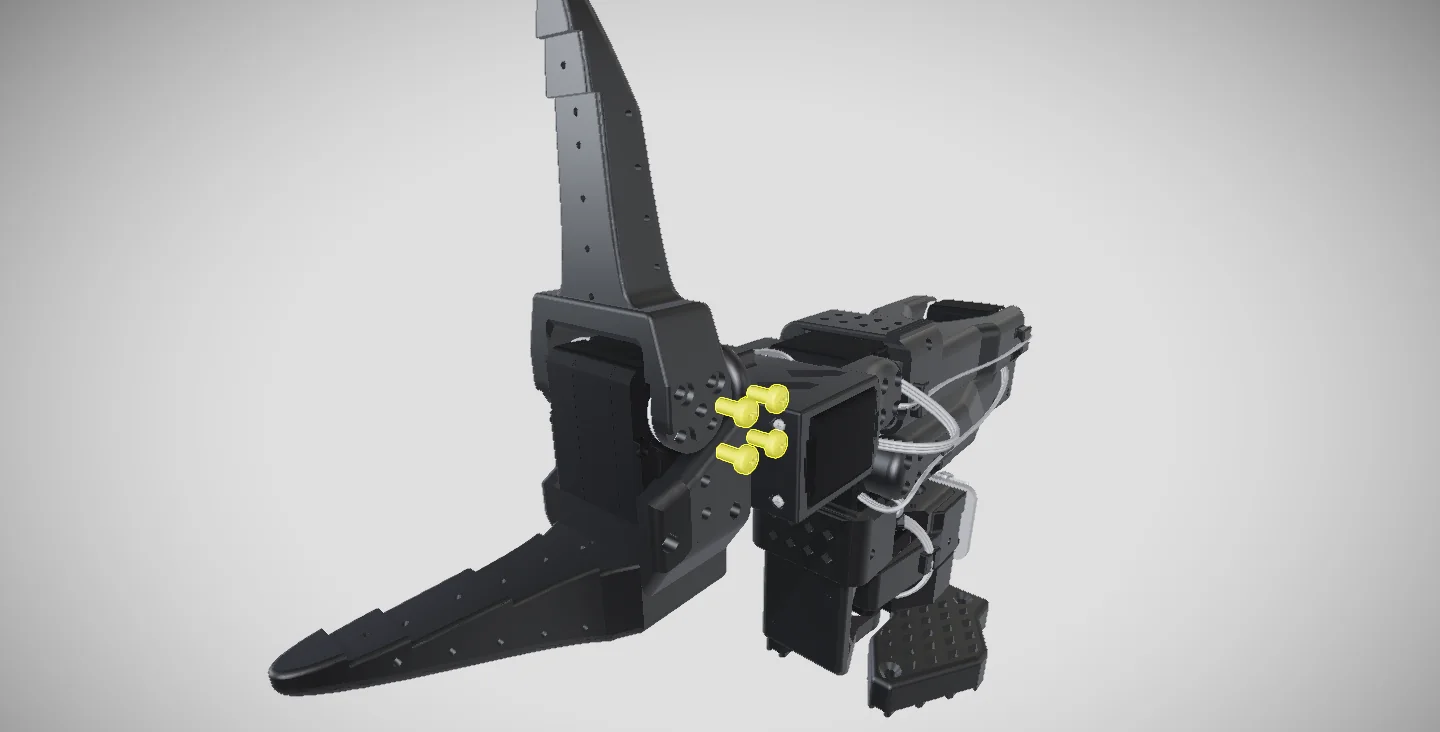
Composer makes the picture. An instruction tool makes the thing people follow, one step at a time.
Pick by job. Not by score.
- Instructions people follow, drafted from your manualsTwinWorksSteps on the 3D part, text from your PDF manuals.
- Interactive 3D steps from a CAD add-inCadasioSolidWorks, Inventor, Fusion 360, Solid Edge, Onshape.
- S1000D and ATA manuals and parts cataloguesCortona3D RapidAuthorStandards-based documents from CAD and PLM data.
- Floor delivery with data captureCanvas EnvisionNative CAD in, checkpoints and records on the floor.
- Assembly planning from STEP or JTAssemblioPlan the sequence, then export worker instructions.
- Automatic build order and MBOMDirac BuildOSSequence, process plan and instructions from the CAD.
- Composer itself, compared one to oneSOLIDWORKS ComposerGraphics associated with the SOLIDWORKS design.
Side by side. From each vendor’s own pages.
Checked on 10 November 2026. Features change, so confirm with each vendor.
| Tool | Best for | Runs on | CAD input | Output | Price |
|---|---|---|---|---|---|
| TwinWorks | Instructions people follow, drafted from your manuals | Browser | GLB, GLTF, FBX, OBJ, USDZ; STEP beta | Web viewer, PDF, video | Free plan |
| Cadasio | Interactive 3D steps from a CAD add-in | Browser, CAD add-ins | SolidWorks, Inventor, Fusion 360, Solid Edge, Onshape; STEP, OBJ | Web link, embed, PDF, SVG, video | Free tier; from $85 per user a month |
| Cortona3D RapidAuthor | S1000D, ATA and DITA manuals and parts catalogues | Desktop | Native CAD, JT, STEP and more | HTML5, PDF, IETM, AR | On request |
| PTC Illustrate (was Creo Illustrate) | Service illustrations linked to the CAD | Windows | Creo, CATIA V5, SolidWorks, Inventor, STEP, JT | Product View files, 2D illustrations, images, MP4 | On request |
| Lattice XVL Studio | Very large assemblies, several BOMs in one model | Windows | CATIA, Creo, NX, SOLIDWORKS, JT, STEP | Images, Excel, 3D PDF, Web3D | On request |
| Canvas Envision | Floor delivery with data capture | Cloud | SolidWorks, Creo, CATIA, NX, STEP, JT | Images, PDF, video; interactive on Pro | From $167 per author a month |
| Assemblio | Assembly planning and worker instructions | Browser | STEP, JT | PDF, Word, video, web viewer | On request |
| Dirac BuildOS | Automatic build order, MBOM and process plan | Browser | STEP, SLDASM, JT | Web app; PDF, Word | On request |
| Lineplate | Line drawings and printed manuals from STEP | Browser | STEP, IGES, BREP | SVG, DXF, PDF, PNG, HTML | Free to 250 parts; Pro £29 a month |
| JigSpace | AR and 3D presentations for sales and training | iOS, Vision Pro, macOS, Windows | STEP, OBJ, FBX, GLTF, USDZ, STL, SolidWorks | Link, embed, AR | Free tier; paid on request |
| Dyvixion | 3D step lists on the machine’s HMI | Windows | JT, glTF, Parasolid | Viewer or HMI | On request |
| Blender | Free renders and animation, no link to the CAD | Windows, macOS, Linux | No STEP; glTF, OBJ, FBX, STL, USD | Images, video | Free, open source |
Each name links to a detailed comparison with its sources, or to the vendor’s own page. Composer itself runs on Windows and has no published price.
How to choose. Four questions.
- Illustrations or instructions? Composer makes pictures. If people must follow steps and report them, pick an instruction tool.
- Which CAD files do you have? Native files need a desktop tool or an add-in. Browser tools mostly read STEP.
- Who opens the result? A link in a browser needs no viewer. Composer content needs Composer Player or a PDF.
- What happens after a design change? Ask each vendor to update one of your own assemblies in front of you.
Where TwinWorks fits
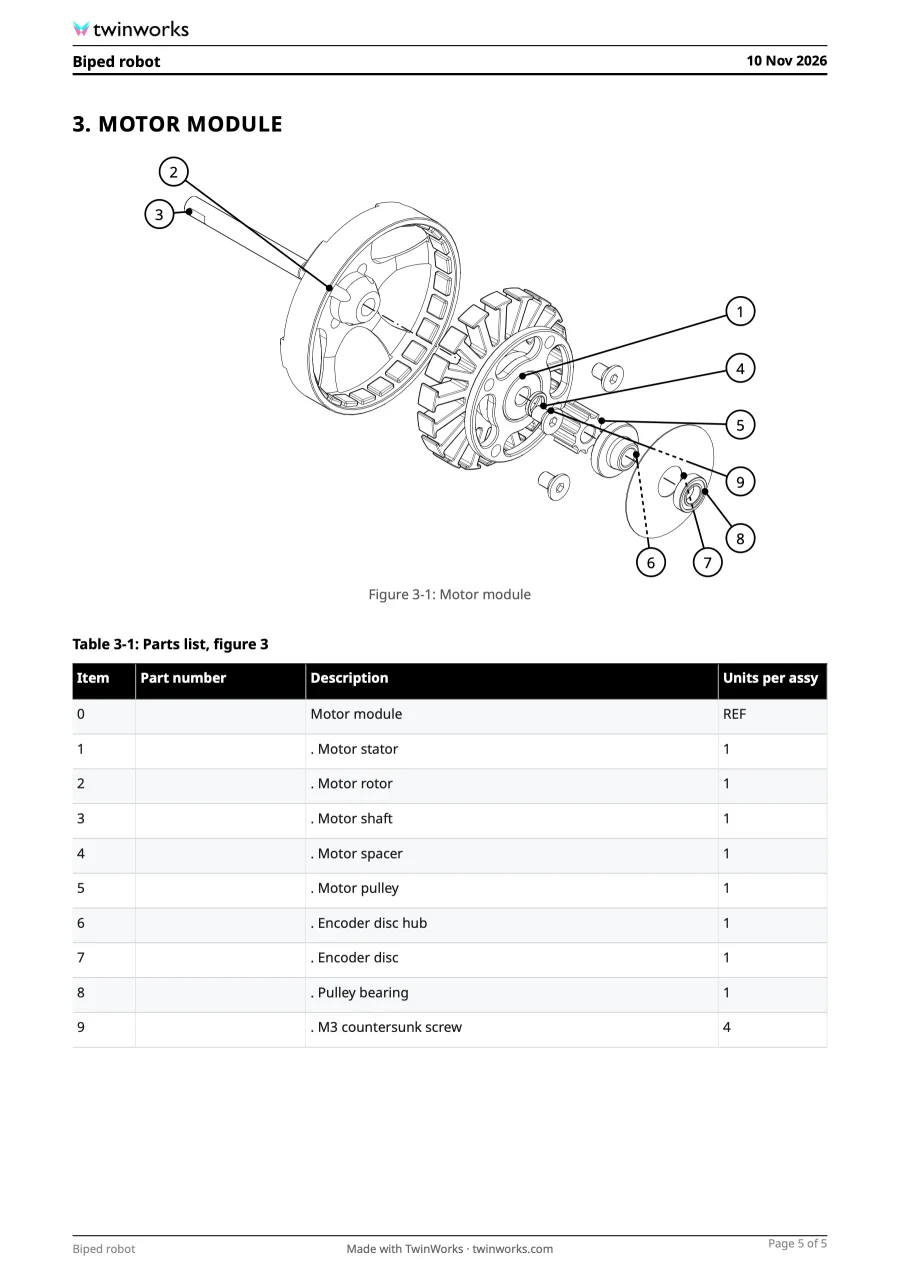
Best when the deliverable is the instruction, not the picture.
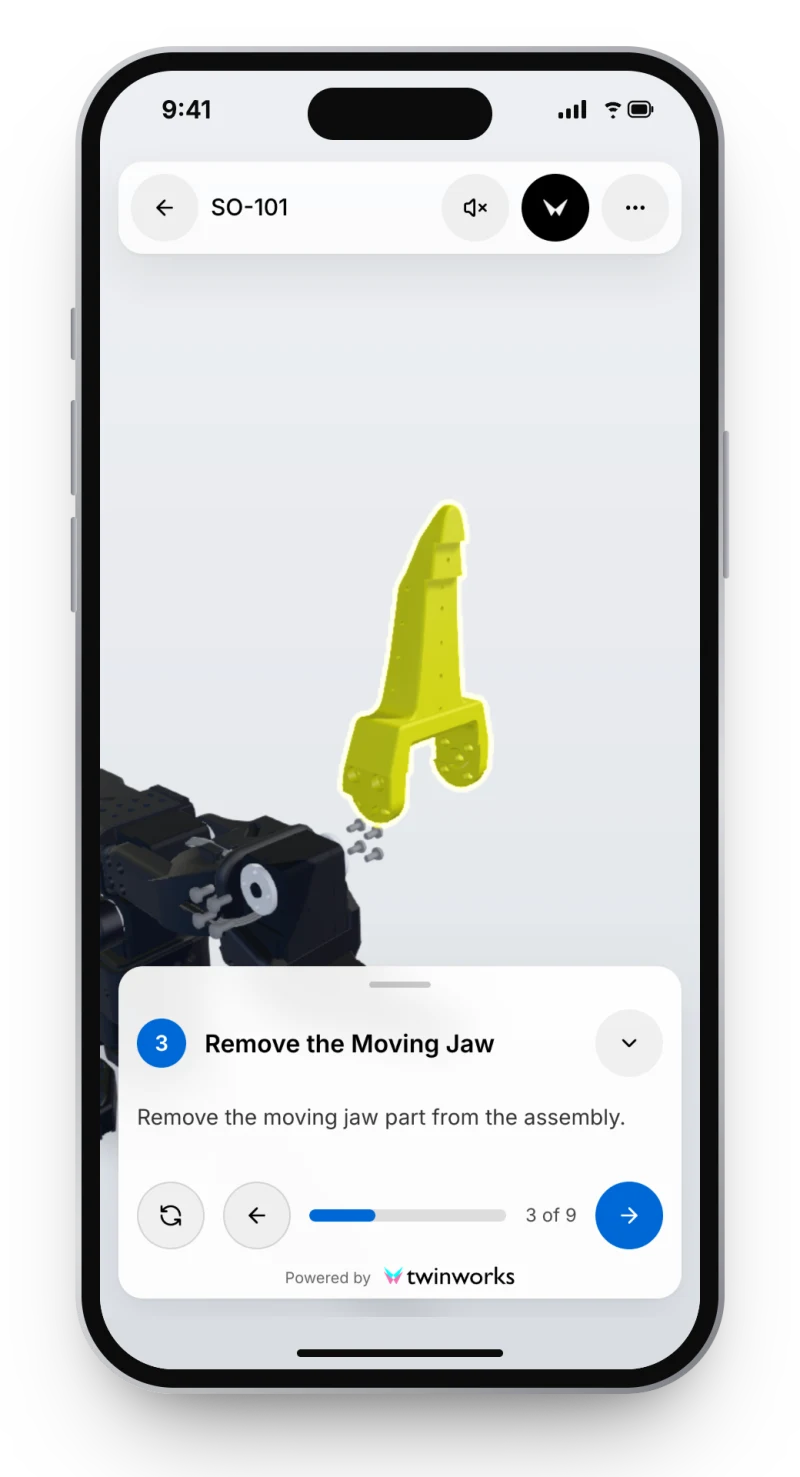
Text drafted from your manuals, steps on the 3D model, expert approval, a browser viewer. Pick Composer or PTC Illustrate for vector illustrations from native CAD.
Questions
What is the best alternative to SOLIDWORKS Composer?
It depends on the deliverable. For work instructions that people follow in a browser: TwinWorks, Cadasio or Canvas Envision. For standards-based manuals and parts catalogues: Cortona3D RapidAuthor. For service illustrations linked to the CAD: PTC Illustrate. For line drawings from a STEP file: Lineplate.
Is there a free alternative to SOLIDWORKS Composer?
Cadasio is free for 3 projects of 10 steps each, Lineplate is free up to 250 parts, JigSpace has a free tier, and Blender is free and open source but reads no STEP file. For a quick exploded view, the free TwinWorks Explode tool animates a STEP file online with no account.
How much does SOLIDWORKS Composer cost?
Dassault Systèmes publishes no price for Composer. On 10 November 2026 one US reseller, CATI, listed it at $5,765, or $7,260 with a year of subscription service. Ask your own reseller for a quote.
Does SOLIDWORKS Composer need SOLIDWORKS?
No. Composer is a separate product with its own licence, standalone or network. To open native SOLIDWORKS files it needs SOLIDWORKS or the SOLIDWORKS Translator on the same computer, according to Dassault’s installation guide.
Which alternatives run in a browser?
TwinWorks, Cadasio, Assemblio, Dirac BuildOS and Lineplate run in a browser. Composer, PTC Illustrate, XVL Studio and Dyvixion are Windows desktop software. Blender runs on Windows, macOS and Linux.
How did you compare them?
We read each vendor’s own public pages on 10 November 2026; the links are in the table. We make TwinWorks. Features and prices change, so confirm with each vendor.
Try it on one of your procedures.
Bring a PDF manual and a 3D model, and see the steps set on the part.
The Free plan costs €0, needs no credit card and starts with 500 AI credits.
TwinWorks publishes this page and is not affiliated with the other companies named. Their names belong to their owners.
Updated