






Knowledge loss
Expert know-how lives in heads, not systems. When experts move on, decades of judgment go with them.
Create manuals and interactive work instructions from engineering data and existing documents. AI helps draft the content; your experts edit, review, and keep it up to date as your product evolves.
A technician on the shop floor asks TwinWorks to create a maintenance manual for SO-101. The view pulls back to a knowledge graph where 3D CAD, electrical schematics, procedures and narrated videos light up, and the PDF manual appears. Follow-up requests turn it into 3D work instructions and then AR guidance. Illustrative content.

Supported by




The Bottleneck
The knowledge usually exists. It is just scattered across PDFs, binders, videos, and experts' heads.
Expert know-how lives in heads, not systems. When experts move on, decades of judgment go with them.
Engineering can release revision C while the manual still describes revision A. Each rewrite consumes expert time.
PDFs, binders, videos, and drawings can drift apart. Local copies multiply and the current version gets hard to find.
Regulated programs may require controlled instructions and audit evidence. Outdated pages add quality, delivery, and review risk.
Customer story
An aerospace manufacturer had technical documentation to write. The team created it in TwinWorks.
Re-read the drawing, rewrite every affected page, chase approval
 Change propagates
One change cascades to every deliverable, a qualified expert signs it off
5 months of writing time saved
The Platform
Supported sources, connected
PDF references, supported 3D models, parsed engineering data, expert input, and reusable content can be managed in one platform.
One source of truth
TwinWorks structures linked material into controlled, revision-managed modules with approved publication history.
Review-ready deliverables
Create technical publications and interactive work instructions, with training material and execution reports managed alongside them.
Changes ready for review
TwinWorks identifies affected content from explicit source-to-content relationships, so experts can review and publish the right updates.
When The Line Stops
A stopped line can't wait for chapter twelve. Technicians ask in plain language and find a relevant step, safety reminder, or checklist grounded in controlled content. This illustrative exchange must be verified against the released procedure before use.
The Enabler / Digital Twin
Use the model as visual context. Advance through each segment to see editable procedure steps take shape, ready for an expert to refine and release.
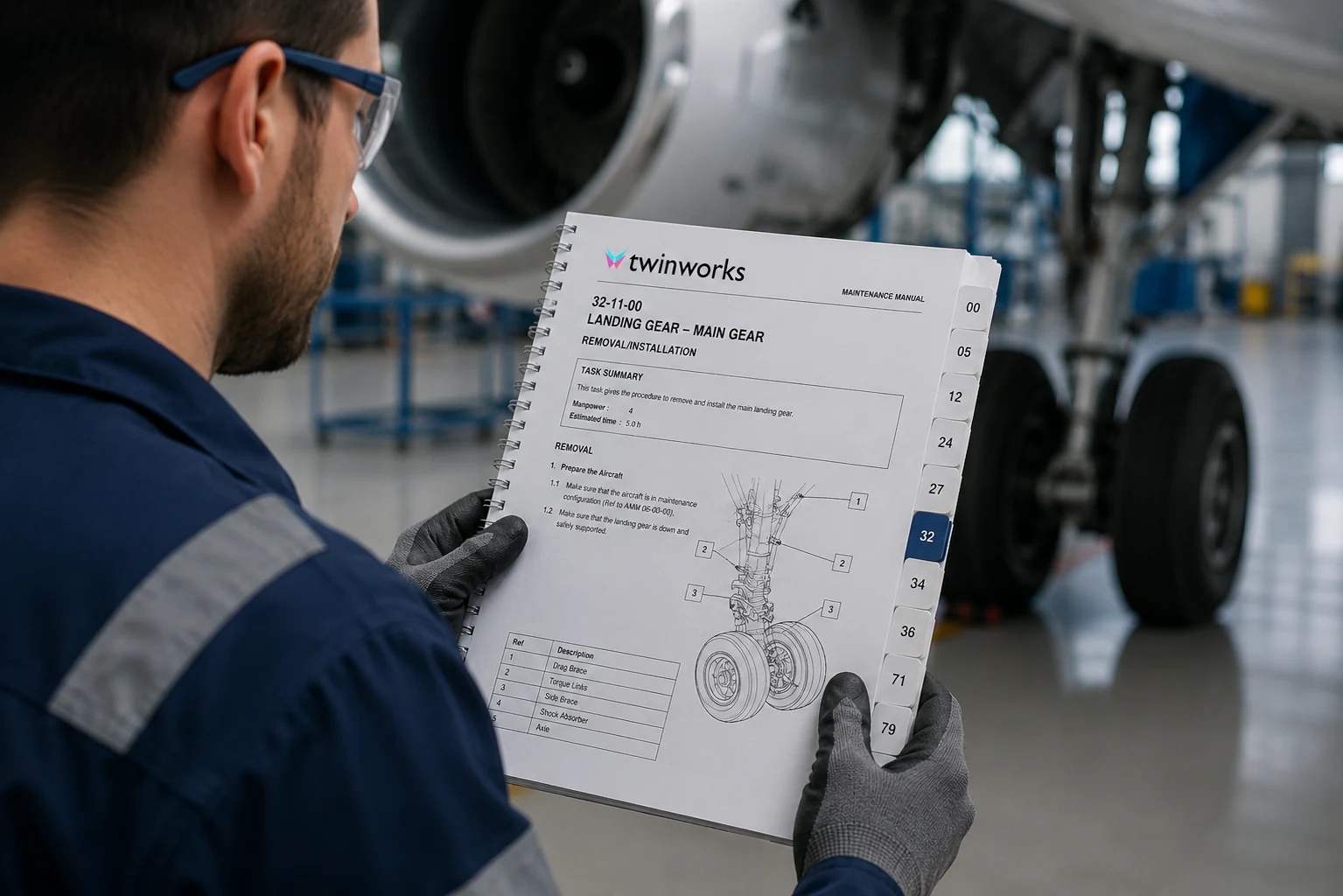
Author once. Publish with control. Structured manuals and publications with revision history and source provenance.
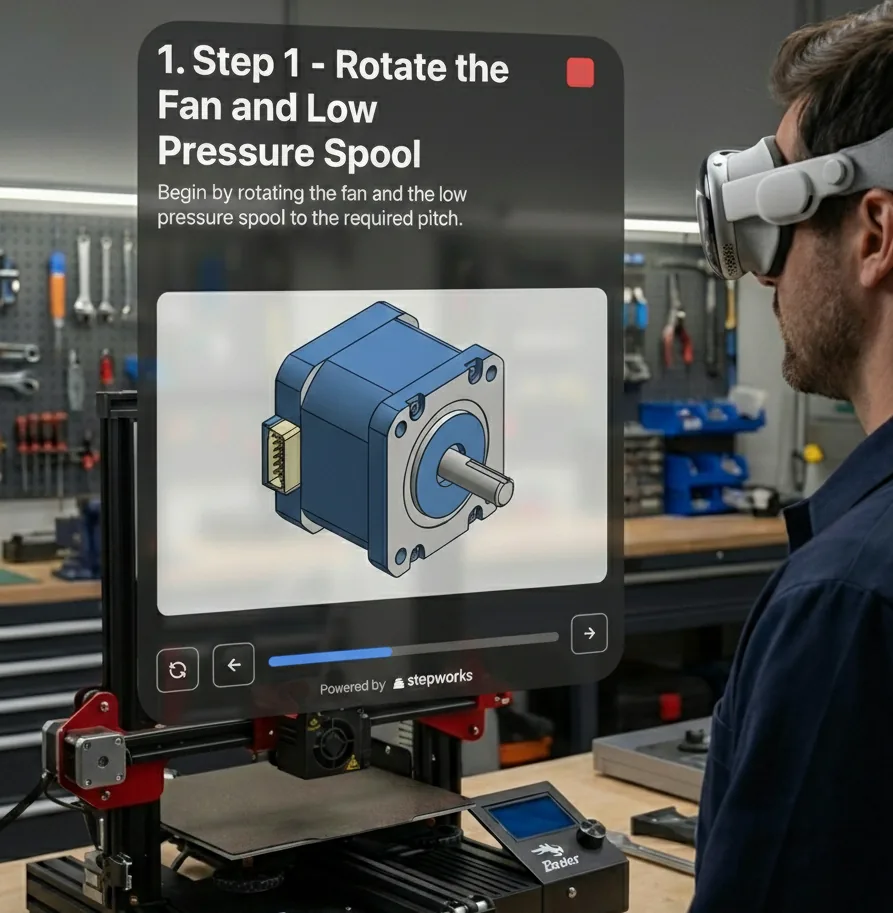
Reusable, interactive material gives new hires consistent guidance built from controlled content.
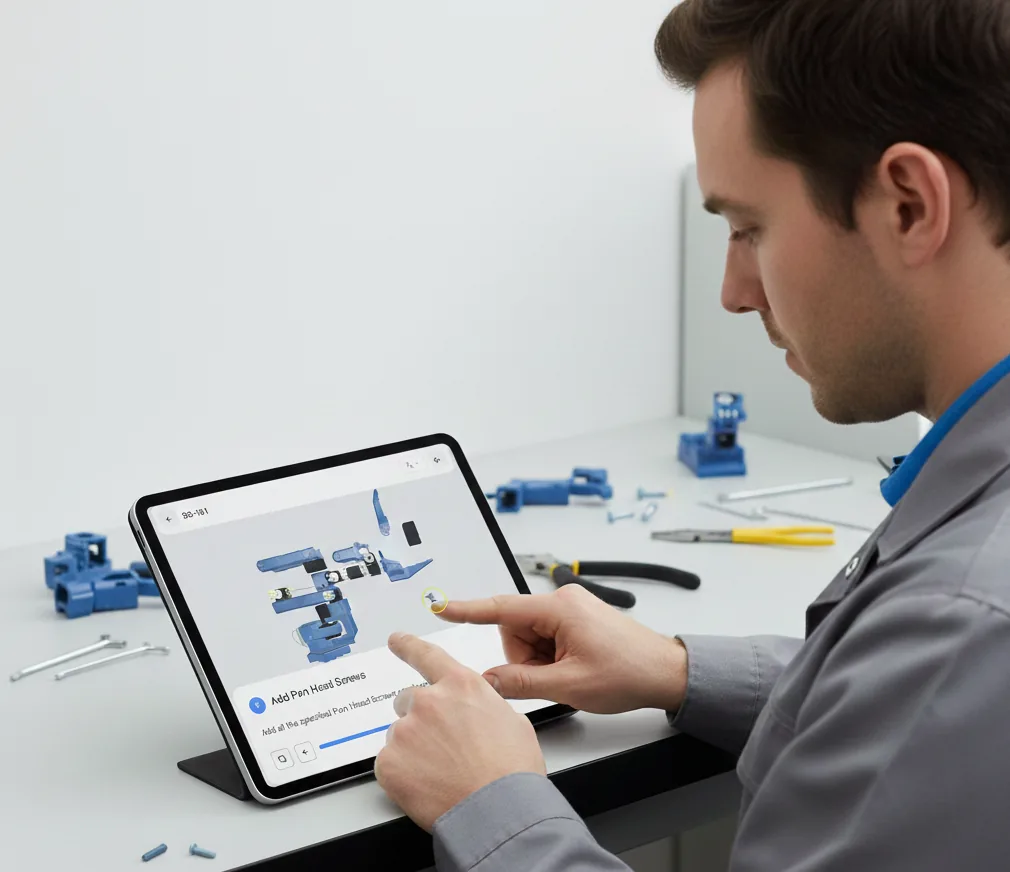
Support the same build across shifts. Interactive work instructions guide operators through controlled steps.
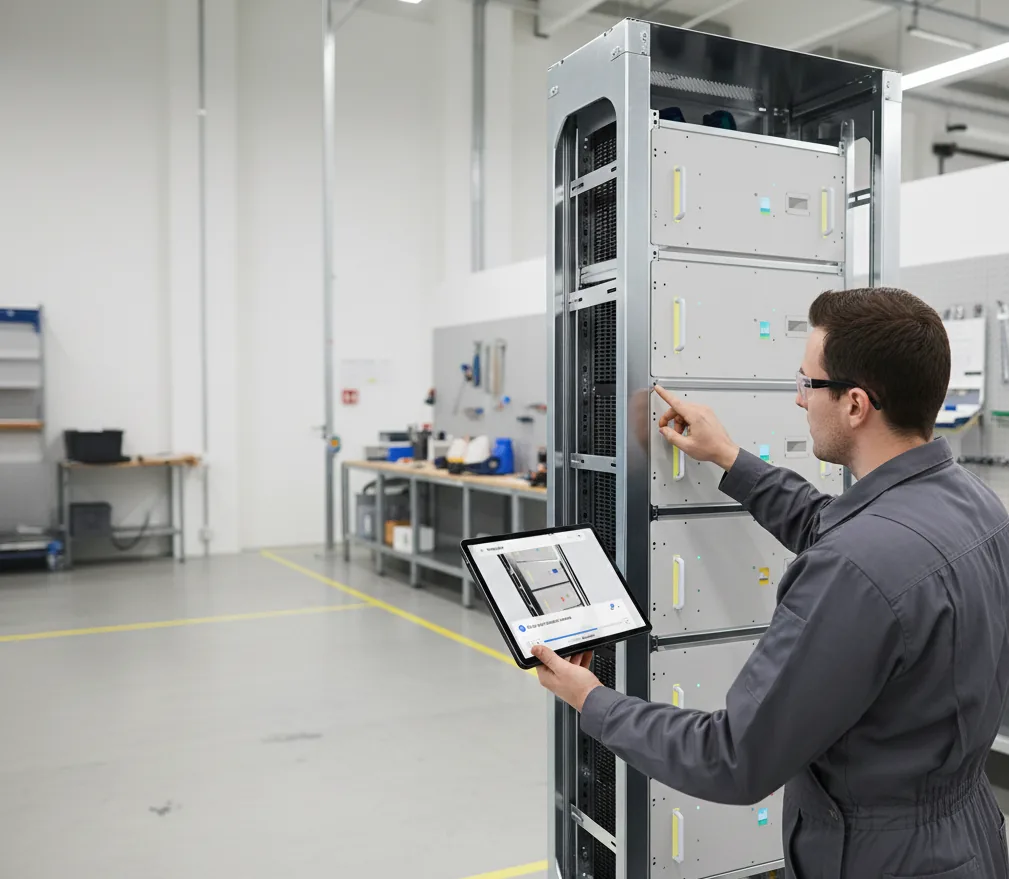
Evidence for each recorded step. Optional photos, statuses, durations, and comments support quality review.
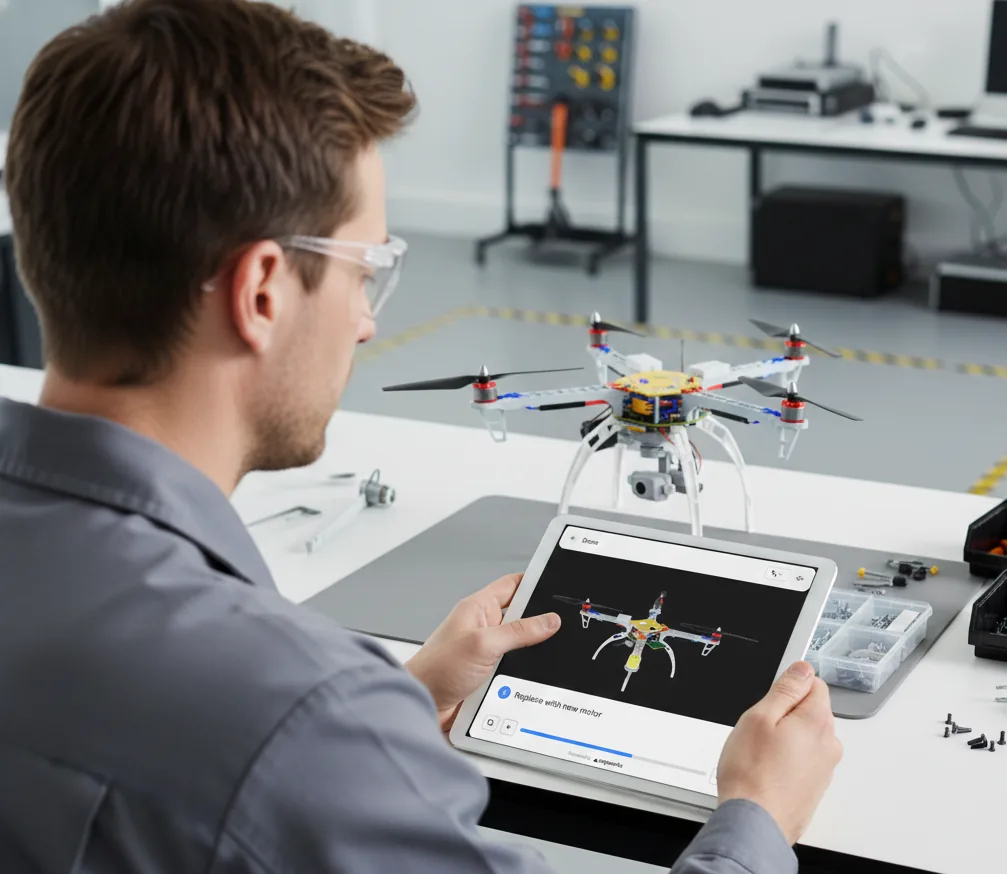
Find the fix. Not the manual. Step-by-step guidance at the machine, tied to a published procedure.
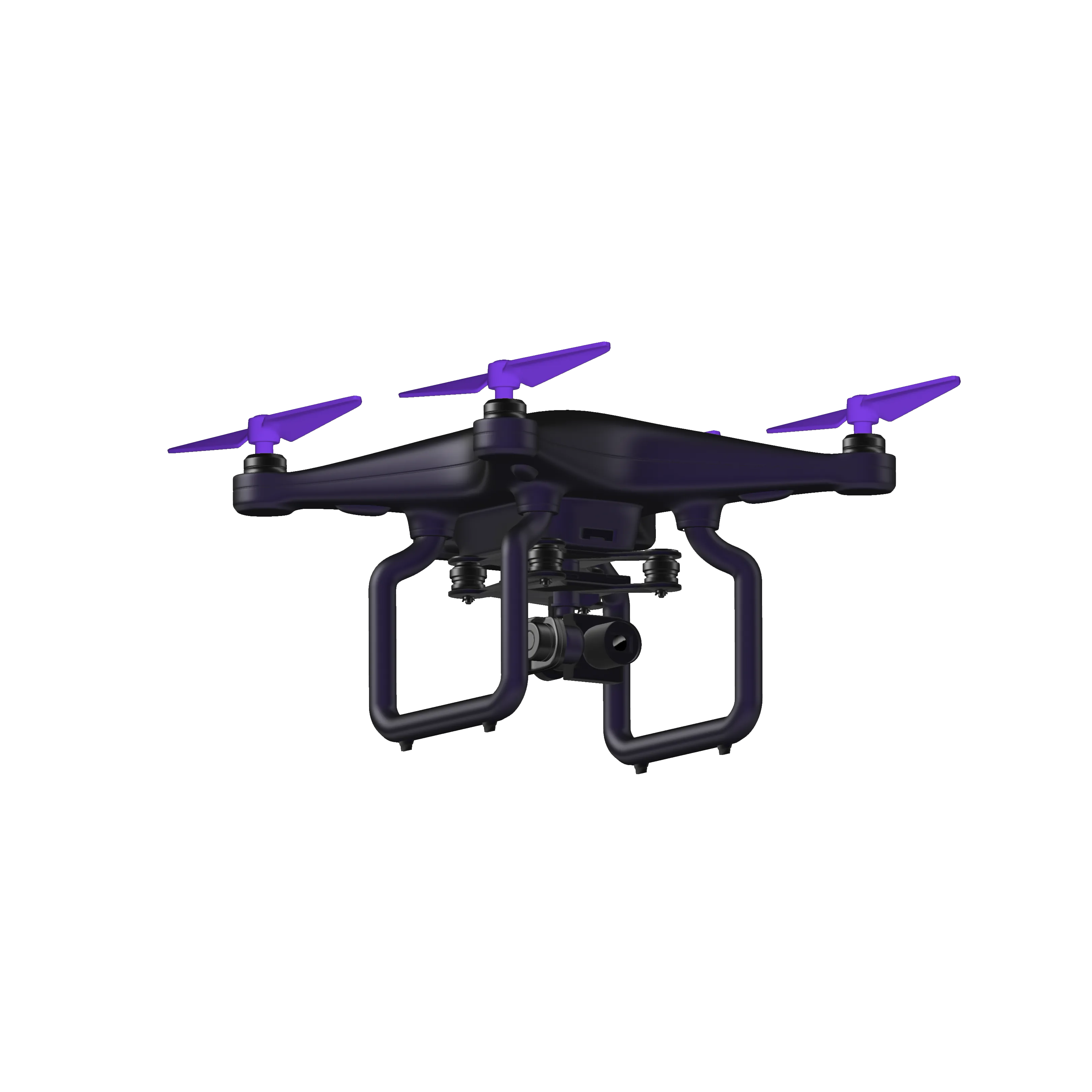
Industry
Aerospace documentation often demands rigorous structure, configuration control, and review. TwinWorks supports modular content and approved technical-document revision history, from the factory floor to the flight line.
View demo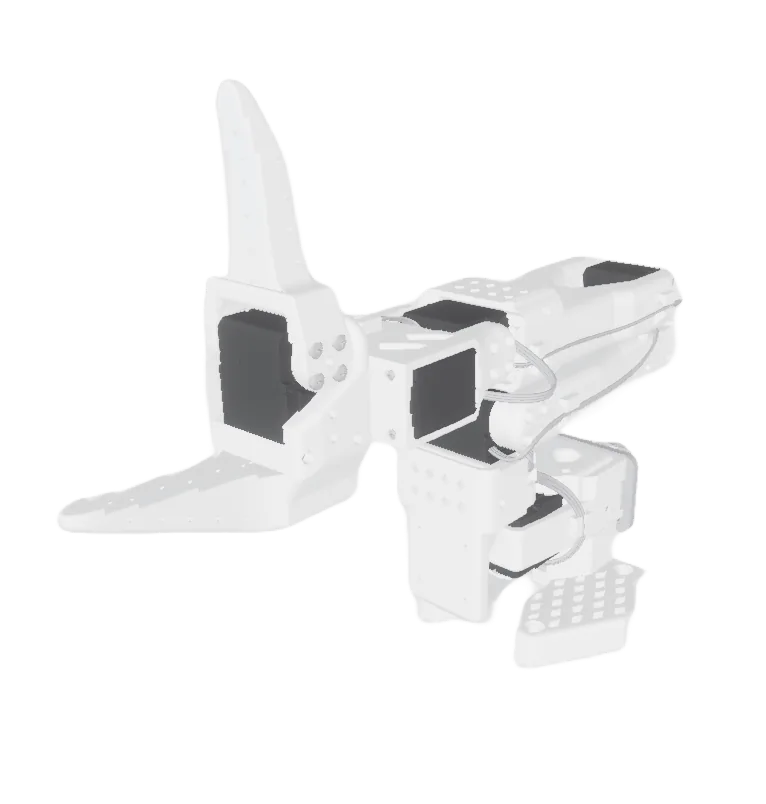
Industry
Deliver accurate 3D documentation for assembling, calibrating, and servicing robotic systems, helping technicians follow each motion and connection with confidence.
View demo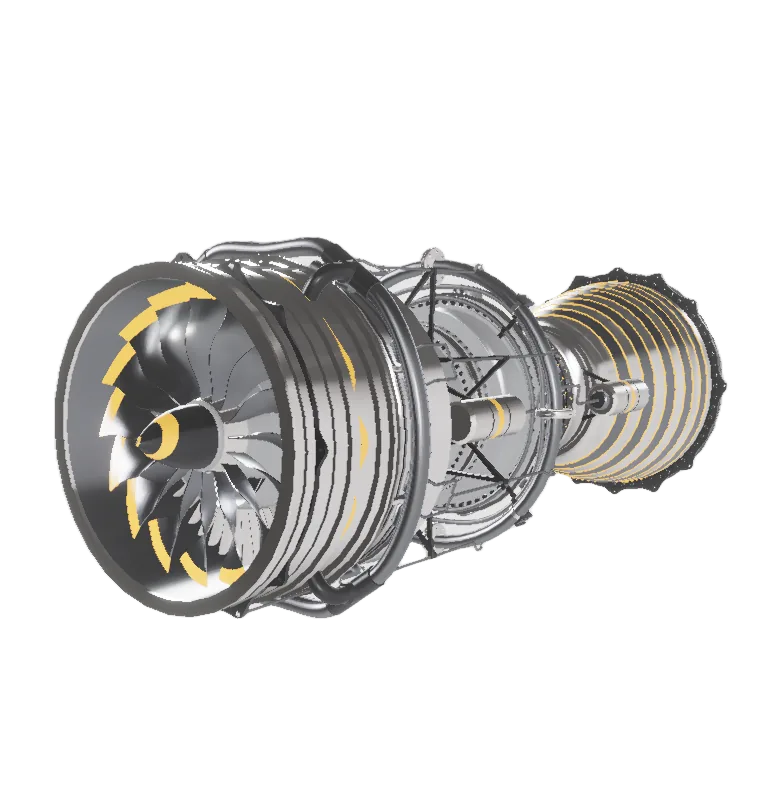
Industry
Bring complex machinery and production workflows to life with interactive 3D documentation that supports training, clarifies complex tasks, and helps teams avoid costly mistakes.
View demoWhy TwinWorks
Technical authoring and frontline execution are often managed separately. TwinWorks connects both to the supported engineering and reference sources that define the product.
| Capability | Traditional CCMS | Work-instruction tool | Generic AI |

|
|---|---|---|---|---|
| Structured technical publications | ✓ | Limited | Limited | ✓ |
| Interactive work instructions | Limited | ✓ | Limited | ✓ |
| Supported 3D and engineering inputs | Integration-heavy | Limited | Uncontrolled | ✓ STEP import beta |
| Relationship-based content impact | Sometimes | Rarely | No | ✓ |
| Technical-document review and approval | ✓ | Sometimes | No | ✓ |
| Training from the same content | Limited | Sometimes | No | ✓ |
| Execution evidence and reports | Limited | ✓ | No | ✓ |
Documentation can reference supported product and source material.
Reusable, modular content across supported deliverables.
AI-assisted creation without surrendering control.
Web and PDF publications, browser-based procedures, and training material.
TwinWorks brings supported 3D models, parsed engineering data, and PDF source material into a controlled documentation workspace. Teams use it to create interactive manuals, digital work instructions, training material, and execution reports, with experts responsible for editing and release.
Technical documentation software helps companies create, manage, and deliver the documents that describe how a product is built, operated, and maintained: manuals, work instructions, SOPs, troubleshooting guides, and training material. TwinWorks uses AI to prepare review-ready drafts from linked manuals and parsed engineering data. Experts edit, review, approve, version, and publish technical-document revisions.
TwinWorks uses uploaded PDF manuals as reference sources. It parses QElectroTech, KiCad, 3DXML, and STEP or STP engineering structures; STEP import is in beta. For interactive 3D authoring, it supports OBJ, FBX, GLB, self-contained GLTF, and USDZ. Procedures can also be authored without a 3D model.
TwinWorks structures technical-document content into reusable modules with revision history and provenance. It flags broken references, stale embedded procedures, and shared dependencies for expert review, and captures configured execution evidence such as step status, duration, comments, and optional photos.
TwinWorks is built for industries where documentation is mission-critical: aerospace and defense, manufacturing, robotics, energy, and consumer goods. Its workflows emphasize structured content, configuration control, expert review, and revision evidence.
Teams can access published TwinWorks documentation through its web viewer. Device coverage and beta or limited AR guidance depend on the intended setup and should be confirmed during evaluation.
Experts refine AI-assisted drafts. Explicit source-to-content relationships reveal affected content for review. Know-how becomes reusable modular content, with revision history and execution evidence your teams can inspect.
Discuss workflow