Free template · Word
Work instruction template for Word.
A blank .docx for one task, with a picture cell for each step and a filled-in example.
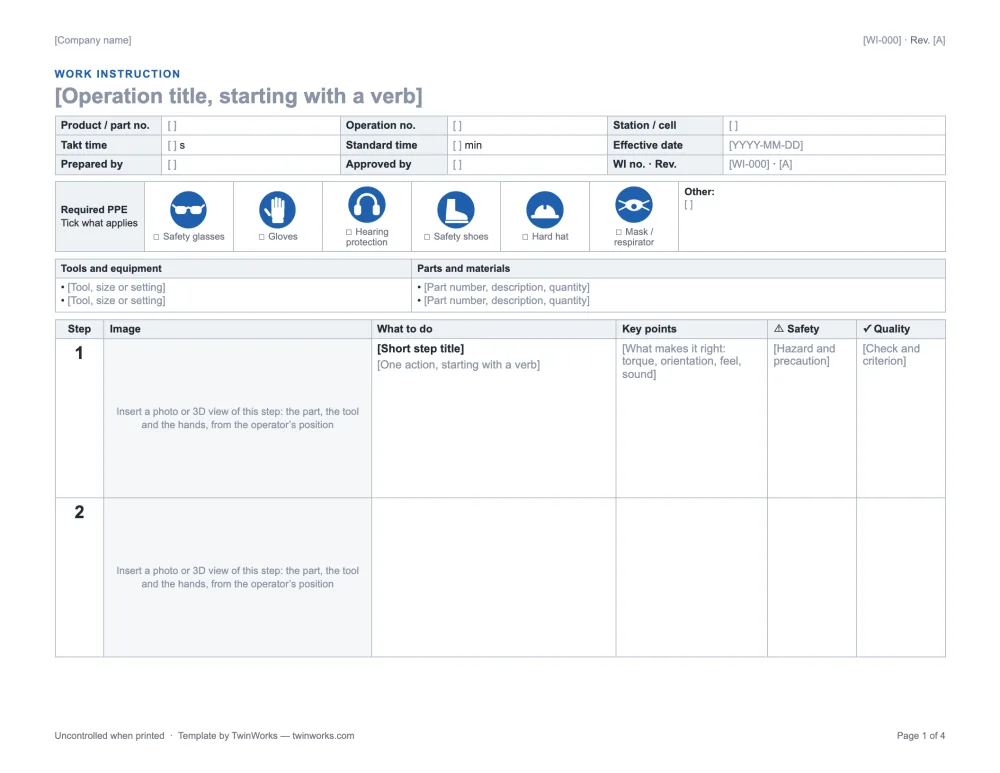
Type the number once. It prints on every page.
The document number and the revision sit in the page header: double-click the top of the page to edit them. The column titles of the step table repeat on each new page too.
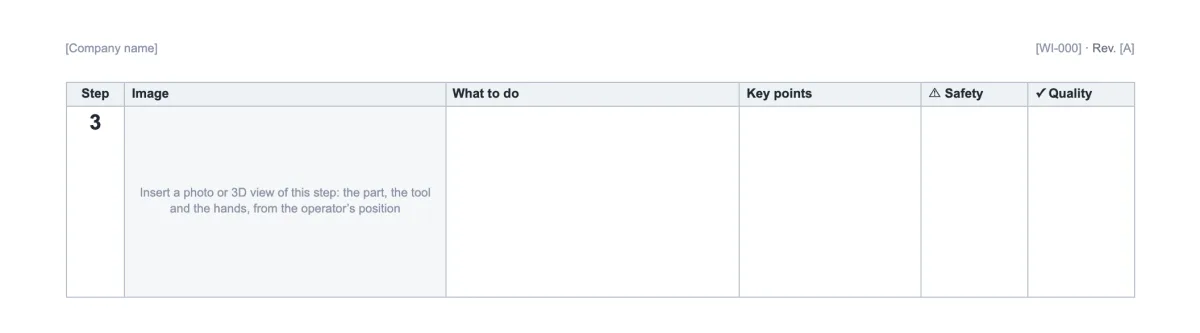
Drop a picture in. The table holds.
Click in the picture cell, then Insert › Pictures. The columns have a fixed width, so Word scales the picture to its cell and the row grows with it.
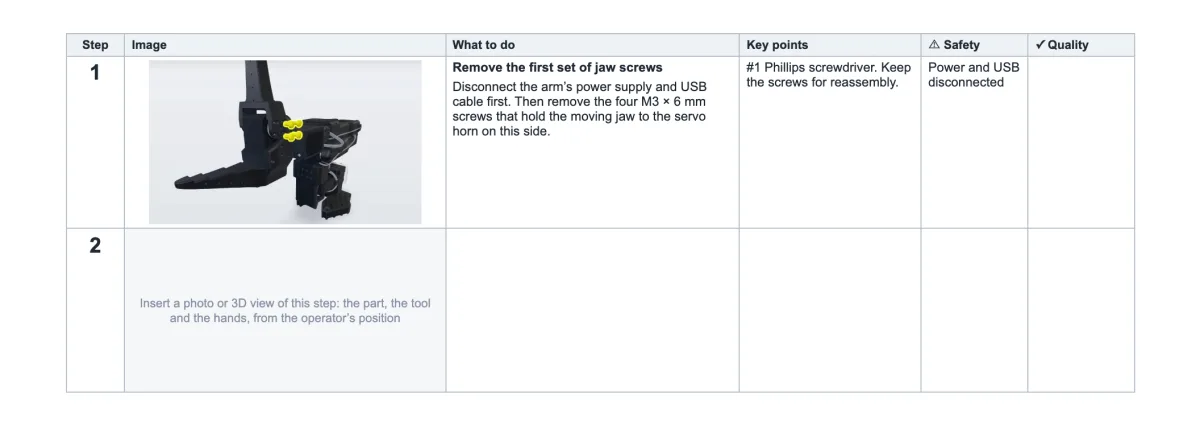
One more step? One more row.
Click in a step row, then Layout › Insert Below. A row never splits across two pages, so a step keeps its picture and its text together.
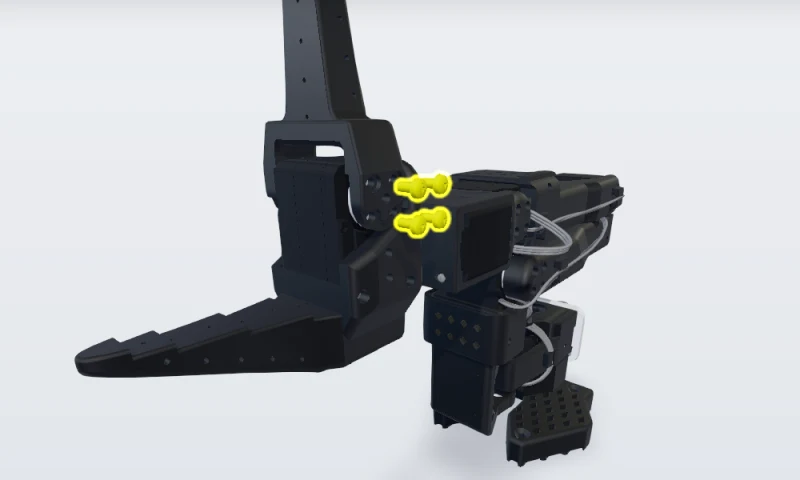 1. Remove the first set of jaw screws
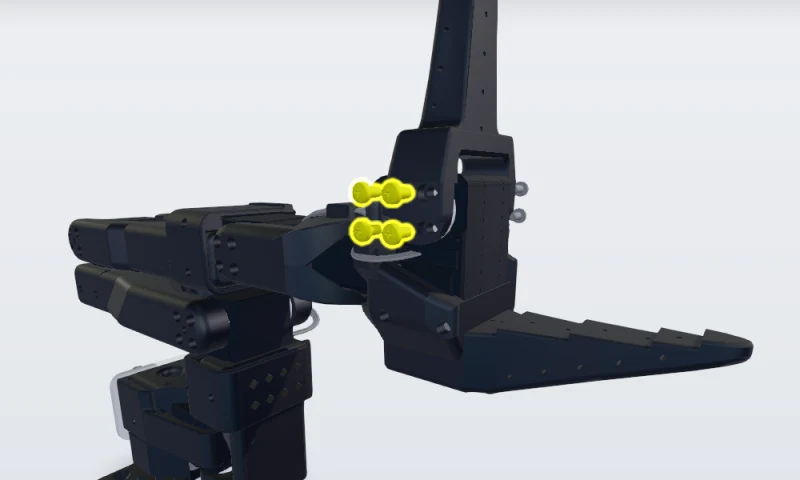 2. Remove the second set of jaw screws
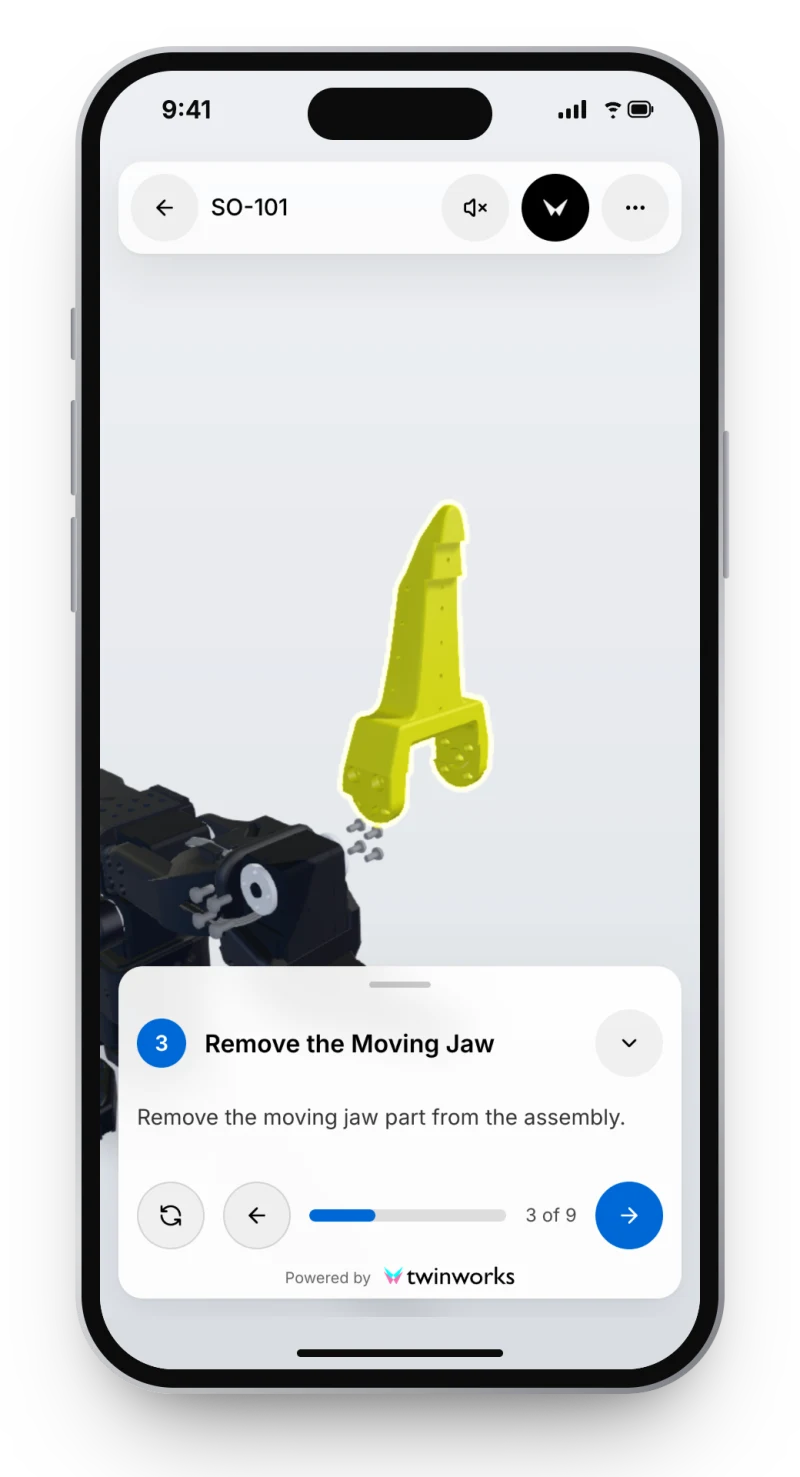
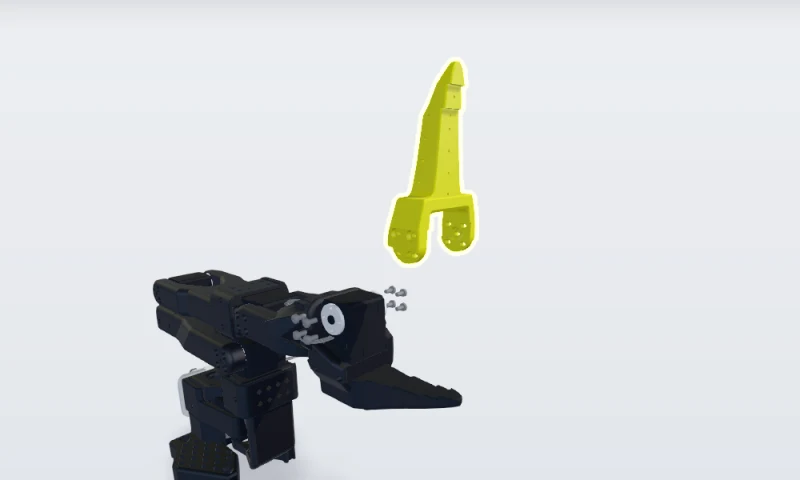 3. Remove the moving jaw
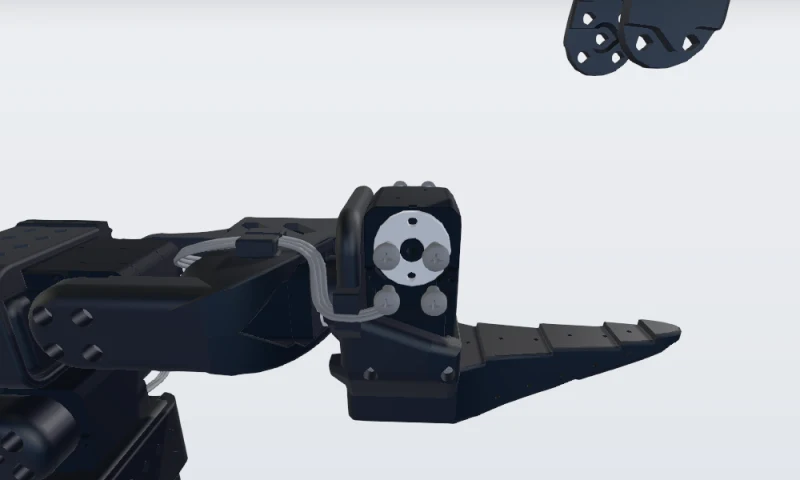 4. Unplug servomotor 6
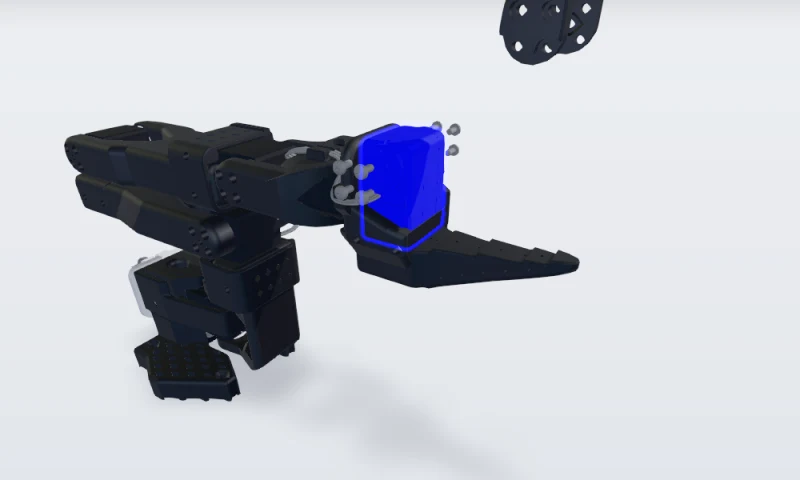 5. Replace the servomotor
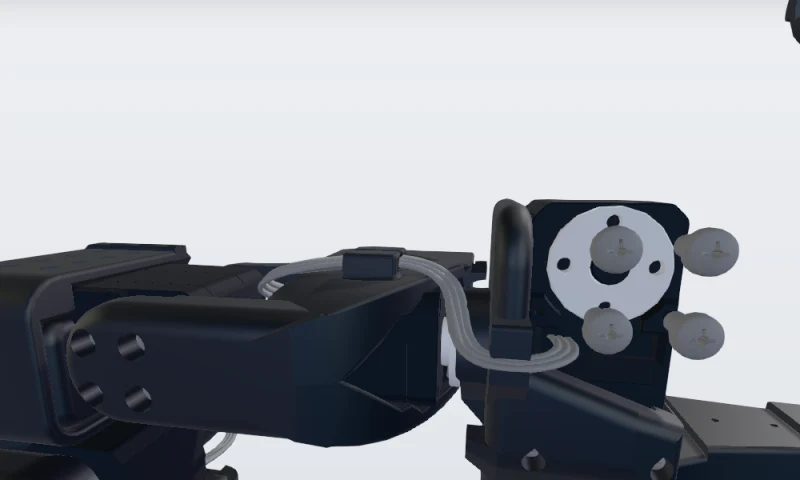 6. Give the new servo ID 6, then plug it in
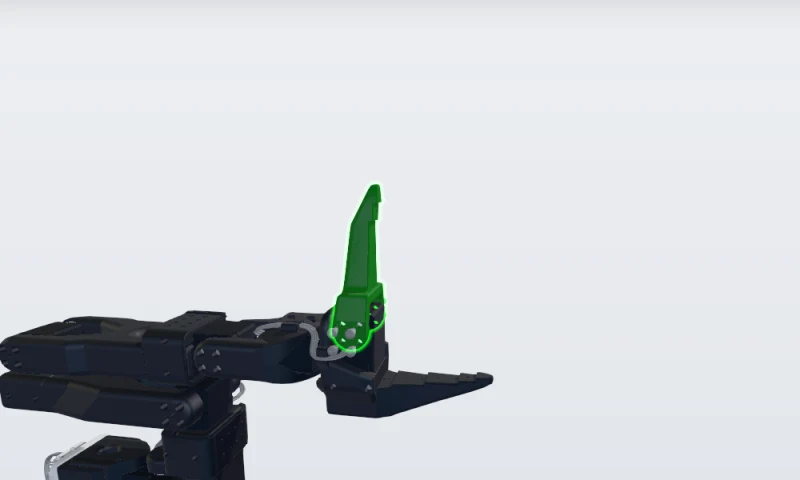 7. Install the moving jaw
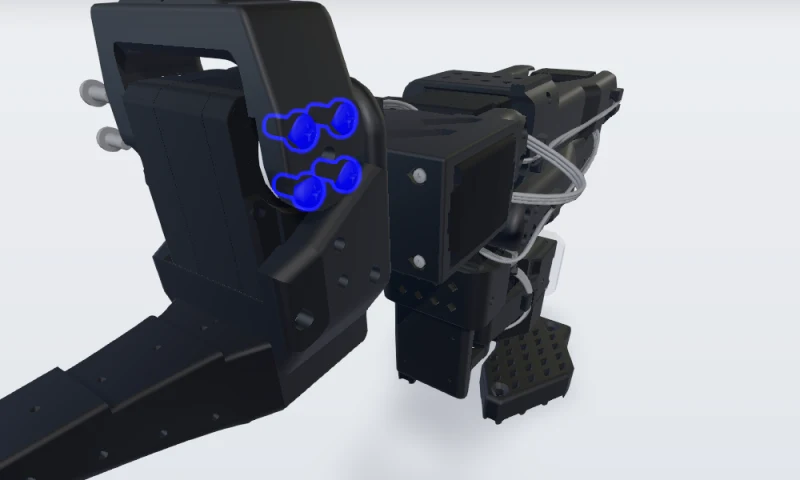 8. Refit the first set of jaw screws
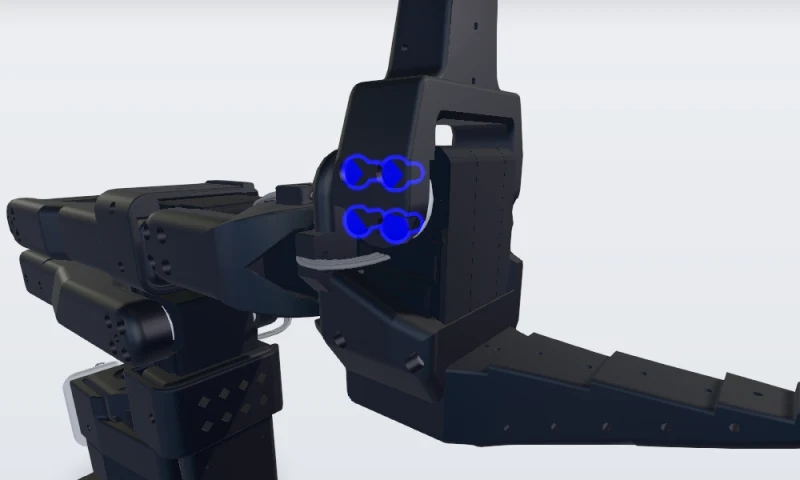 9. Refit the second set and recalibrate
The filled-in example has nine rows: the gripper servo replacement of the open-source SO-101 robot arm.
Prints on Letter. Or on A4.
The file is landscape US Letter. For A4, choose Layout › Size: the tables keep their width, so check where the pages break.
Where Word stops.
For a handful of instructions, Word is enough. It gets heavy when one design change means new pictures, a new revision and a reprint at every station.
TwinWorks
The same steps, in 3D, at the station.
Each step can show the 3D model with that step’s parts highlighted, on a phone, a tablet or a screen. Draft the steps from your existing PDF instructions, then review them.
Questions
What is this Word work instruction template?
It is a free work instruction template for Microsoft Word (.docx, landscape US Letter): a header, PPE pictograms, tools and materials, and a step table with a picture cell, the action, key points, safety and quality for each step. You get the blank file and the same file filled in for a nine-step example, with no account and no email.
How do I add a picture to a step without breaking the table?
Click in the picture cell of the step, then choose Insert › Pictures. The table has fixed column widths, so Word scales the picture to the cell and the row grows to fit it. If a pasted picture floats over the page, right-click it and choose Wrap Text › In Line with Text.
How do I add or remove a step?
Click in a step row, open the table’s Layout tab and choose Insert Below, or press Tab in the last cell of the last row. To remove a step, choose Delete › Delete Rows. Rows are set not to split across pages, so each step stays whole.
Does the header repeat on every page?
Yes. The company name, the document number and the revision are in the Word page header, and the footer numbers the pages: double-click the top of the page to edit them once for the whole document. The column titles of the step table also repeat at the top of each new page. The block with the part, the operation and the station is on page 1 only.
Can I print it on A4 or open it in Google Docs?
Yes. The English file is set to landscape US Letter and the French file to A4; to change the paper, choose Layout › Size. The file uses plain tables and the Arial font, with no macros, so it also opens in Google Docs, LibreOffice Writer and Apple Pages.
When is Word not enough for work instructions?
Word works well for a few instructions that rarely change. It gets heavy when the product changes often, because every picture has to be retaken and every printed copy replaced. In work instruction software such as TwinWorks, each step can show the 3D model with that step’s parts highlighted, on a phone, a tablet or a screen.
Have a STEP file? Start with the pictures.
TwinWorks Animate explodes and animates a STEP or STP assembly online, free and with no account.
Updated